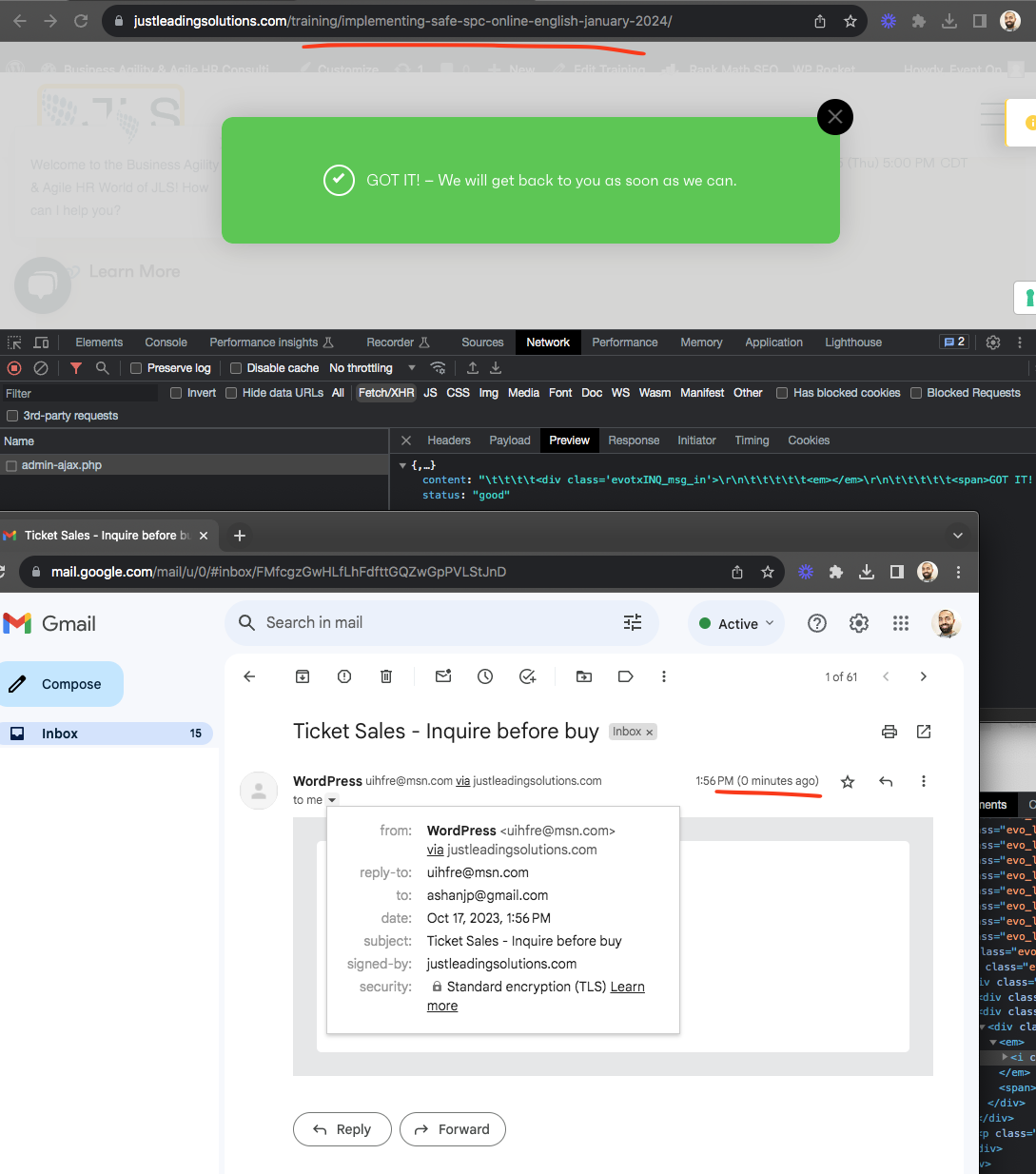
Hmm very interesting I was able to use the override email to receive inquiries and the email came to my gmail inbox just fine.
Replies for tickets on suppota
Hmm very interesting I was able to use the override email to receive inquiries and the email came to my gmail inbox just fine.
check to make sure this path has the SVG icons file in there. https://colormygeneva.ch/wp-content/plugins/eventON/assets/lib/trumbowyg/icons.svg
It seems these svg icons are not loading into the page to show them. We are using this 3rd party editor and we have not seen this issue before.
Now it works! Thank you very much!
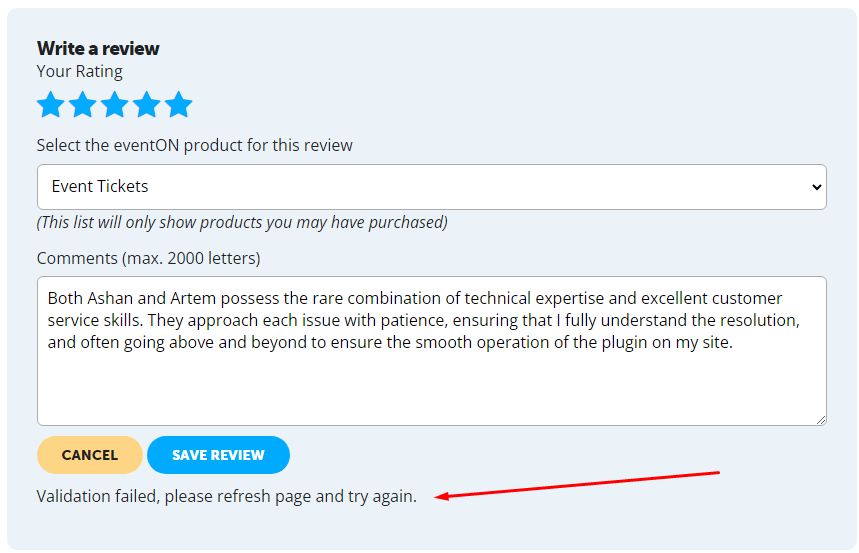
please update to the latest eventon
To update eventon to latest version: If you are unable to do autoupdate, you can go to codecanyon your account > download and get the latest eventon version as zip file. Then you can go to your website > make sure “Delete eventon settings & data when EventON is uninstalled” is Deslected from eventon settings, delete old eventon, install new one and activate. This link will further explain the process it. Also you can follow us on twitter to get real-time announcements on updates!
try updating eventoon to the latest build
To update eventon to latest version: If you are unable to do autoupdate, you can go to codecanyon your account > download and get the latest eventon version as zip file. Then you can go to your website > make sure “Delete eventon settings & data when EventON is uninstalled” is Deslected from eventon settings, delete old eventon, install new one and activate. This link will further explain the process it. Also you can follow us on twitter to get real-time announcements on updates!
please update to the latest eventon released in the last 30 minutes
To update eventon to latest version: If you are unable to do autoupdate, you can go to codecanyon your account > download and get the latest eventon version as zip file. Then you can go to your website > make sure “Delete eventon settings & data when EventON is uninstalled” is Deslected from eventon settings, delete old eventon, install new one and activate. This link will further explain the process it. Also you can follow us on twitter to get real-time announcements on updates!
could you try updating to thw latest eventon which should fix the issue (released about 30ish minutes ago)
To update eventon to latest version: If you are unable to do autoupdate, you can go to codecanyon your account > download and get the latest eventon version as zip file. Then you can go to your website > make sure “Delete eventon settings & data when EventON is uninstalled” is Deslected from eventon settings, delete old eventon, install new one and activate. This link will further explain the process it. Also you can follow us on twitter to get real-time announcements on updates!
please update to the latest which was release about 1 hour ago
To update eventon to latest version: If you are unable to do autoupdate, you can go to codecanyon your account > download and get the latest eventon version as zip file. Then you can go to your website > make sure “Delete eventon settings & data when EventON is uninstalled” is Deslected from eventon settings, delete old eventon, install new one and activate. This link will further explain the process it. Also you can follow us on twitter to get real-time announcements on updates!
I just saw that this issue has been resolved with an update to the plugin. I’m glad you all were able to fix the issue so quickly! Thanks!