AND I can’t create Shortcodes or don’t do it right. But when I want to create a shortcode in Gutenberg editor I can’t create or save it. I use shortcodes from your demo page all the time
Archives: Replies
Replies for tickets on suppota
Reply to: tickets(327679)
ah no Sorry .. it works to add Location and save it BUT in the frontend the shortcodes don’t work no more. the calendar don’t show up no more .. I tried a few different shortcodes
Excuse me I was too fast with my happiness 🙂
Reply to: tickets(327679)
Hell Yeah it works I think 🙂 Thank you very much! after I cleared the cache it works. NICE
Peace Marc
Reply to: tickets(327645)
Hello,
When you use Variations and put 0.00 as Ticket Price, you won’t be able to purchase the ticket for 0.00 without selecting a variation.
But if you use Price Options, then you just cannot put 0.00 into Ticket Price, since you need to put a basic price first and then allow users to add more and more options on the top of it.
In your example, it seems that “Retro Dance Only” is the main price of the ticket, correct?
“Dance plus birthday money for Aaron / Ocean” includes “Retro Dance” as well or doesn’t?
Can’t you make 22.22 as Ticket Price and then add “Plus birthday money for Aaron / Ocean” as an additional option for 11.11?
Please let me know.
Reply to: tickets(327109)
For specified user ID, I wanted to have all the members to show their own event calendar (e.g. ABC Yoga Center) to their blog page. So should I only set it “1” so the calendar showing on the blog post is only for the logged in member and also the website guest can view the event calendar only for this member (e.g. ABC Yoga Center)? I also will try to show the full calendar if possible.
Ah sorry, let me explain. EventON has “Events with only these user IDs” setting, which shows events that have only these user IDs assigned to. Looks like this
users=”USER_ID”
So what you need to do is to somehow get the user id and then put it into users=””.
Here’s how you can use our shortcode through PHP code. More info “Other Uses (Advanced)“:
https://docs.myeventon.com/documentations/shortcode-generator/
***the Organizer field is no “image upload” function
Action User’s Submission Form doesn’t allow you to upload any images for Organizers and Locations since uploading images can be a security risk for the whole website.
Reply to: tickets(327758)
Hello,
Please go to EventON > Advanced > enable Set all past events as completed. Now all your past events will be completed.
Reply to: tickets(327283)
Still the same. Please use this code to change it’s color to black:
.eventon_filter_line.selecttype .eventon_filter_dropdown p.select:before { color: black !important; }
Could you let us know if you can open the filter and click on it?
Reply to: tickets(327320)
Thank you for your messages. Ashan will check this ASAP.
Reply to: tickets(327320)
Ashan,
The customer want to refund this add-on and purchase Action User:
#174566
ActionUser Paid Feature Events – 2-5 Sites
Reply to: tickets(327679)
Works on my side: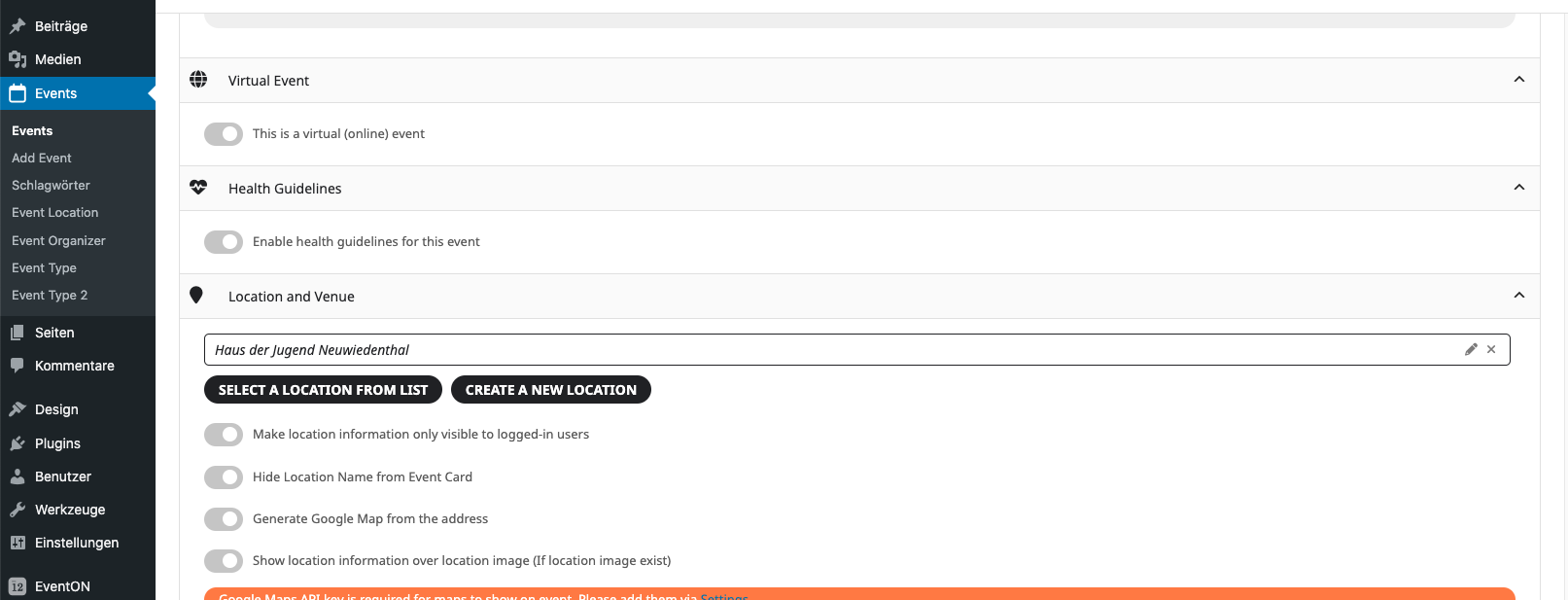
Could you make sure to clear your browser cache?