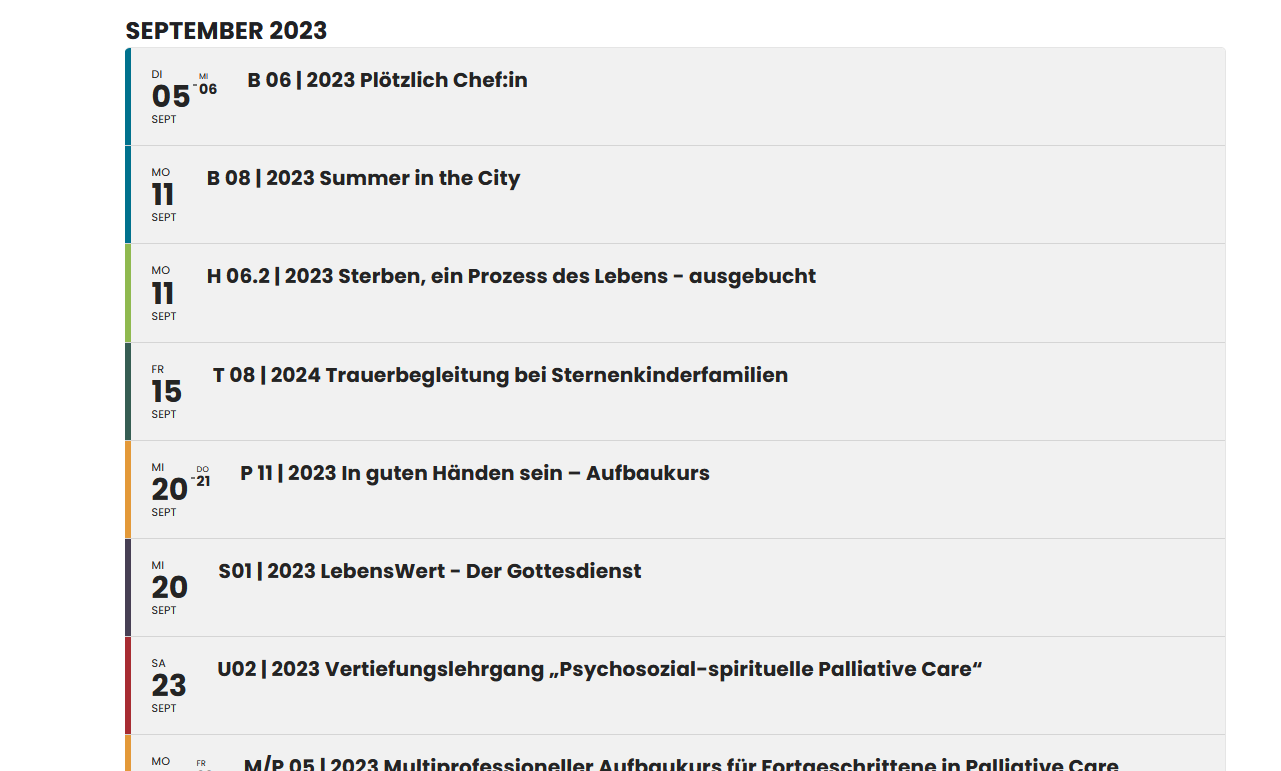
I rearranged fields to make it look similar to the demo site:
https://discovertulare.wpengine.com/wp-admin/admin.php?page=eventon#evcal_004aa
Seem to be working now.
Please check and let me know.
Replies for tickets on suppota
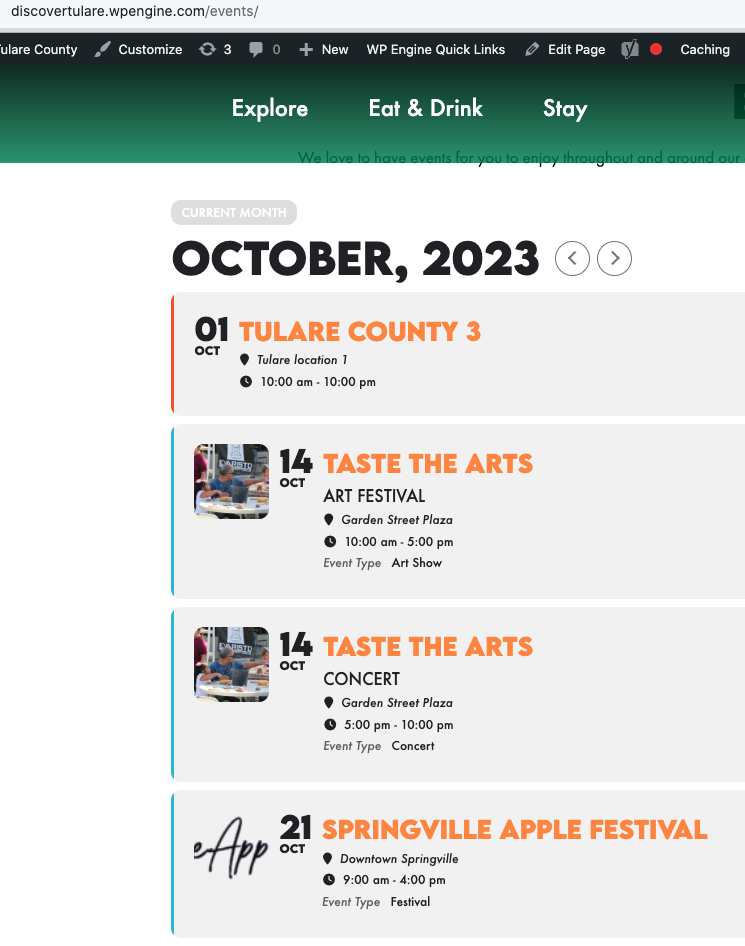
I rearranged fields to make it look similar to the demo site:
https://discovertulare.wpengine.com/wp-admin/admin.php?page=eventon#evcal_004aa
Seem to be working now.
Please check and let me know.
I can see among your purchases that you have one, correct?
Hello,
Please use Event Lists: Ext shortcode:
[add_eventon_el number_of_months=”12″ event_count=”3″ event_count_list=”yes” hide_empty_months=”yes”]
The comment you referred to above was a previous CSS snippet you provided.
I have removed this comment.
However, the first image in the body is still stretched on mobile. And if I select “FULL” instead of “LARGE” for the image size, it stretches on desktop AND mobile.

https://visittheloop.com/events/loopwallz-mural-festival/
Hi,
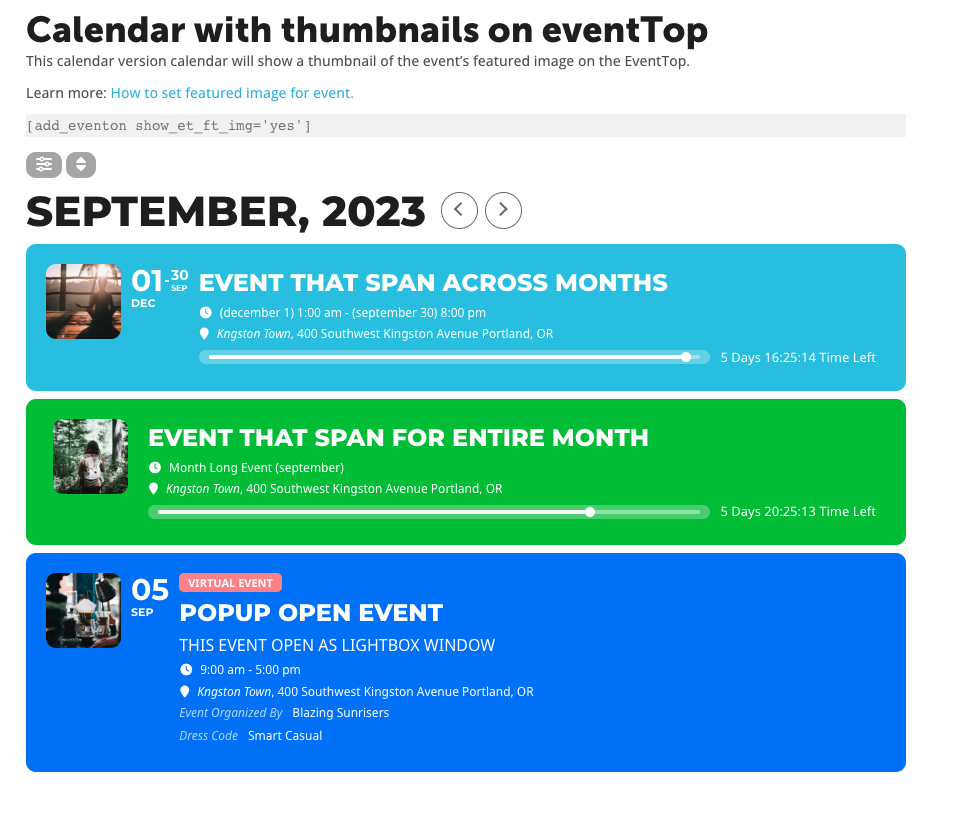
As I said before, the images show up but not as intended or shown on the demos of the plugin. I have attached an image of how they should show up, which is to the left side as the first element of the card and as independent column. This should happen just by using the code show_et_ft_img=”yes”.
Thanks,
-Mauro

no shortcodes works. I have tried several and none of them work.
Yes, the calendar works and the each event also works, but I need to show a list of events to come on this page and the shortcode does not work
https://unissonformations.com/
Thanks
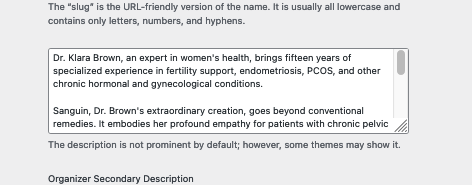
Organizers are on the last event on the provided link.


And Avada is no third party plugin. It is one of the most used themes. I have found several tickets occuring the same issue with avada. So this should be in you interest to solve.
Sorry, I do have serveral sites with your plugin. Would be nice if you could provide a new updated version with the fix. Is there a chanca this will happen in next time?
Kind regards,
Mascha