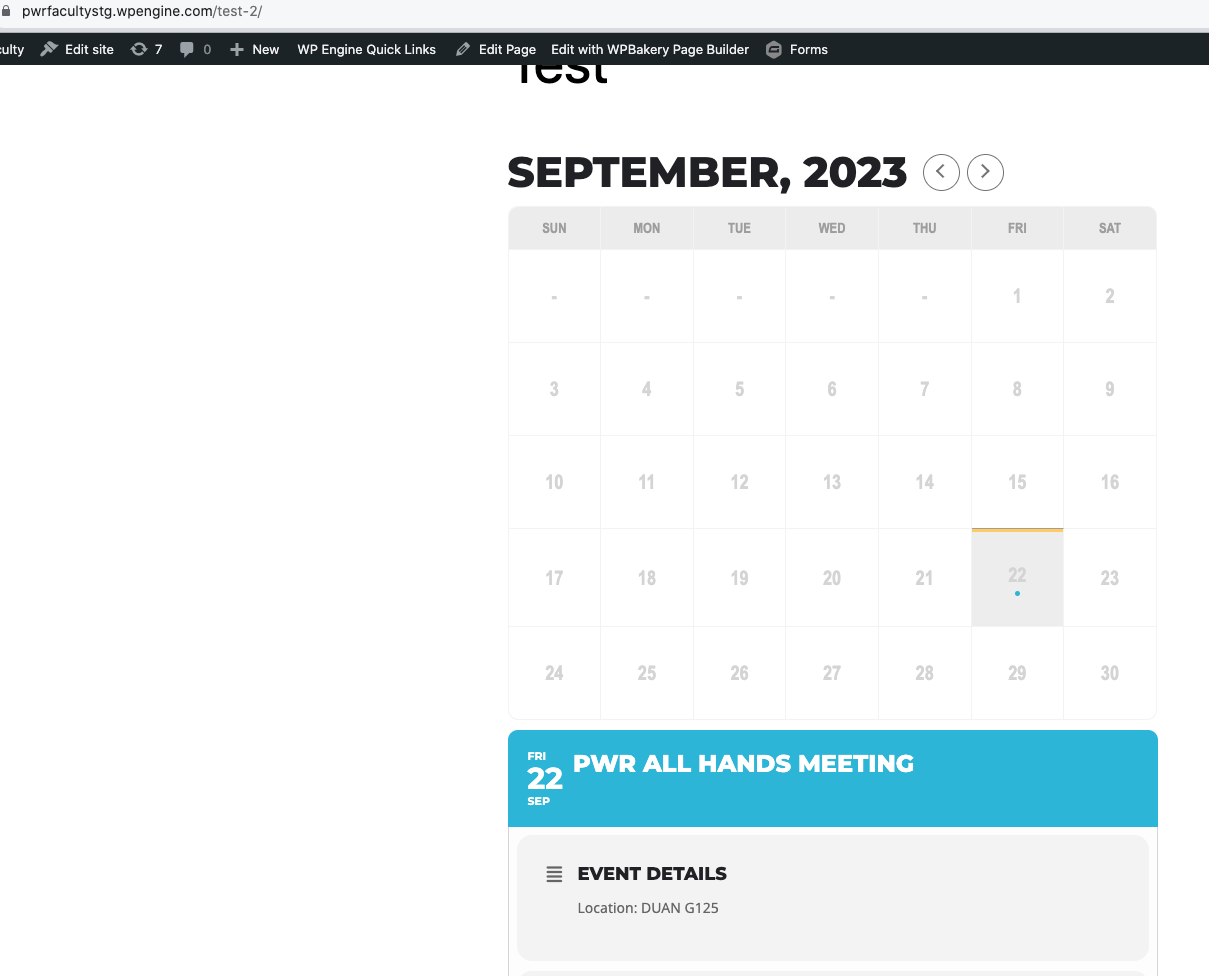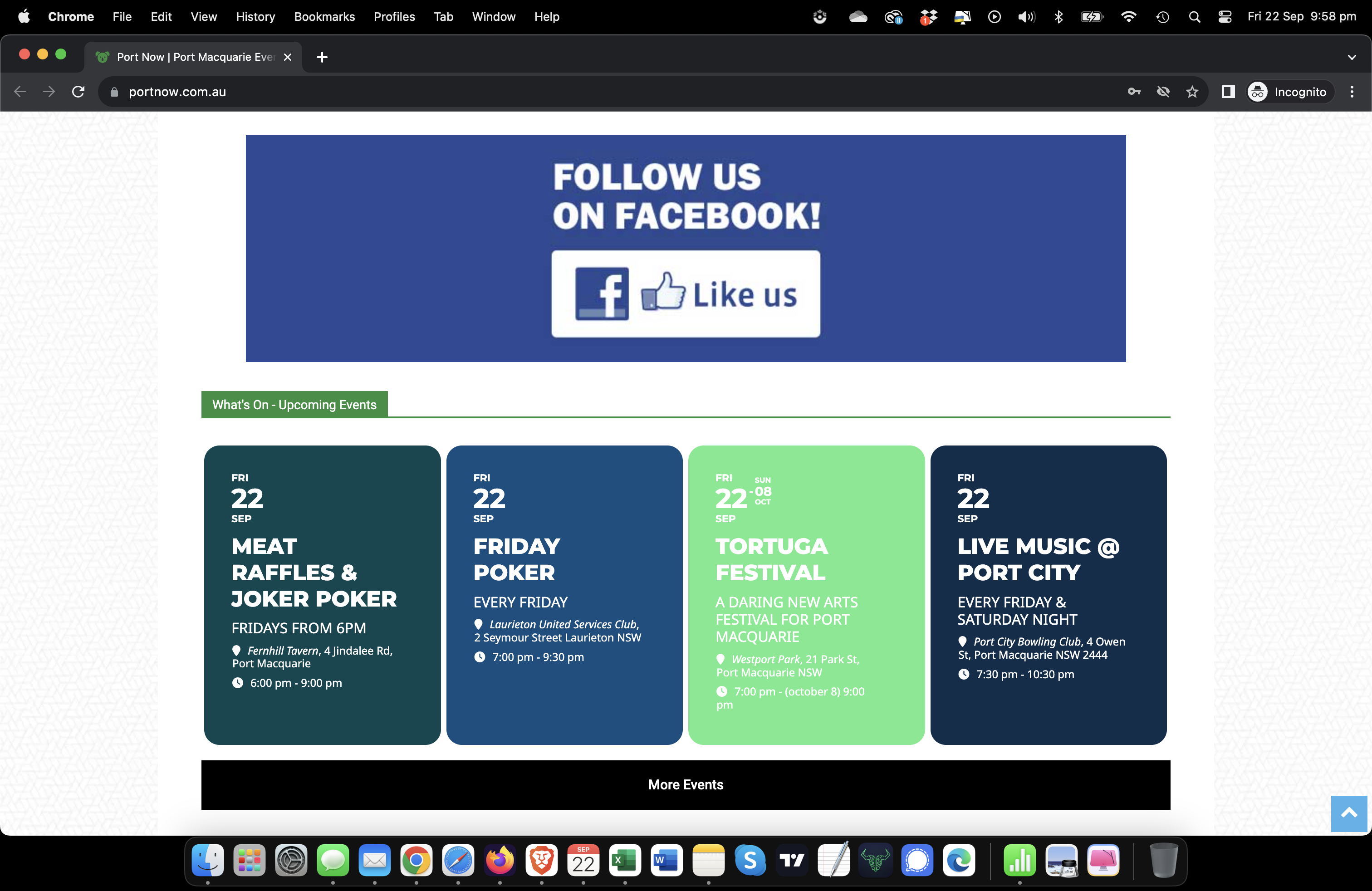
Hi Ashan, to further assist with this issue please see attached & linked screenshot.
https://capture.dropbox.com/oNaGu7IT3nzDjXbO
See mac time (top right).
Then see first two events. Time has lapsed for both events yet they still display (in incognito). This is inline with the delays of time left on progress bar mentioned before – so makes sense it’s related to the same issue.
It’s been displaying the same on the main calendar located at https://www.portnow.com.au/event-directory/
Logged in is showing correct events.
Hope that helps
Thanks, Mike
This is sorted now, thanks
Will take a look when I get a chance – will keep ticket open
Hello,
Yes, this is the right order ID. Thank you.
Kind regards,
Rick Gommers

thx, I updated but the string is still not there. I translated all strings I found, but it is not working.
In the string in frontend, there is also a second !! . Please help!
Hello:
- user: soporte
- pass: %1HpKYGDQy@1r7VJ^viRw*DX
The page of the calendar is: https://metropolitano.gal/wp-admin/post.php?post=66450&action=edit but is also not working on widgets. Before updating, it worked perfect.
Let me know before a major change please.
Thanks in advance!
I switched the theme and it fixed the issue:
Could you try yourself?
Ashan,
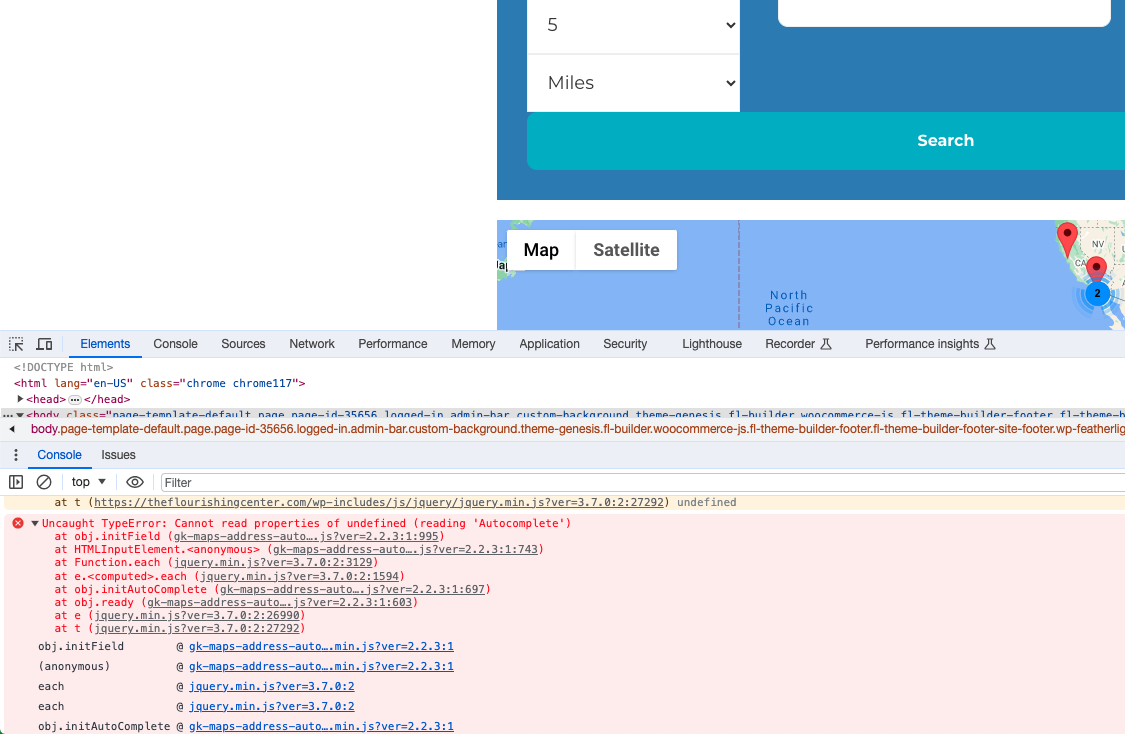
When you enable EventON, this js error appears:
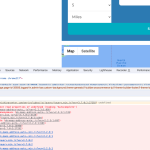
I’ve tried enabling
Load eventON scripts and styles only on eventON pages
Disable JQuery Mobile script
Disable Moment script
Disable Jitsi script
Thank you for your messages, I am going to assign this ticket to Ashan and he will be able to take it from here and find you a solution. Please allow some time for him to get back to you, we greatly appreciate your patience and thank you for being a eventon customer! Also please disable any IP blocking on your site if there are any.
Hello,
1. Please add this CSS code to EventON > Styles (If you don’t see any change, EventON > Scripts & Styling > turn off Write dynamic styles to header > save settings > turn on Write dynamic styles to header):
.ajde_evcal_calendar.cev.sev #evcal_list .eventon_list_event.open .desc_trig { border: 1px solid #6300cc; border-width: 1px 1px 0px 1px; }
2. You are using Main Calendar shortcode, when you need to use Event Lists one:
[add_eventon_list number_of_months=”12″ hide_empty_months=”yes”]
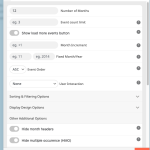
3. Please add this CSS code to EventON > Styles (If you don’t see any change, EventON > Scripts & Styling > turn off Write dynamic styles to header > save settings > turn on Write dynamic styles to header):
#evcal_widget #evcal_list .eventon_list_event .evcal_list_a, .widget-area .ajde_evcal_calendar .eventon_events_list .evcal_list_a { flex-wrap: nowrap; gap: 10px; } .widget .ajde_evcal_calendar.color.esty_2 .eventon_events_list .eventon_list_event .evoet_title { margin-bottom: 0px; } .widget .eventon_events_list .eventon_list_event .evoet_cx .evoet_b1 { padding: 0 }