Sorry for 2nd message….
For the last question in previous message, is it possible to add member owned events (after log-in to my website) to their blog on my website. It can be displayed at sidebar…
Don’t know if it works but just wanted to try, thanks!
Hello Dave,
thank you for the video. I think I understand although editing all Events like that will be a bit heavy. I have a couple of questions:
- The double saving process means that I have to delete and re-create all events?? Hopefully not.
- I see you clicked on Sync but hopefully I am not supposed to sync as well after a RSVP. It is impossible to do that after each user RSVP (but maybe that was only for example purposes in the demo).
- Lastly I don’t want to show say 60 places available because for the students every event is a new event (although a repeating one). So I assume I just have to remove the total count, right?
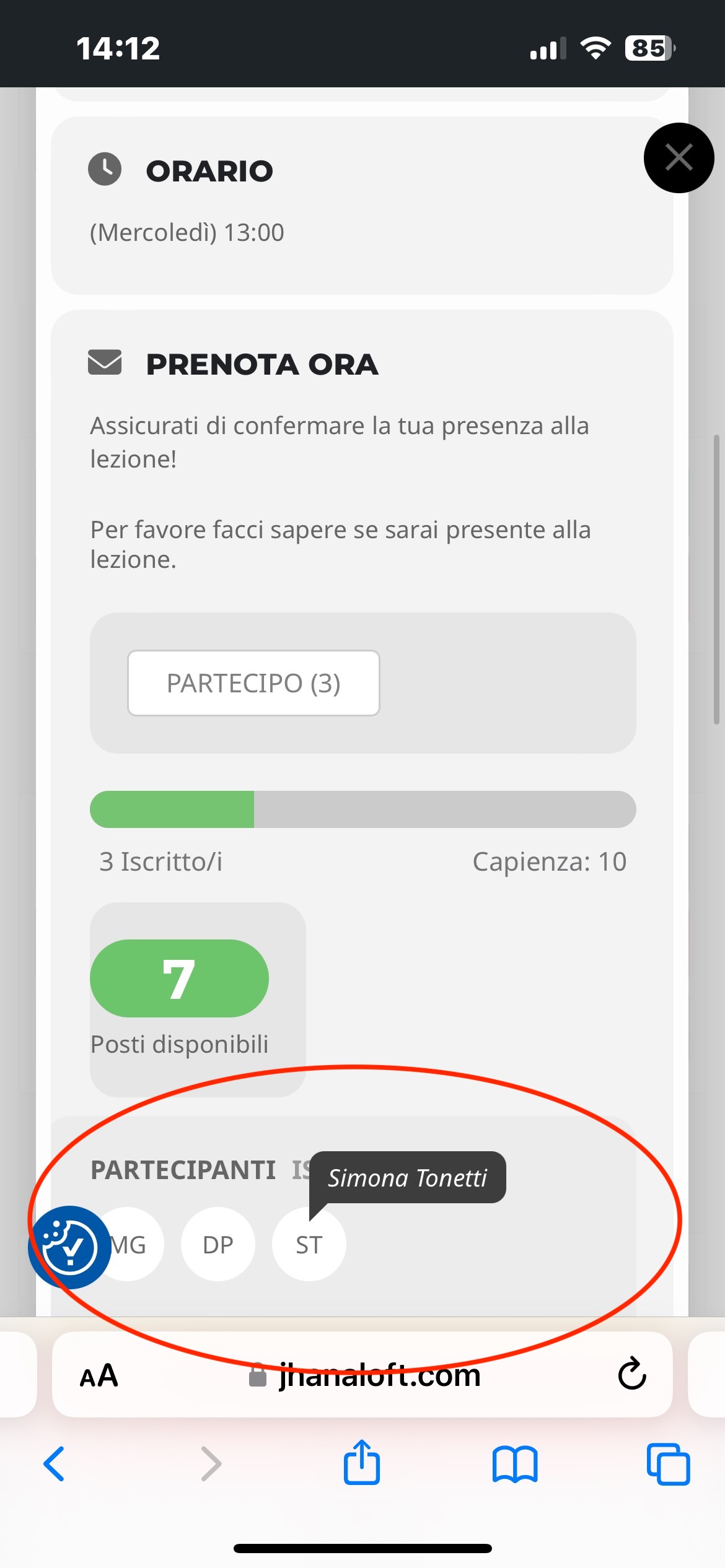
- Lastly, our problem was with the names appearing in the event card (see attached). If you check our first event example you can see that the names appearing there are the same names appearing for that repeated event the week after. Is this suggeste approach going to fix this as well?
Thanks,
Cristiano
http://dev.myhaliburtonhighlands.com/login2myhh
username eventon_support
pass ^ojwTelHaWSAWDK!6N&ad^x#
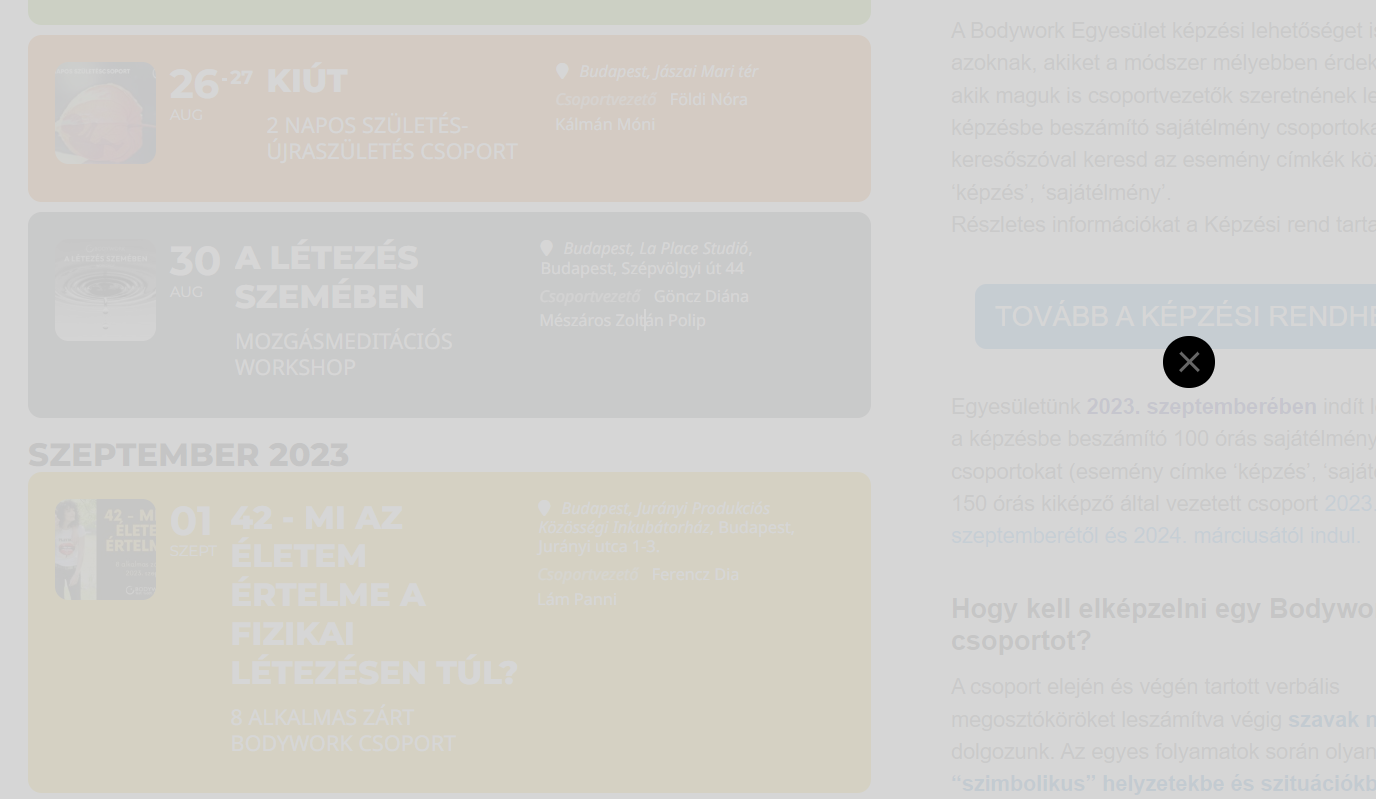
yes, now it works for us as well, previously it looked like the attached image.
Thank you for your help.
Sorry Artem can you please explain in more detail what I can do for location with an example?
thank you
I still see the error on the page
so iether you have a cache running on your wordpress host that retaining the info as I can’t find a cache on your site
Or
it takes time for the API to update after you add your billing
I have checked the set up- everything seems right- locations done right
it could simply be time needed or read through this https://cloud.google.com/billing/docs/how-to/resolve-issues
It have to be billing set up because I only using this API on only this website.
For the billing set up, I just check and replace any payment method that not incorrect. Billing health check okay. Do I have to do any restart or recheck to make it show?
Hello
Understand frontend member can only upload image to Organizer field but not for Location.
My website is still under constructing so I don’t have a direct link for you to go.
The website link is as below. Please also use below bluehost login and password if it helps. I can change my password after this issue is resolved, thanks!
Login: losimon81@yahoo.com
PW: Losimon19991018!
Bluehost website for login: https://my.bluehost.com/web-hosting/cplogin
Link for Frontend Form page: https://kcv.qhz.mybluehost.me/create-sport-events/
***the Organizer field is no “image upload” function
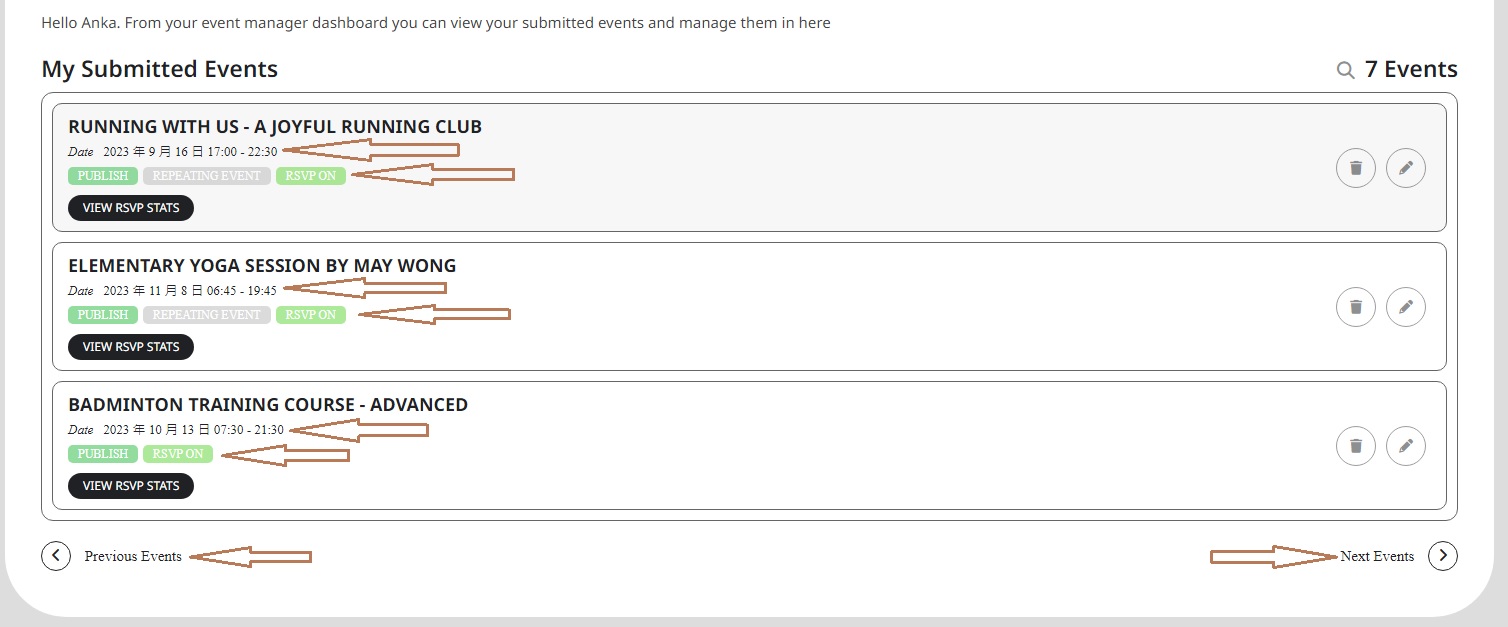
For font style, sorry for making confusion…. I mean the font family. I had some issues for the frontend submission form (e.g. icon, number and text box) so your team did help to advise CSS to correct it. I have this kind of issue again on frontend Event Manager that the font family are not same for all the words as you can see on the attached image. I don’t want to change the font style but just need to align all the font family as original, like the font family on event title and “VIEW RSVP STATS”.
Meanwhile, I would like to know if there is any shortcode or tool that my frontend member can attach their own event calendar (e.g. xxx yoga center) on their blog post on my website, thanks!
We are glad your issue is resolved, if you have any further questions or concerns please create a new ticket.
If you have a moment, we would greatly appreciate if you could kindly leave us a review at myeventon/my-account!. Cheers!
When I enabled Troubleshooting Mode, refreshed permalinks, disabled it, for a second I was able to fix the issue:
But then when I refreshed the page, it stopped working again.
Could you try again going to https://amklassiek.nl/wp-admin/site-health.php?tab=troubleshoot, enable Troubleshooting Mode, then enable EventON, now go to https://amklassiek.nl/wp-admin/options-permalink.php and save Permalinks?
It should work, because I tried multiple times and with no plugins + the default theme + refreshed Permalinks and it worked.