Hello,
Main Calendar doesn’t have such functionality, unfortunately. However, please take a look at Event Lists shortcode:
[add_eventon_list number_of_months=”12″ hide_empty_months=”yes”]
Replies for tickets on suppota
Hello,
Main Calendar doesn’t have such functionality, unfortunately. However, please take a look at Event Lists shortcode:
[add_eventon_list number_of_months=”12″ hide_empty_months=”yes”]
Really looking forward to a solution!
ok grazie
Simone
Hello
Thanks so much! The icons are now displaying!
But for the font style in my previous image, they just look not consistent on the event manager page. Is it possible to align the font style to be the same? Thanks!
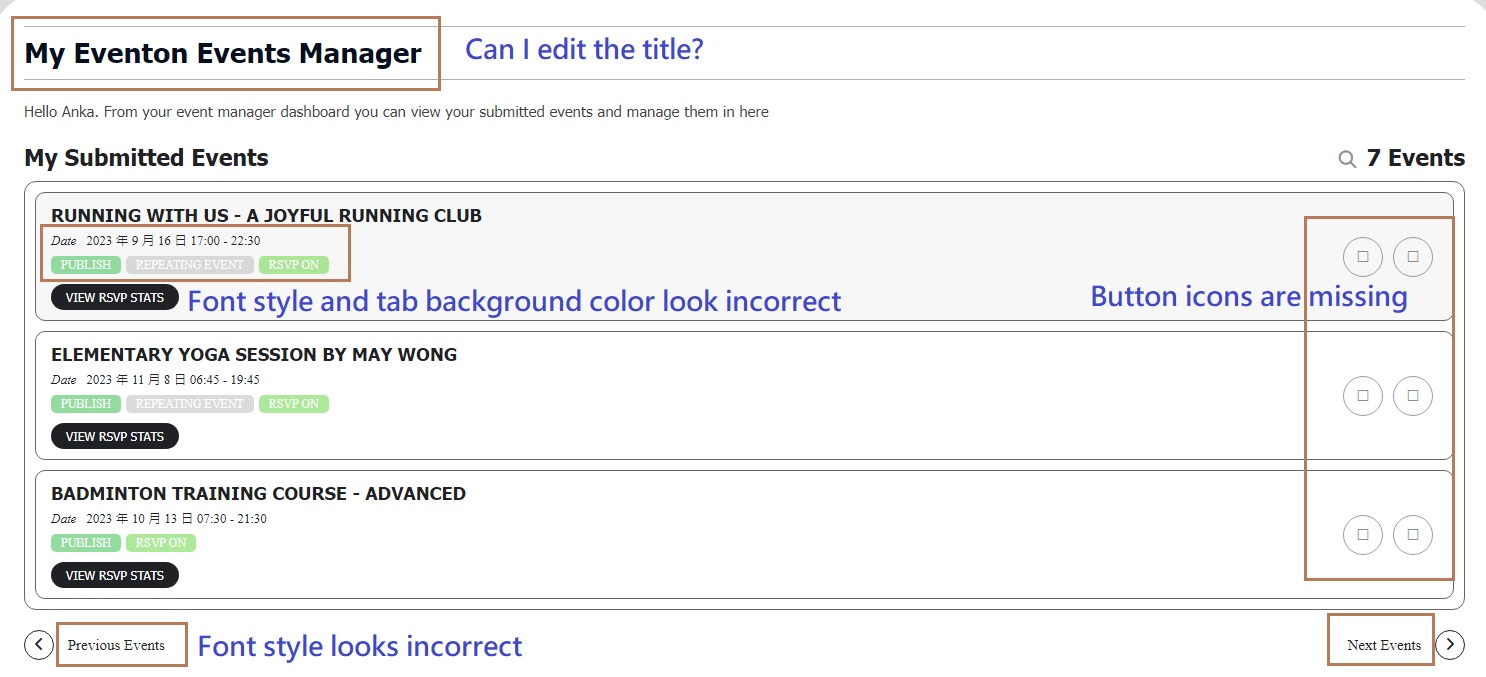
Sorry for my 2nd message….
I am checking if Organizer and Location image can be uploaded by member on the frontend Member Submission Form. I know I can upload image to organizer and location on the backend submission but I cannot see this upload image function for frontend. I would like our member uploading organizer and location image so the Event Card looks more professional, thanks!
Someone had gone into our site and turned off ALL of the plugins except the events ones. This impacted the entire site.
No-one was in troubleshooting mode we were all doing work but then had to stop and reactivate every plugin, except the events ones which were the ONLY ones still working. We had events going on and tickets being sold that were referenced and the website was effectively off.
I am furious and have rescinded all admin access.
Hi Anka,
Please check now, the icons should be displaying.
Regarding editing the title, you can do that by going to Eventon > Language > ADDON: Action User

Hope this helps.
Best regards,
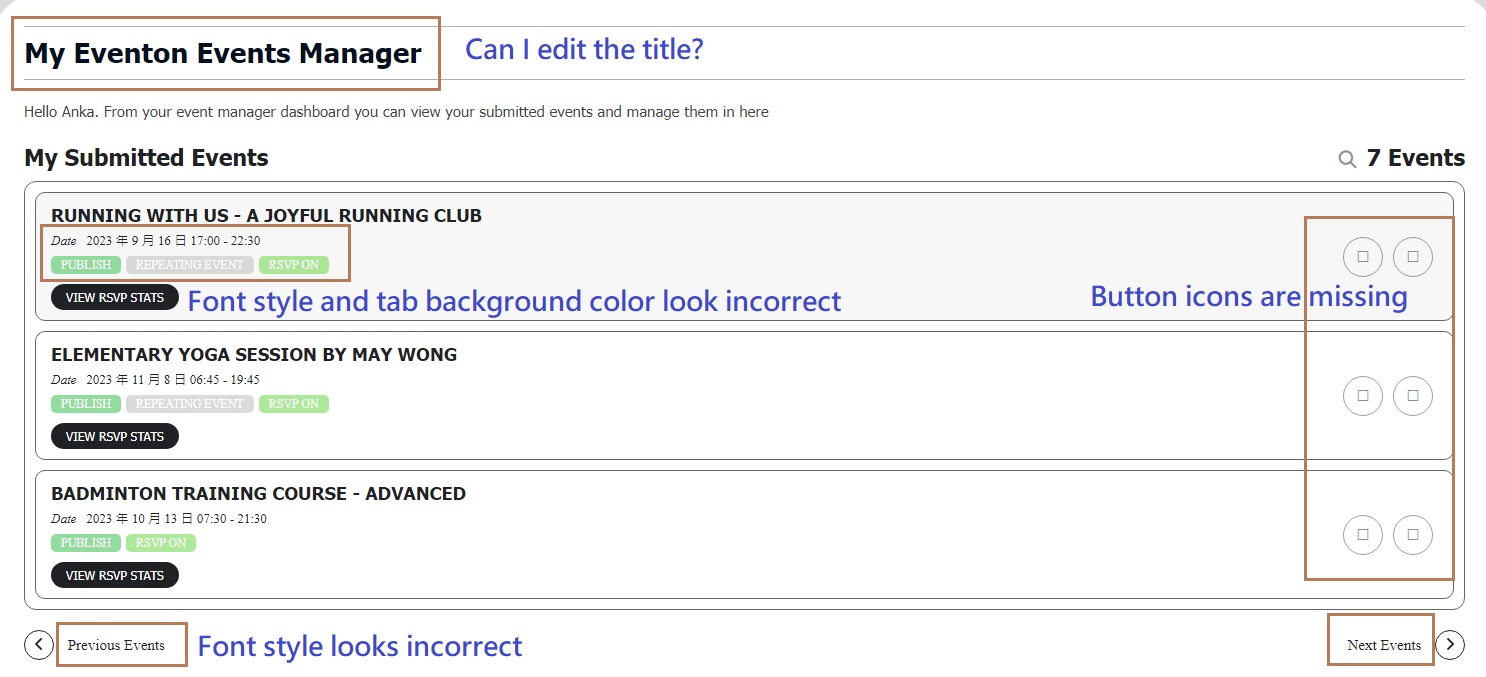
Attached image for your reference.
As my website has not been launched, please login through bluehost to view the website. The frontend event manager is at below page, thanks!
https://kcv.qhz.mybluehost.me/manage-my-events/
Thanks! It was that.
I will try to exclude these pages to see.
Hi Ricardo,
PDFer takes email template and then turns it into a pdf document. So please follow this guide to customize it to your liking:
https://docs.myeventon.com/documentations/customize-ticket-email-template/