Seems to be working now. I cleared your caching plugin: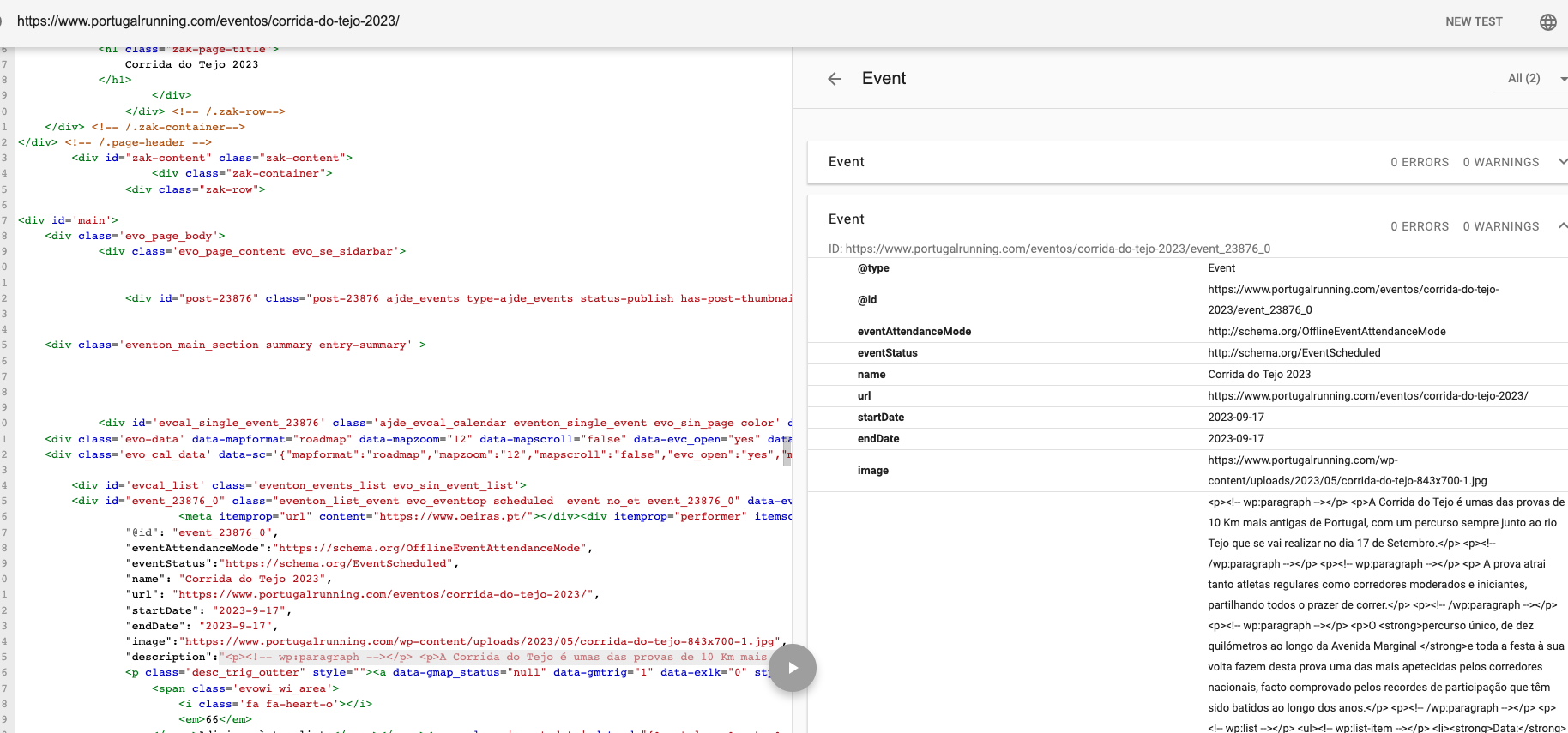
Archives: Replies
Replies for tickets on suppota
Reply to: tickets(326814)
Hello,
On my end when I click on Event Organizer’s name it opens:
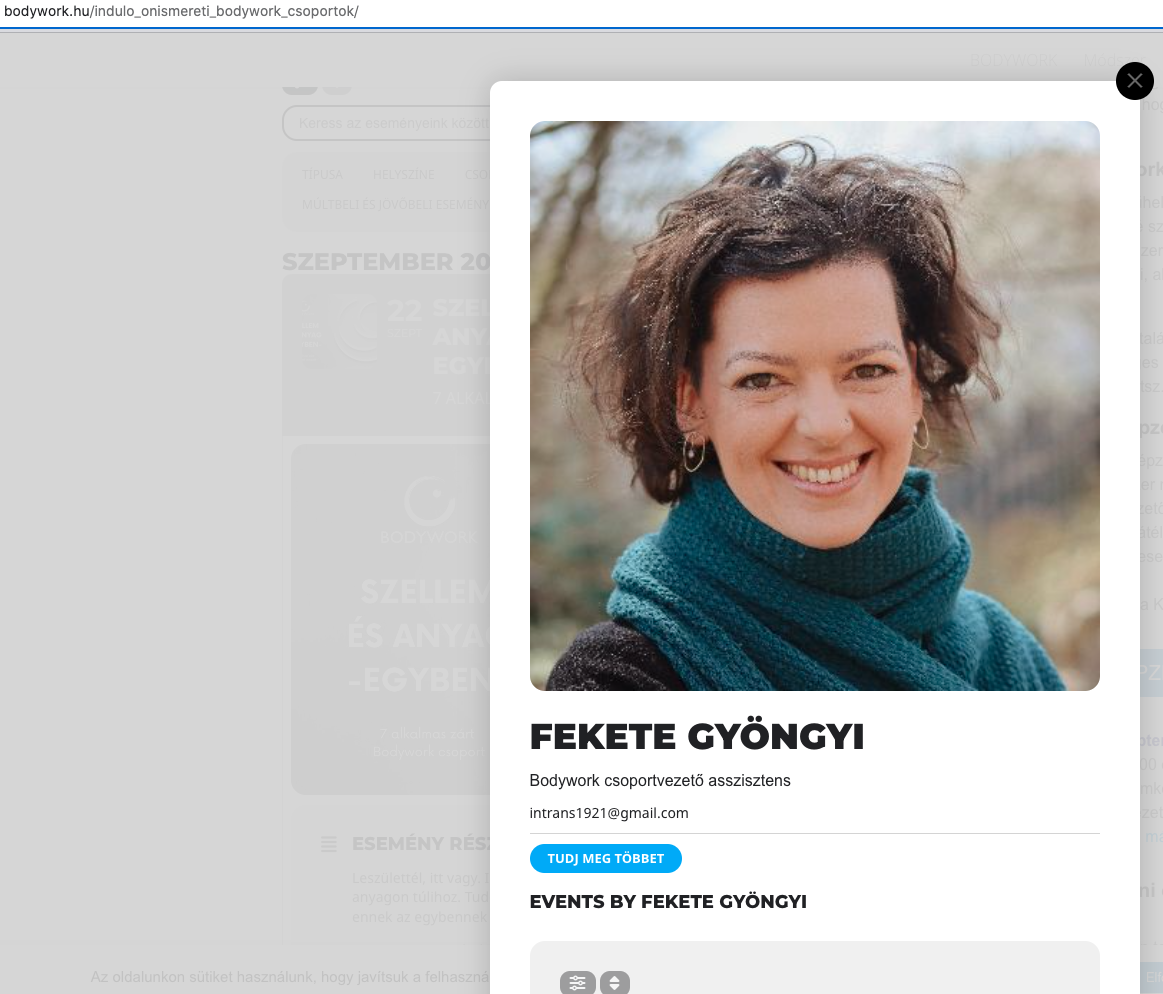
Could you try clearing your cache? Please also send us a screenshot.
Reply to: tickets(326956)
Hello,
Please take a look at this guide:
https://docs.myeventon.com/documentations/hook-eventtop/
You can add a new field that is clickable.
Reply to: tickets(326957)
Hello,
Could you update Action User add-on?
To update eventon addons: You can download latest eventon addons from myeventon > my account. Then you can go to your website, deactivate old addon and install new one and activate then delete the old addon. This link will further explain the process. Also you can follow us on twitter to get real-time announcements on updates!
Reply to: tickets(325443)
Now go to Plugins and enable EventON (+ add-ons) and WooCommerce in Troubleshooting Mode.
You should be able to edit events now.
Reply to: tickets(326963)
Hello,
I cannot login to your website because of WordFence. As for the issue please try adding the code to Appearance > Customize > Additional CSS:
@media (max-width: 640px){ .eventon_events_list .eventon_list_event .evcal_list_a { display: block; }}
Please wait for Ashan to take a look at the issue with Helpdesk.
Reply to: tickets(326785)
Stuart@thebeatbali.com
Stuart@beatmag.com
Beatmag22@gmail.com
Reply to: tickets(326814)
hi,
please find below the requested information:
username: evad
ps: KA9lMQBRhi7Hvu6YMZTvhDMs
https://bodywork.hu/wp-admin
thx
J
Reply to: tickets(326896)
I try that option, but the behavior is the same
Here the admin login
https://www.portugalrunning.com/wp-admin/?wtlwp_token=bb0f94875f7c3cfee410a58d675a094be54f763b87e7775d7ca9fa611a78042749ef6dcbd06ce1f7a0d8f29655606b81c2c3324f7ca5d03cd3c4cd8d042e58a0
Thanks!
Reply to: tickets(326895)
Hello,
Please go to EventON > Event Card Design > make sure that Social Share Icons is added.