seems fine to me- try clearing your browser cache on your mobile- on my android its all black text
Archives: Replies
Replies for tickets on suppota
Reply to: tickets(320566)
Support for *.webp has been implemented in the WordPress-Core. Since then, the corresponding images also work at Eventon.
Reply to: tickets(326816)
reminders are sent based on cron jobs- looking over your email log
https://kinderverpleegkunde.nl/wp-admin/options-general.php?page=fluent-mail#/logs?per_page=120&page=1&status=&search=
I can only see one reminder that was sent that was not the right time. sent to
info@kinderverpleegkunde.nl which is the same as the from email which can cause issues
possibly a server backup or if the server went down for maintenance and the hosting switched the site to a temporary server while the maintenenace was performed could posssibly effect the cron jobs
sometimes with duplicating events that can cause an effect- hard to diagnose to be honest
Reply to: tickets(313866)
so to clarify- eventons- events are classed as a custom post type- I have sent a message to Ashan to ask what the right text to use- I think I know but I am clarifying – really don’t want to make mistakes on the functions.php file
Reply to: tickets(313866)
alrighty I have been looking for causes and solutions
In your theme headers you can create a unique header and there is a way to make a single page use that header or several pages
so when creating a new page there is an option at the bottom to overide the default header with your custom one
i have cloned the 2023 header and simply removed the sticky parts which I believe is causing the issue
BUT the option to change the header doesn’t appear on the edit event page
I suspect this will give the option to select the header- https://essentials.pixfort.com/knowledge-base/enable-pixfort-page-options-on-custom-post-types/
I’ll clarify with Ashan (eventons creator) on exactly what the eventon custom post types so you can copy and paste the right code into your functions
in the example demo they have downloads as the custom post type- that wont work for eventon- so I’ll clarify what should be put in its place
Reply to: tickets(326766)
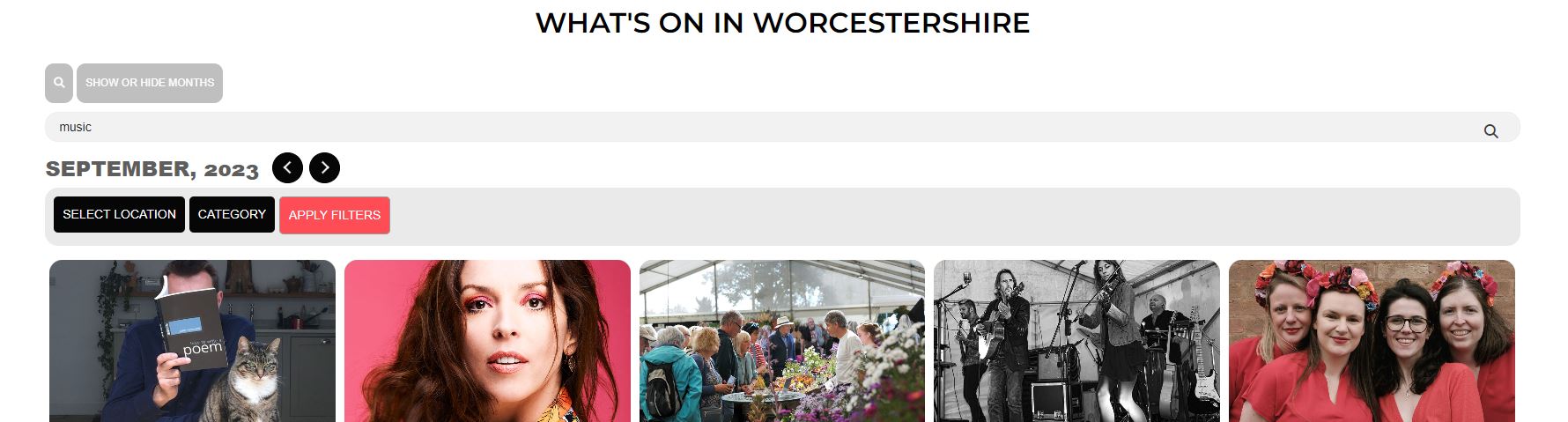
- thank you i dont have a x
Reply to: tickets(326411)
Hi thank you
I would like the day countdown to appear on featured event. I currently have 5 featured events but only one shows.
This is my code
[add_eventon_now tiles=”yes” hide_mult_occur=”yes” hide_past=”yes” tile_count=”5″ tile_bg=”1″ tile_style=”1″ event_count_list=”yes” only_ft=”yes” ]
this is the page https://guide2.co.uk/worcestershire/test-2/
I hope this explains it better thank you
https://www.awesomescreenshot.com/video/20837118?key=6c8b02cb2d27c64f55ecd81d6366803b
Reply to: tickets(326794)
login didn’t work for me to see the actual extension
so bookable product is a category that the extension creates- and products with that category can be used within this extension I assume
as I can’t login I can’t see what tests you have done
but have you created an event- activated ticket for the event and published- then you can edit the woocomerce product associated with that ticketed events and can you tick the bookable product category- try that so it would be in 2 categories the tickets and the bookable category
Reply to: tickets(326272)
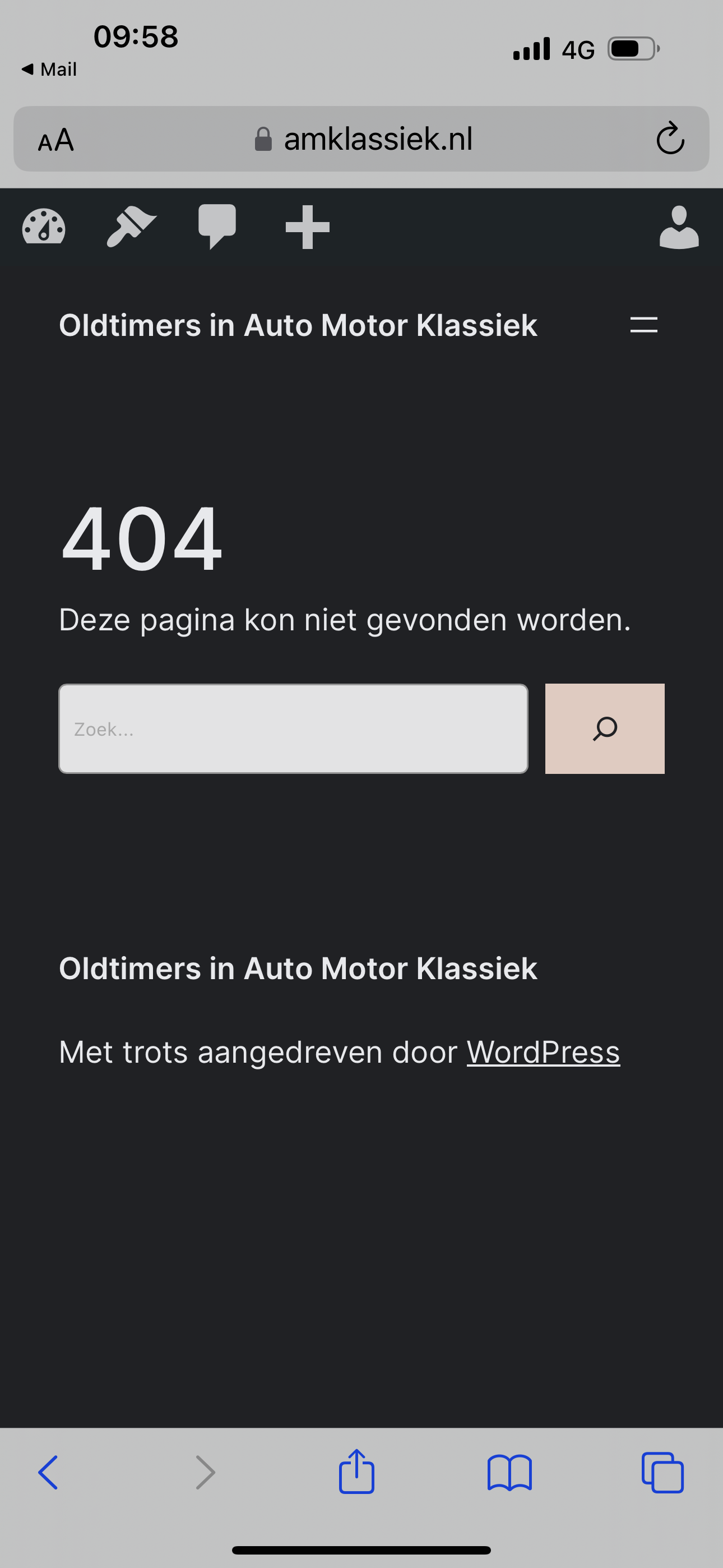
I did already try that. And tried again just now. See screen print.
Reply to: tickets(326794)
Yes. I am trying if woocommerce extension booking works with EventOn.
What I am interested is whether EventOn event time data can be integrated with woocommerce booking. I want to be able to search all events by time (period) and availability .