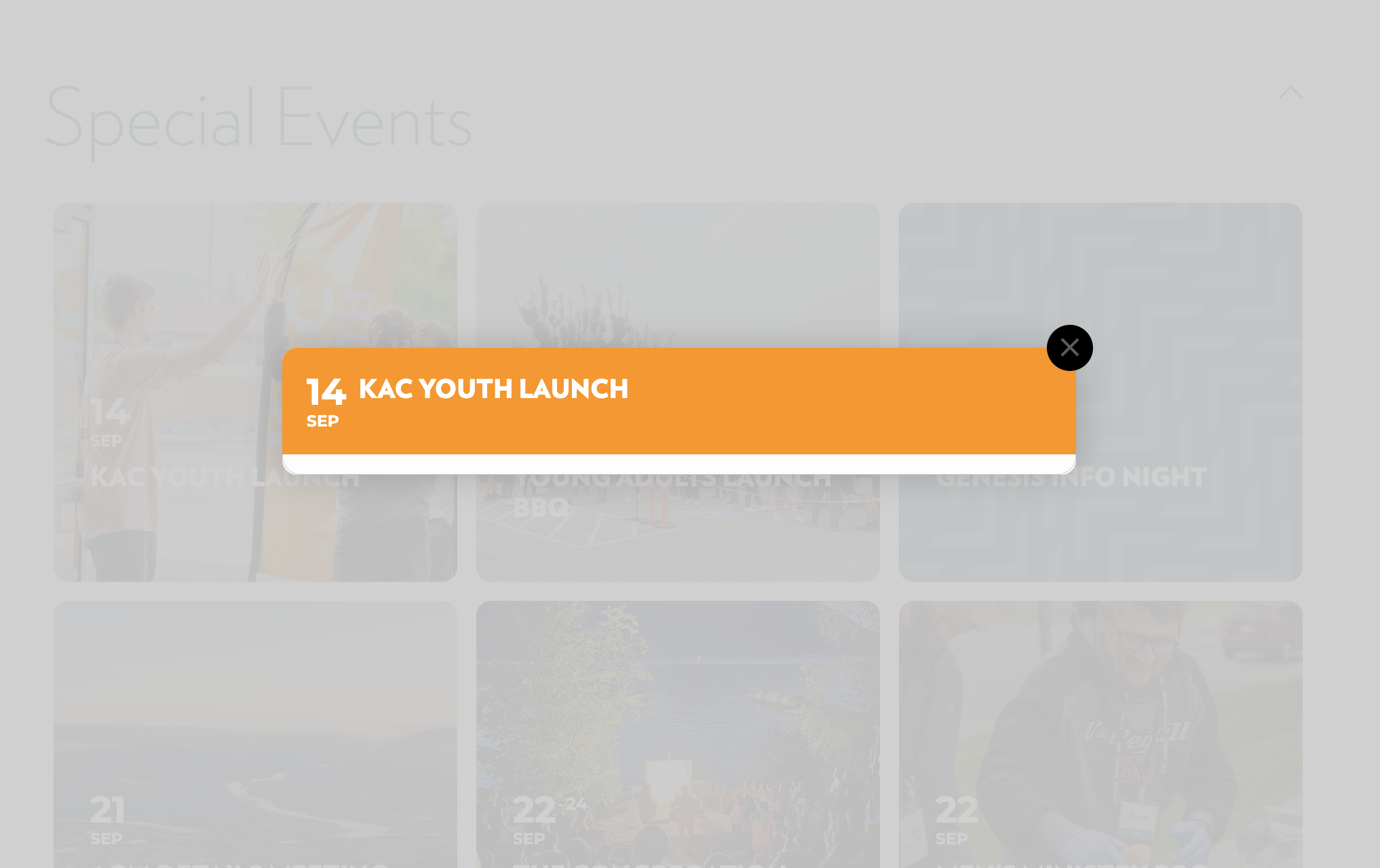
Here’s an image of the issue for reference. Thanks!
Replies for tickets on suppota
Here’s an image of the issue for reference. Thanks!
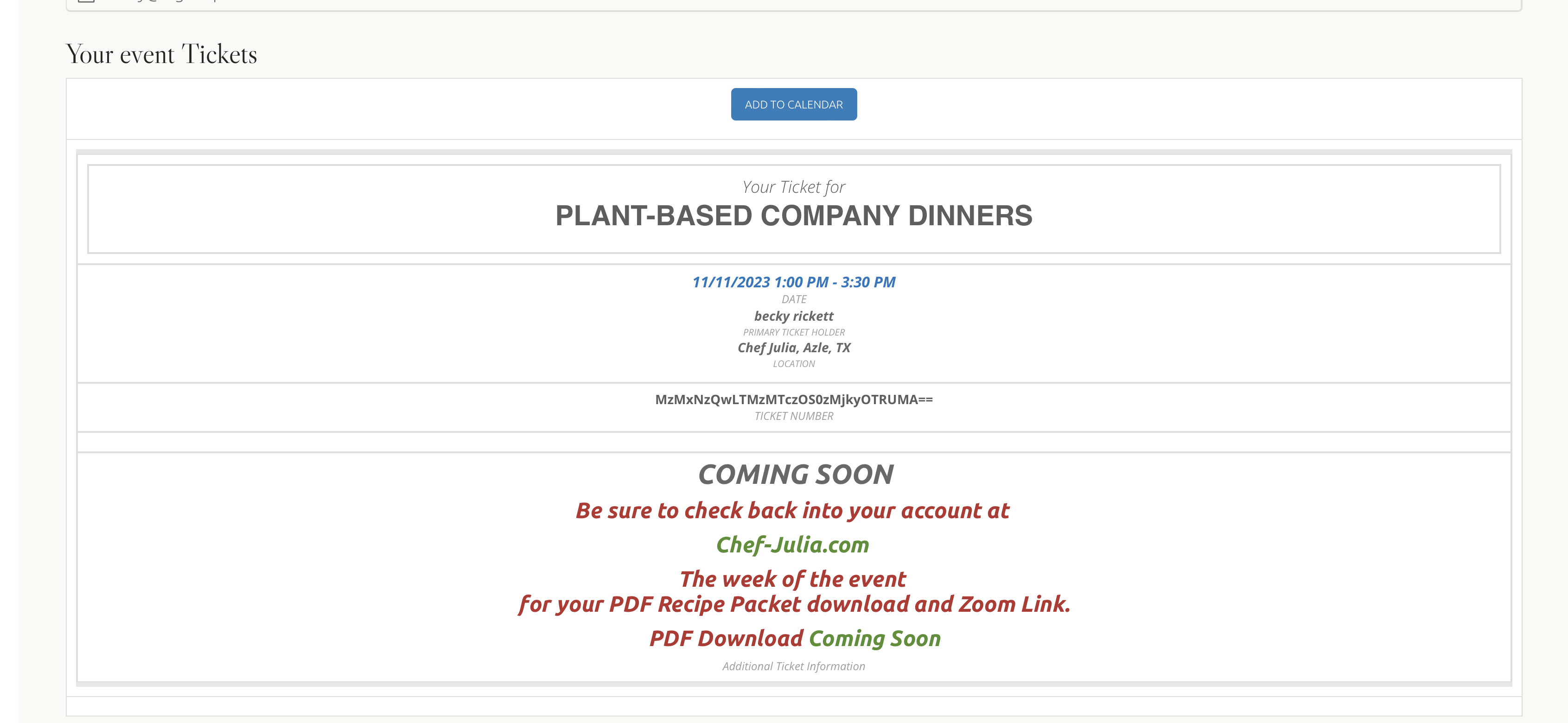
Worked perfectly!!! I can’t thank you enough. you are a keeper and a gem!
Thank you greatly.
becky
Please see the thread above for changes you helped me make after an update.
Today, I did the 4.5 update and now the Event Top Custom Field data I added disappeared. I’ve re-added them in the settings, but they are only appearing for Past Sales, not Future Sales
Also, as a followup to the formatting items above, note that the Event Type is indented above the Title. I tried to do css hack (not very proficient) and it fixed it on a desktop browser but mess it up on an iPhone, so I reverted to the indentation. Can you assist in solving this?
Thank you.
https://asset360.wpengine.com/wp-admin/
jtbidder@gmail.com
p/w:
trnl38%5uxO1KP2dY#8c%$gP
Thank you very much, that worked!
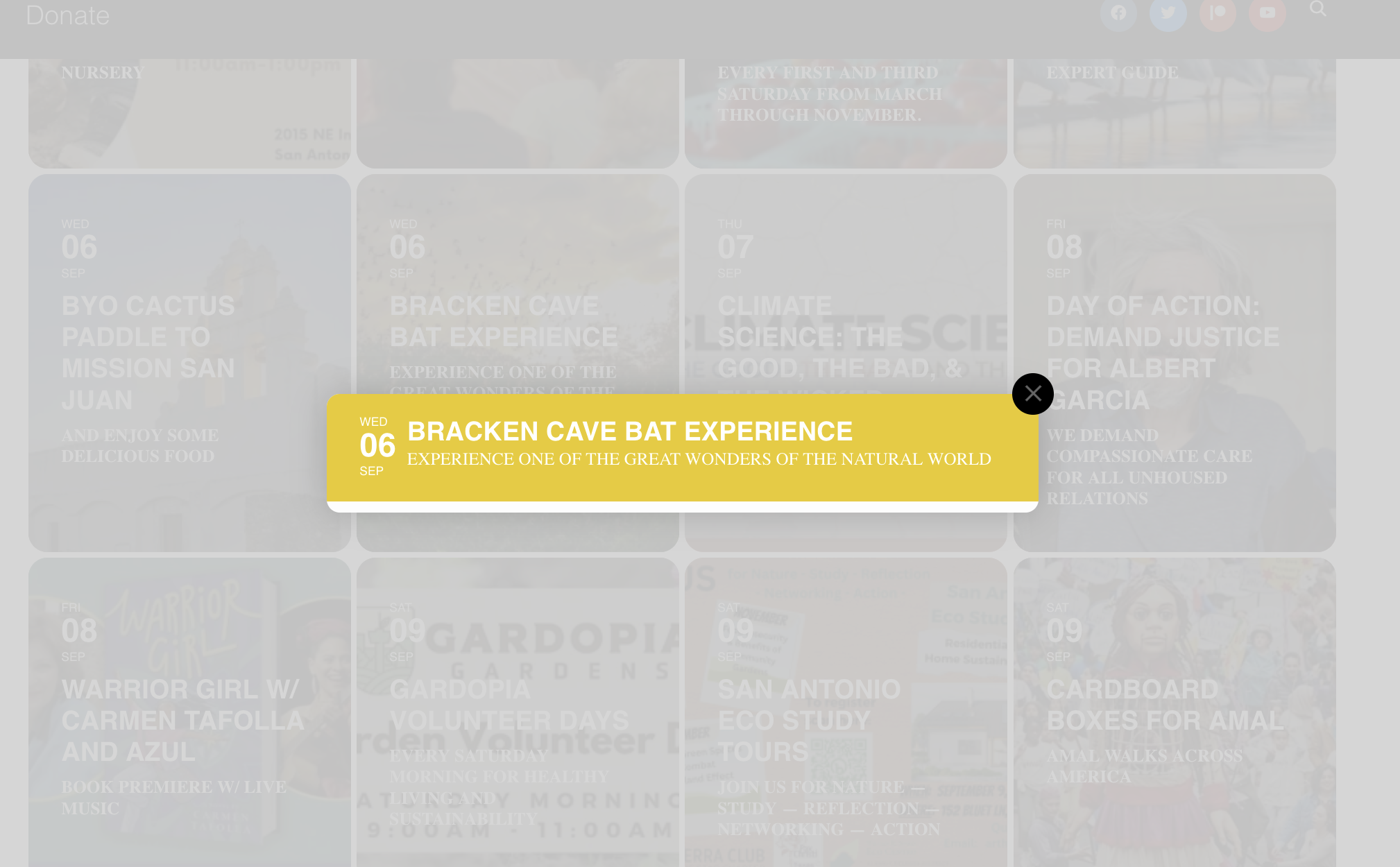
This is what I get when I click an event.
I am sorry to hear you are not able to save new locations or save changes. Kindly try clear cache on your broswer and give it a try. Because this function work fine on our end.
Lot of people use cache plugins so when they updates most of the time the new javascript files are not loaded and causing these issues.
We are humans just like you, but we do our best to test as many aspects as we can before releasing the update and once we catch issues we release fixes as soon as we can.
Looks good – thank you for your help!
I got it.
Had to to to:
Eventon/Google Maps API/ and Disable Google Maps API
Then it worked again.
Probably lost settings in the upgrade.
/F
please update to the latest version of tickets addon 2.2.4 https://docs.myeventon.com/documentations/changelog-event-tickets/ that is where the fix is 🙂