Hello,
I went to EventON > Advanced > set Select calendar event content filter type to Default WordPress Filter. Seems to be working now:
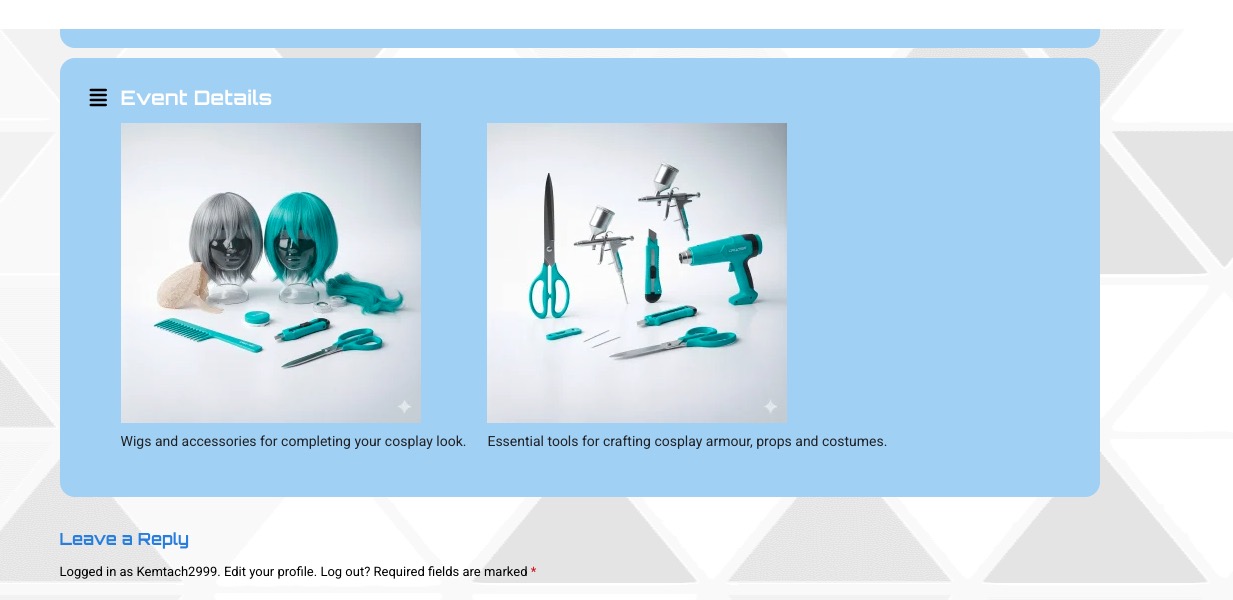
Could you check and let me know?
Replies for tickets on suppota
Hello,
I went to EventON > Advanced > set Select calendar event content filter type to Default WordPress Filter. Seems to be working now:
Could you check and let me know?
Hello,
In order to enable Filter Plus on other shortcodes, please copy this part of the shortcode from Shortcode Generator:
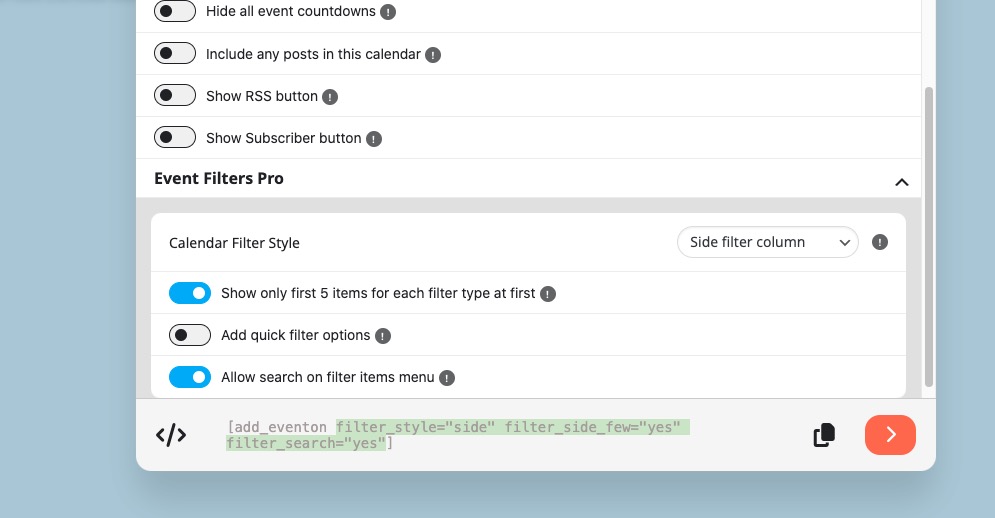
Now add the copied text to the shortcode of Event Lists:
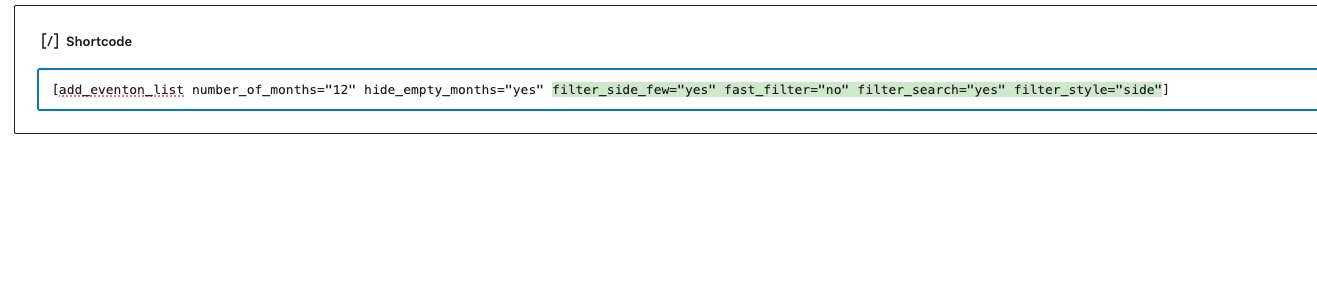
Please try and let me know.
Also, it would be useful to reach the list of attending RSVPEd user for the specific events.
Is there anything we can use to show every administrator the list of rsvped user for the event in front-end?
Hi Artem, any updates? The client is getting concerned.
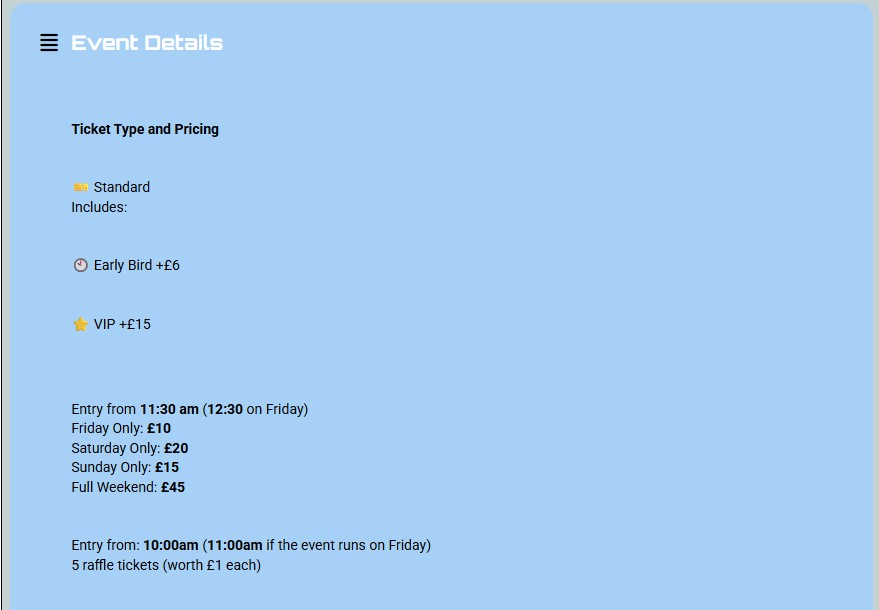
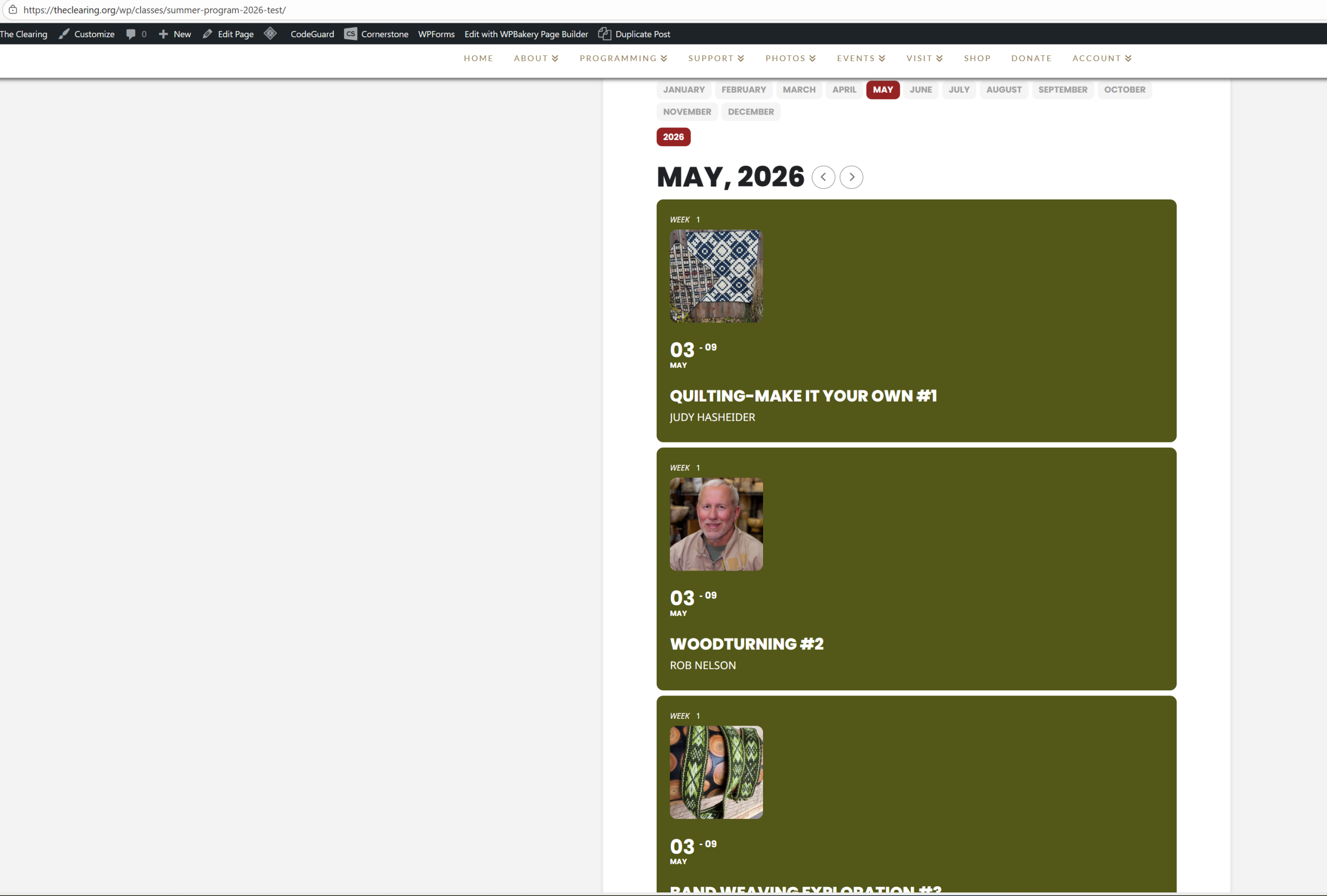
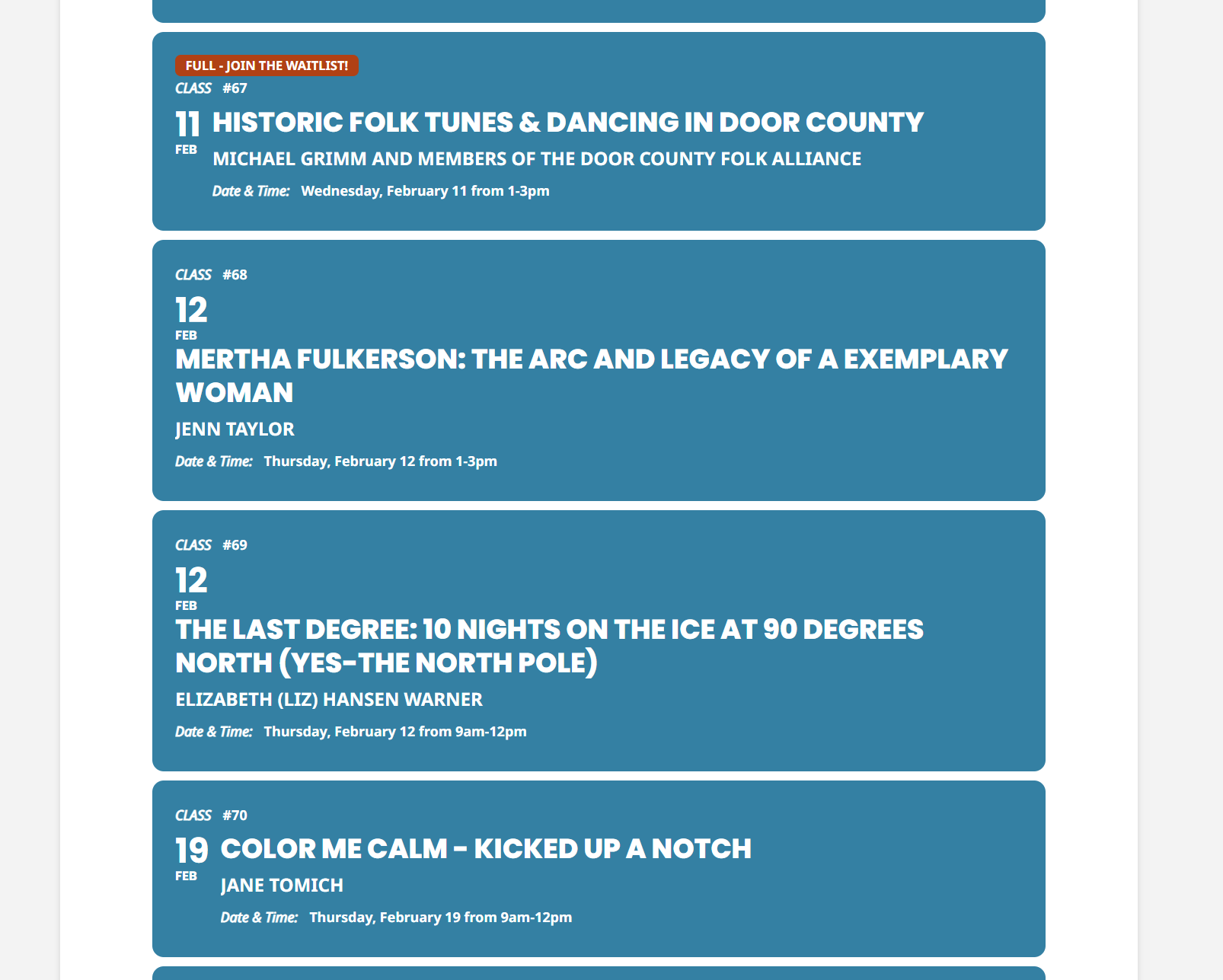
This is currently how it is displaying
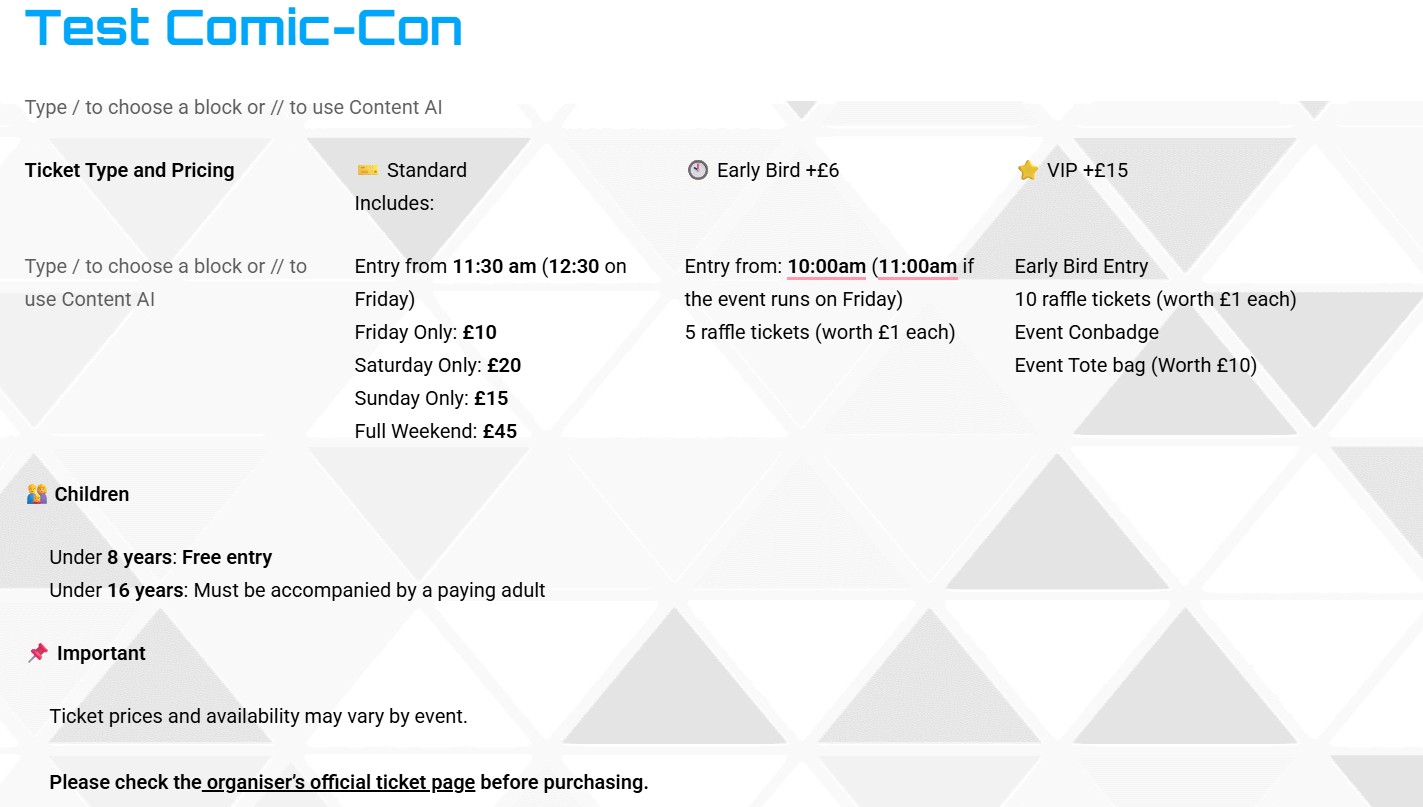
This is how I would like the Event Details to display
hey Guys,
i just deleted the addon folder completely and installed version 1.1.16 again. same problem as before. Since I just downloaded this version from the myeventon download page, all the files are original.
Please advise.
Thanks!
-Benedikt
Eine Lösung über WooCommerce-Varianten ist leider nicht möglich, da:
Varianten immer den Steuersatz des Hauptprodukts übernehmen innerhalb eines variablen Produkts keine unterschiedlichen MwSt-Sätze korrekt abgebildet werden können dies steuerlich nicht zulässig ist
Daher wäre für unseren Anwendungsfall notwendig, dass ein Event aus mehreren Preisbestandteilen bestehen kann, z. B.:
Event-/Eintrittsanteil
Speisenanteil (7 % MwSt.)
Getränkeanteil (19 % MwSt.)
Idealerweise:
für den Kunden als ein Event / ein Ticket sichtbar intern (und auf der Rechnung) sauber aufgeschlüsselt ohne Varianten, sondern als feste, nicht abwählbare Bestandteile
Meine Frage:
 Gibt es in EventON bereits eine Möglichkeit, Eventpreise in mehrere steuerlich getrennte Bestandteile aufzuteilen, oder ist so ein Feature geplant?
Falls nicht: Gibt es eine empfohlene Integration (z. B. Bundles / Composite Products), die von EventON offiziell unterstützt wird?
Vielen Dank vorab für eure Rückmeldung.
dev@oldhamsendlocaloffer.co.uk
1p1^6#e:+b*b
This is for an FTP account to the domain.
First, thank you for your response! Much appreciated. But what am I missing? It now seems that all events in the summer test have the title now appearing under the image. The winter program (in blue) still has longer titles appearing under the date. I’ve cleared caches, etc.