Hello,
I cannot access the website because of WordFence. Please allow USA, Australia, Spain and Kenya.
As for the issue, please try removing cal_id from the shortcode, if you have one. Also try increasing memory limit:
https://docs.myeventon.com/documentations/increasing-wordpress-memory-limit/
Please take a look at the first event on the page.
The current issue is that you cannot click on an event to open it on https://agateencores.org/
But can on https://agateencores.org/test-2/
It seems that this is somehow connected to Divi. Could you instead of Text Element try Shortcode Element?
Hello,
This forum is for the full version of the plugin. Could you go to https://wordpress.org/support/plugin/eventon-lite/ and crate a new ticket there?
I guess were just trying to still figure out how it all works…. when we disable the Events Calendar plugin, the Navigation -Events- gets removed from the menu.
wp-admin > Events from your old plugin and EventON are two completely different pages.
If you enable them both, you should see both Events but with different URLs.
However, since both plugins try to use /events, it completely breaks the page. So, just as a test, you can try to make then work both by following:
https://docs.myeventon.com/documentations/change-events-slug/
Could you elaborate more about what are you trying to do? Here’s how to work with EventON:
https://docs.myeventon.com/documentations/adding-calendar-to-site/
More guides on how to get started:
https://docs.myeventon.com/documentation/user-guide/
I am not sure how do you want to make EventON and your previous plugin work together or use events from one in another.
Hello,
I went to https://www.chef-julia.com/wp-admin/admin.php?page=eventon&tab=evcal_tx#evotxpdf and enabled “Enable PDF tickets for event tickets”, so now each order should generate pdf files and attach them to emails.
The thing is that you need to go to each order (only old tickets), then tickets and press Generate PDF. For example, https://www.chef-julia.com/wp-admin/post.php?post=331688&action=edit
Ashan,
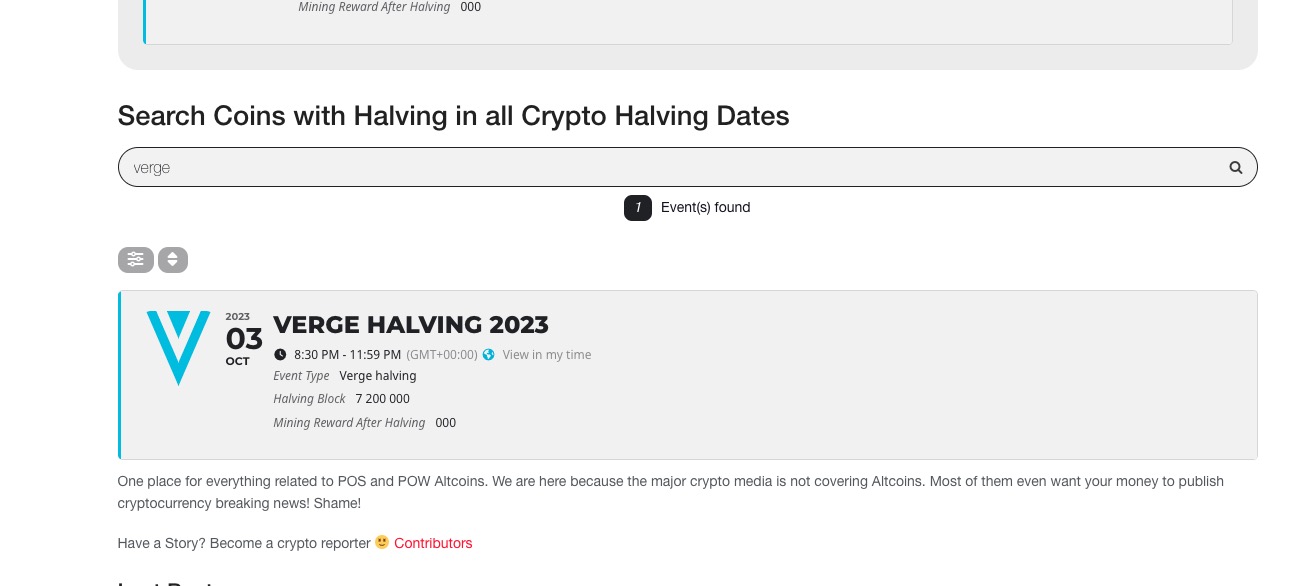
The same issue with “NaN:NaN:NaN”.
Seems to be working in Troubleshooting Mode:
https://altcoinsbox.com/wp-admin/site-health.php?tab=troubleshoot
 Could you please try the instructions mentioned in this documentation to make sure your issue is indeed coming from eventon.
As for “NaN:NaN:NaN”, I am going to assign this ticket to Ashan and he will be able to take it from here and find you a solution. Please allow some time for him to get back to you, we greatly appreciate your patience and thank you for being a eventon customer! Also please disable any IP blocking on your site if there are any.
Ups that is other site! 🙂 ignore https://bremennost.bg
here we go
https://altcoinsbox.com/wp-login.php
eventon
eventon
https://bremennost.bg/wp-login.php
eventon
eventon