works perfect
thank you
Replies for tickets on suppota
works perfect
thank you
inserted the short code into the theme file for the bottom of the home page?
why are you not adding the shortcode to a footer widget
Please send us wp-admin access to your site as a private message for us to further assist your situation.
Please give it a try. Thanks.
I should mention that it was working when we were testing things out with Eventon lite, then we decided to pay and upgrade to Eventon plus added the ActionUser Plus as well.
this is where things went sideways 😉
Thanks
bottom of homepage is where the calendar should be showing
here’s the actual Events page …. is working .. https://tourismnewwestminster.com/events/
pages affected like this one https://tourismnewwestminster.com/business-types/eat/
all have the …/business-type/pagename in the url
all pages without that work normally
thank you in advance
92.191.65.255
We are glad your issue is resolved, if you have any further questions or concerns please create a new ticket.
If you have a moment, we would greatly appreciate if you could kindly leave us a review at codecanyon! from your account > downloads. Cheers!
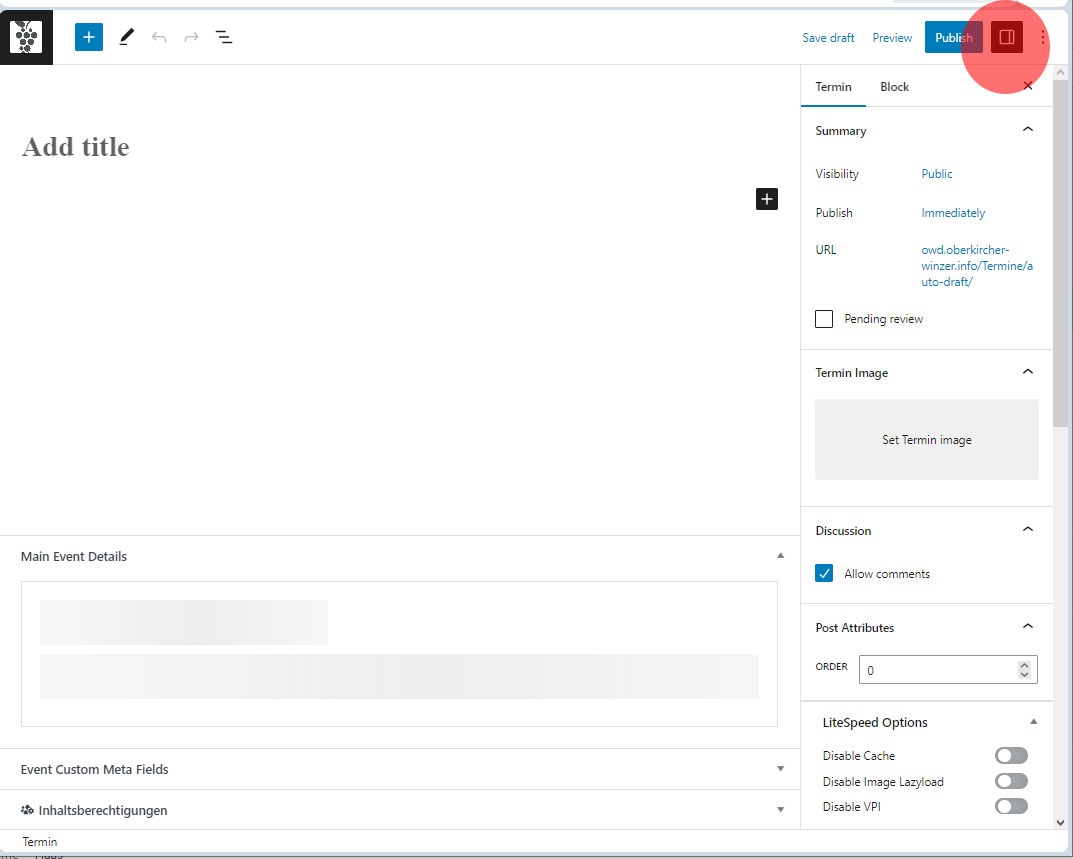
I doublechecked it in the stage system.
Here it doesn’t work either. If you start making an event and the settings TAB is open it doesn’t work (see picture)
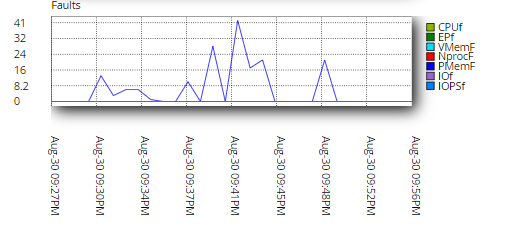
If you close the settings TAP and try to make a new appointment it looks like that it works. But there are no settings, most time after enabling I have no chance to setup an event picture for example. So maybe the issue is in the settings TAP, maybe there you need to many resources. Any time if it try to setup an event, I get memory overflows.
Ashan,
The customer updated to EventON 4.4.4, but EventON still doesn’t redirect to “Zoom Meeting URL to join” correctly. On dev2 works:
https://dev2.myeventon.com/events/test-74/
Could you check?