are you able to upload the screenshots to another website and share links? because those attached images did not work.
Archives: Replies
Replies for tickets on suppota
Reply to: tickets(320508)
Hello Jose, I have transfered all the licenes, please check on myeventon.com/my-account and verify those licenes are now moved from your account and into your clients account.
Reply to: tickets(324620)
Hello,
I made that config change and the – Join Event Now – button displays the actual Zoom link. This does work sending the participants to Zoom.
Any idea why all these redirects are happening? Is there some well know other plug-in conflict, or .htaccess issues I can check? This redirect should work. Unfortunately, deactivating plugins to figure this out would be very time consuming.
Thank you for the help!
Mark
Copper State IT LLC
Reply to: tickets(321954)
I just do some more checks. After activating Kadence Email Designer the plugin also stop working.
(https://www.kadencewp.com/product/woocommerce-email-designer/) This is a free plugin, so maybe you can check this on of your systems too.
Reply to: tickets(324154)
You are right. Optimole was the obstruction. I added a filter to Optimole. Thank you very much.
Reply to: tickets(321954)
sure, the link to the Plugin is https://acowebs.com/woocommerce-product-table/
I just set the user again, sorry for that, but anytime a make a new stage the user is gone 🙁
ps@oberkircher-winzer.info (user)
oEznyyypnUhQREzCm4caat5U (password)
Thank you so much
Reply to: tickets(324154)
ok. I’ll try
Reply to: tickets(324139)
Hi there – that worked for the month name – thank you.
I also tried changing the rest of the buttons and text above it above it and those aren’t working. How can I get those changed as well so they are darker?
Reply to: tickets(324627)
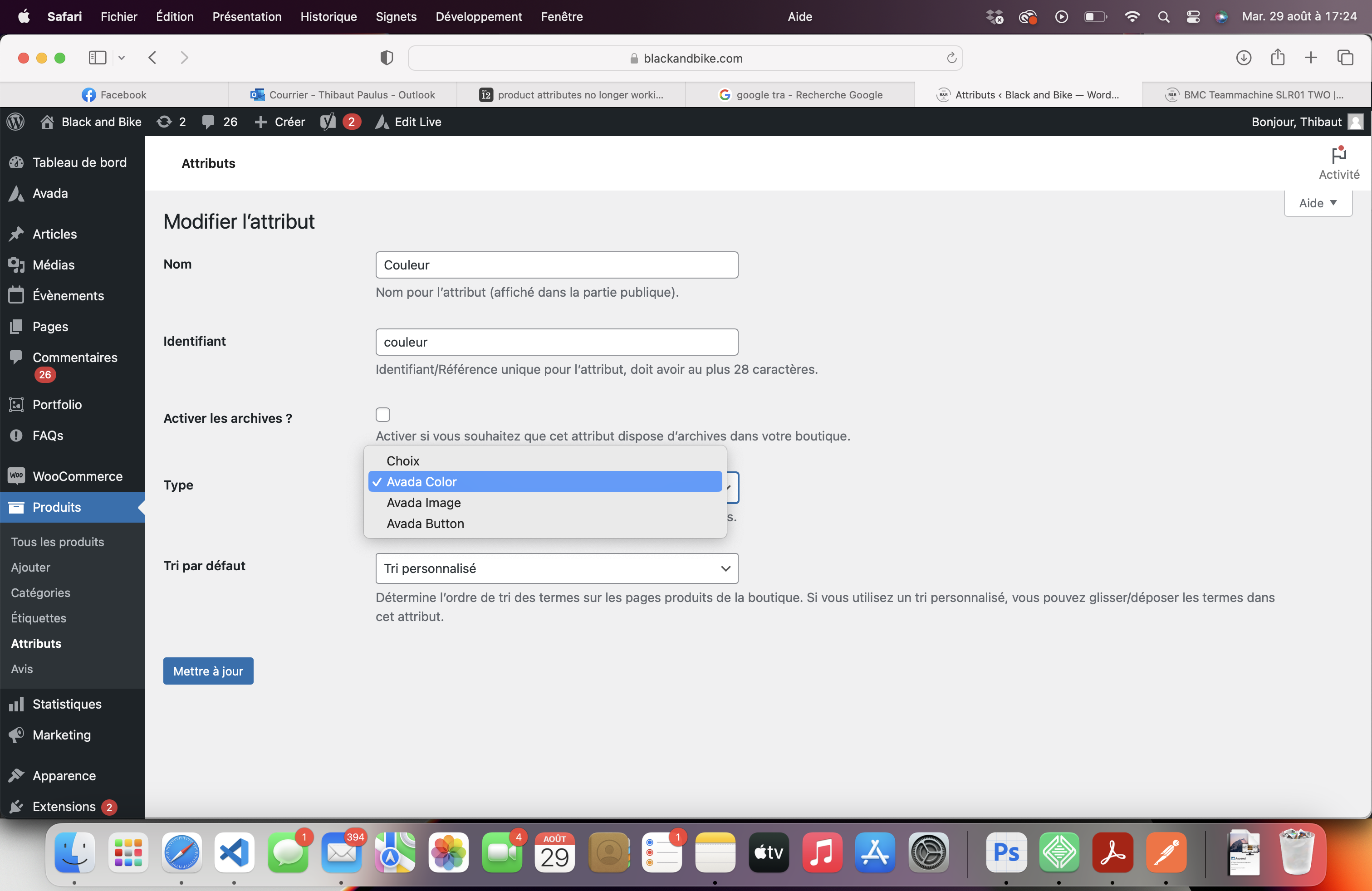
I think it comes from my "avada" theme because when I put the default product types it "works".

is there a solution ?
Reply to: tickets(324523)
This works. Thank you