So sorry – the credentials are fixed below – I had a j in the username that shouldn’t have been there.
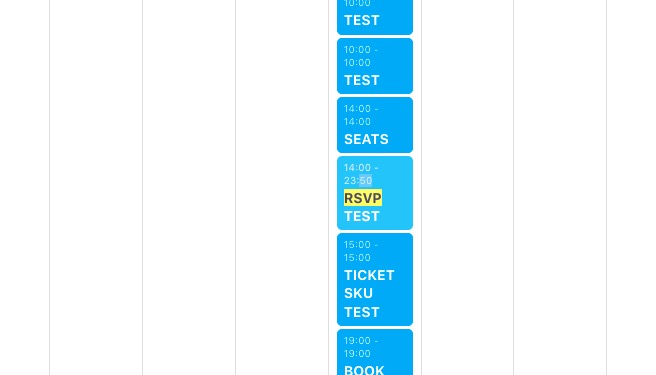
I tried clearing the site cache and it still did not populate the changes to the month and jump buttons at the top.
https://www.marcoislandart.org/wp-admin/
kellyparsons
aq(@ouDR7R14B6AiFEgSjgj6
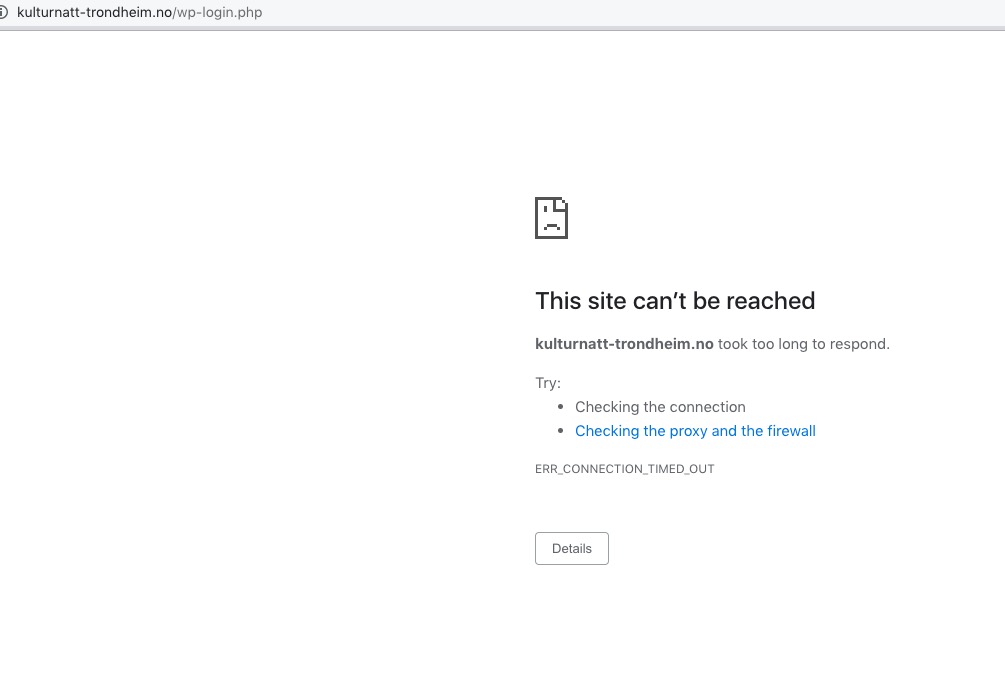
I cannot access wp-admin after I logged-in:
About the image issue. Maybe there is an issue with quotes in the shortcode? Please try the shortcode from this link:
https://pastebin.com/iF6r4MwB
Ashan,
The same on dev2:
https://dev2.myeventon.com/test-136/
https://dev2.myeventon.com/wp-admin/post.php?post=50989&action=edit
Hello,
Thank you for your messages, I am going to assign this ticket to Ashan and he will be able to take it from here and find you a solution. Please allow some time for him to get back to you, we greatly appreciate your patience and thank you for being a eventon customer! Also please disable any IP blocking on your site if there are any.
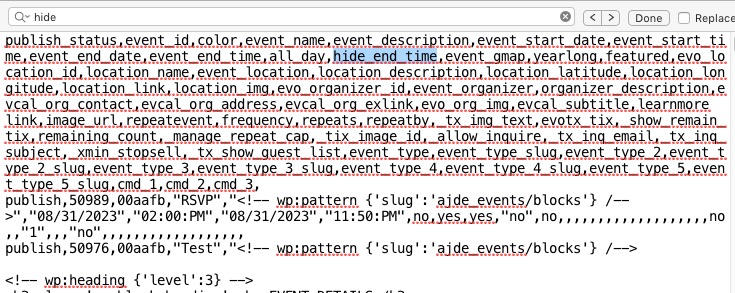
Add it to the .csv file like this: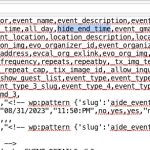
I forgot to mention that I would need to set the “hide end time” function for all my events not on specific single events…
This can only be done when you import events by adding the parameter to the .csv file. There is no an option for this.
We are glad your issue is resolved, if you have any further questions or concerns please create a new ticket.
If you have a moment, we would greatly appreciate if you could kindly leave us a review at codecanyon! from your account > downloads. Cheers!
Thank you for your messages, I am going to assign this ticket to Ashan and he will be able to take it from here and find you a solution. Please allow some time for him to get back to you, we greatly appreciate your patience and thank you for being a eventon customer!
I forgot to mention that I would need to set the “hide end time” function for all my events not on specific single events…
Thank you !
HI Artem
Many thanks for your answer – Where can I add hide_end_time to hide End Time:
hide_end_time -Hide end time for event eg. yes | no
I can’t find it in the settings…
Thanks for your answer. Best regards, Martin