Hello,
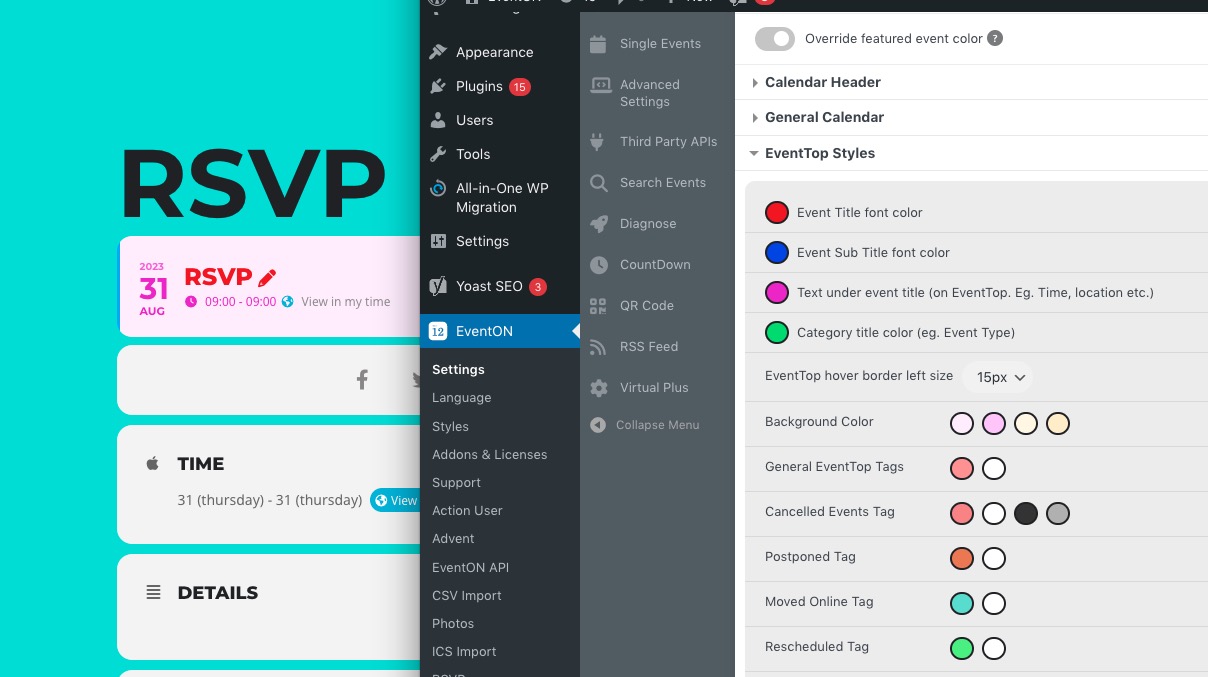
Please take a look at this image for better understanding:
Just if you don’t see any change try EventON > Scripts & Styling > turn off Write dynamic styles to header > save settings > turn on Write dynamic styles to header.
I need to know how to change the Title & Icon color for the “VIRTUAL EVENT DETAILS” AS well as the font color for the second button.
Please add this CSS code to EventON > Styles (If you don’t see any change, EventON > Scripts & Styling > turn off Write dynamic styles to header > save settings > turn on Write dynamic styles to header):
.evocard_box.virtual .evcal_evdata_row .evcal_evdata_cell h3 {color: white !important} .evocard_row .evocard_box.virtual .evcal_evdata_icons i { color: white !important }
Button font:
.evo_metarow_virtual .evo_vir_pass { color: red; }
Actually I have a question, have you cancelled and used this coupon once on the order you are trying to resubscribe to? 🙂
Corey I am so sorry would you mind sharing the screenshot where you get this error message? it should not have happened.
Hello,
Please go to EventON > EventCard > enable Show full event description.
No issues when Troubleshooting Mode is enabled: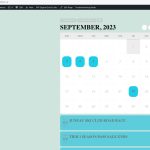 Could you please try the instructions mentioned in this documentation? It seems that one of installed third-party plugins or the theme can cause this.
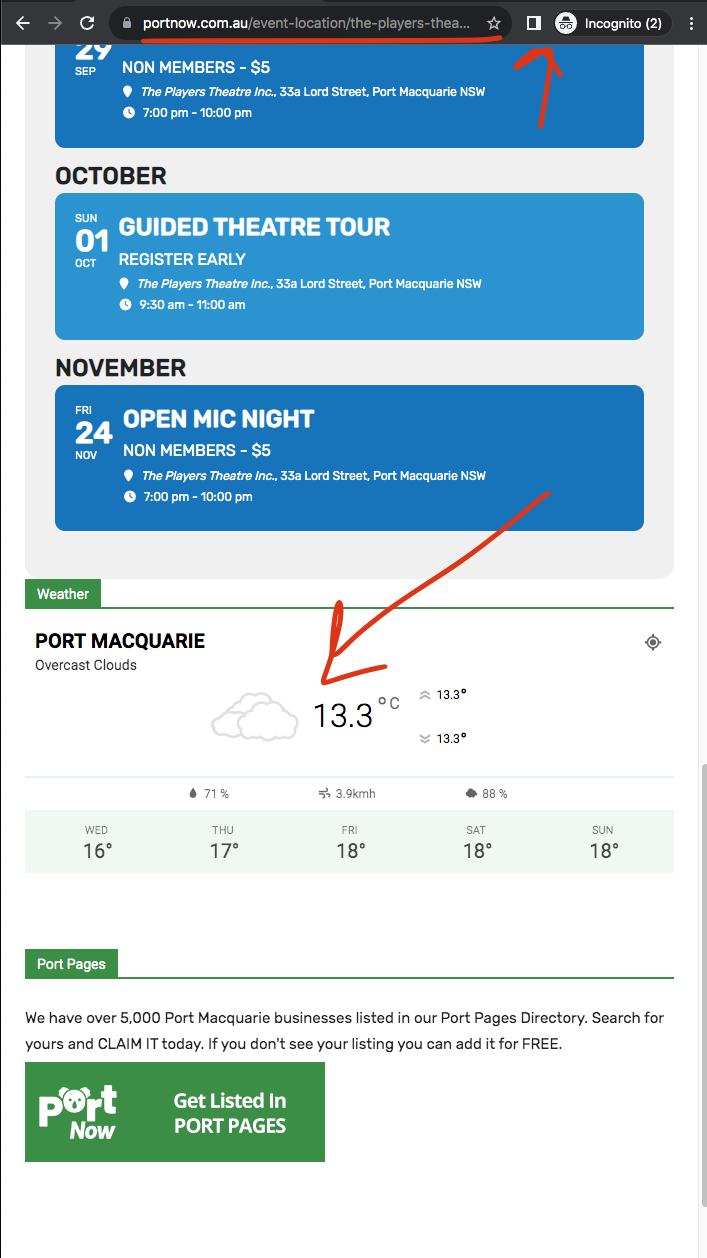
Location page: https://www.portnow.com.au/event-location/the-players-theatre-inc/
So I had to nest the sidebar inside a new div which I will include in the next eventON update.
Ok got this figures out as well 🙂
Ashan,
The customer states that
“You’re displaying variable options for tickets on the Seat add on but do not offer it with the seat add on. Your plugin and add ons are deceptive in what they can actually do. This is not fair for consumers“
From their other ticket.
Hello,
I’ve contacted Ashan about your request.
You’re displaying variable options for tickets on the Seat add on but do not offer it with the seat add on. Your plugin and add ons are deceptive in what they can actually do. This is not fair for consumers
Which demo are you referring to?
We don’t show any variations here
https://addons.myeventon.com/events-with-seats/
Or here
https://www.myeventon.com/addons/seats/
Could you send us a link or a screenshot?
Usually this is because of memory limit. Please try following
https://docs.myeventon.com/documentations/increasing-wordpress-memory-limit/