Hi Artem,
Thanks, I have implemented your suggested solution, but it does not seem to be working. Is there another solution?
Replies for tickets on suppota
Hi Artem,
Thanks, I have implemented your suggested solution, but it does not seem to be working. Is there another solution?
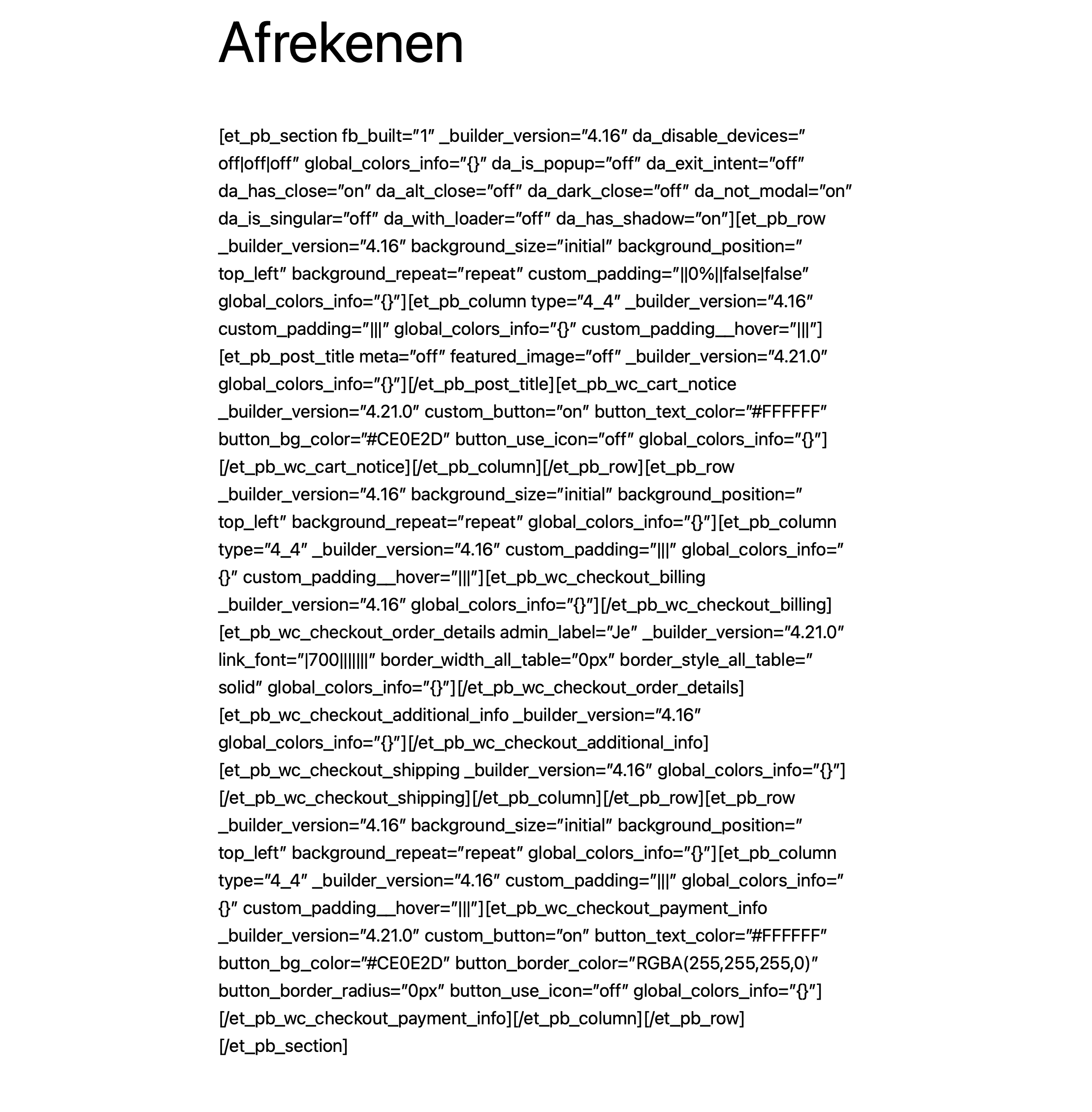
Ignore the last post, I put 2 items in the cart. TS mode on and got this
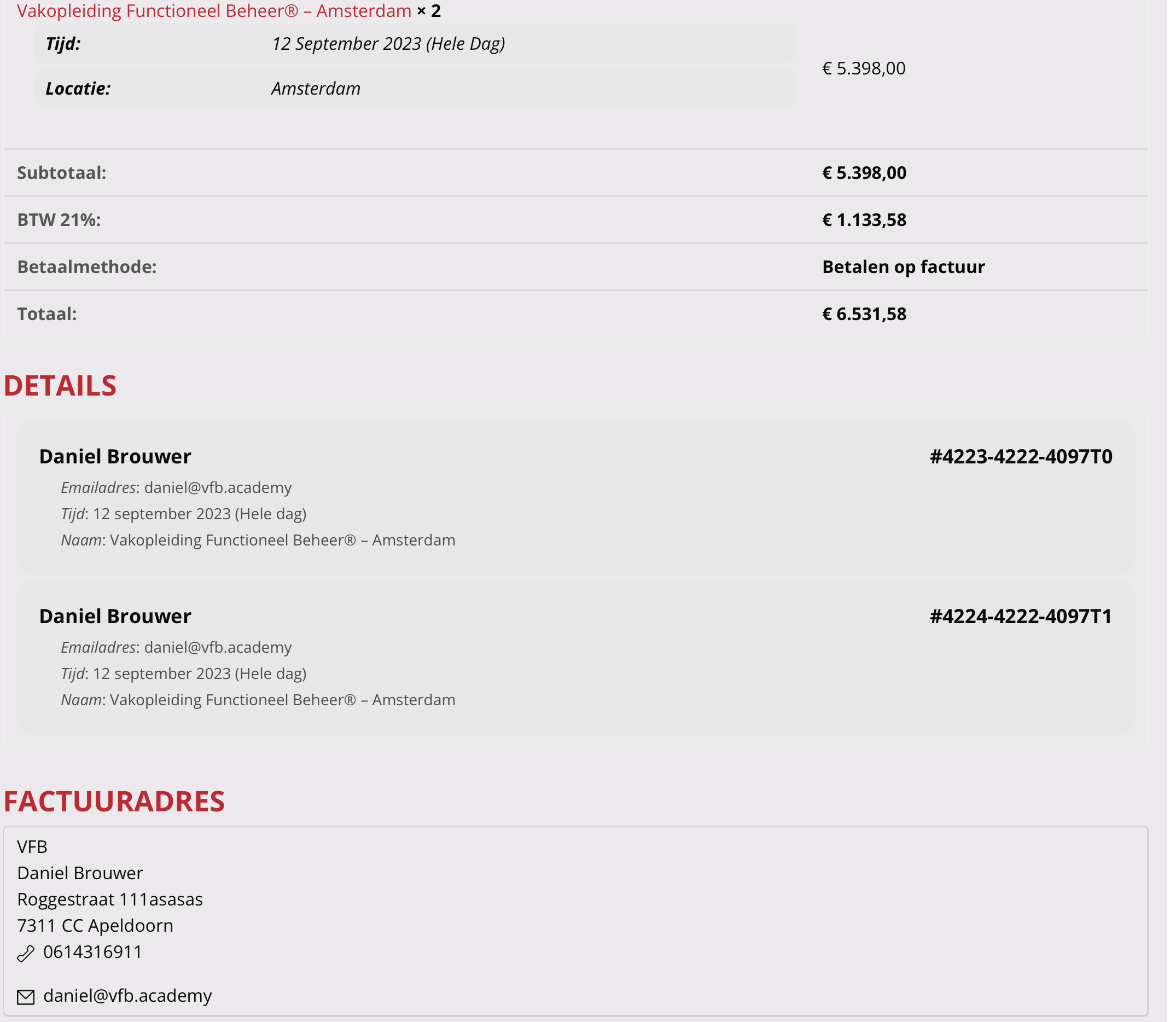
What I did, I put something in the cart, enabled TS mode. And made a purchase. Nothing is different.
I tried what you asked but I can’t seem to purchase anything because I don’t see the shop…
I can give you access to the file manager on Siteground by adding you as a collaborator. If you are open to this please provide email address and I will add you
Hi
User with same issue here – appears to be caching but have had no success nailing down the cause and fix.
Did you find a solution to this?
Thanks
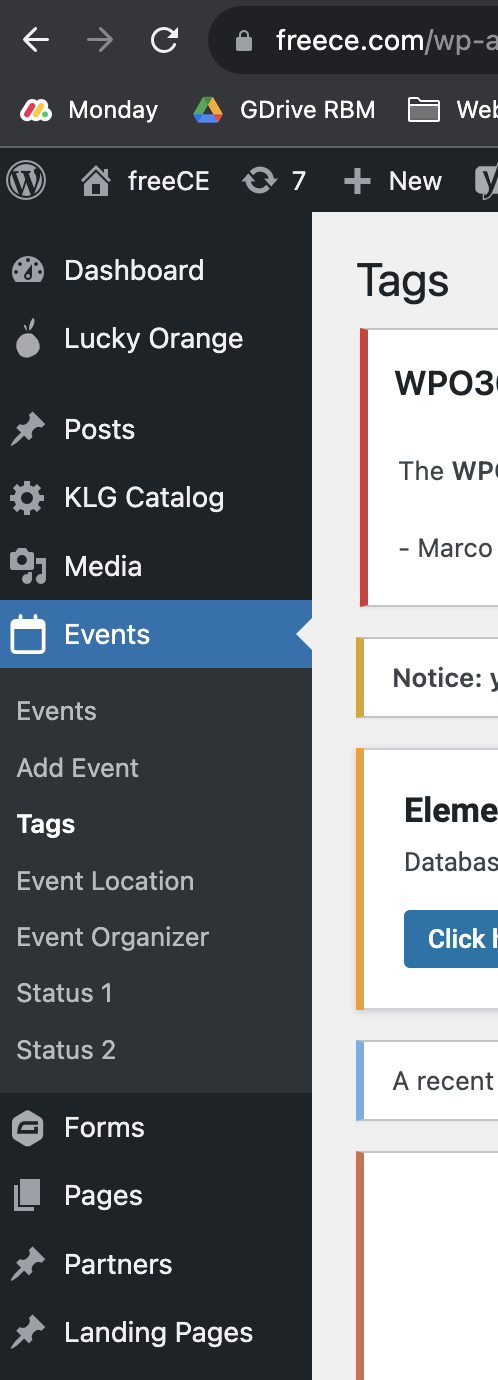
Sure and I appreciate your time Artem; screenshots attached showing wp-admin dashboard on the side. Youll see in the screenshot under Events it reads Status 1 and Status 2; I’d like to update those names to something else- how can I?
Browsing through tickets I see mine is not an isolated issue. This appears to be the same issue https://helpdesk.ashanjay.com/ticket/time-left-is-not-correct/
I have sent your reply to WP Rocket
My concern is that WP Rocket is going to require further information from you
For example:
WP ROCKET WROTE: I kindly recommend you to consult the event plugin support in order to get some more guidance from them if it is really compatible with cache plugins and if so, if we have any setting, filter or so to achieve the correct behavior.
THEN YOU WROTE: Wonder if there is a way to disable event content being cached?
Does this mean your plugin is NOT compatible with cache plugins?
I just don’t want to keep running around in circles.
I followed the instructions on https://docs.myeventon.com/documentations/how-to-enable-plugin-editor-for-wordpress/
Search for “define(‘DISALLOW_FILE_EDIT’, true); WAS NOT IN WP-CONFIG FILE
So I added define( ‘DISALLOW_FILE_EDIT’, ‘false’ );
See https://capture.dropbox.com/Dob76ZZOjCK4HVw0
But it doesn’t show Plugin Editor
https://capture.dropbox.com/ug0zLy1ueJGSK77n
FRUSTRATING! What do I do now?