Hello,
Unfortunately, since the space is limited, we moved this info to Edit Event Ticket window.
Please click on OrderID:
https://helpdeskx.s3.amazonaws.com/wp-content/uploads/2023/08/15075948/Screenshot-2023-08-15-at-16.58.52.jpg
Now scroll to Additional Ticket Holder Data:
https://helpdeskx.s3.amazonaws.com/wp-content/uploads/2023/08/15080046/Screenshot-2023-08-15-at-17.00.33.jpg
The CSS code from the link will fix the issue. Please try and let me know.
Hello,
You can also hook into EventTop by following this guide:
https://docs.myeventon.com/documentations/hook-eventtop/
The issue is that you need to develop this functionality and then add it to EventON.
Ashan,
I removed the custom code that had, so the only issue is the grey text color:
It should look better now. Please check.
Ah sorry I thought you wanted to refund the plugin because of “could you please recommend any other product similar to Eventon with that feature?”.
We don’t develop custom products at the moment, I am afraid.
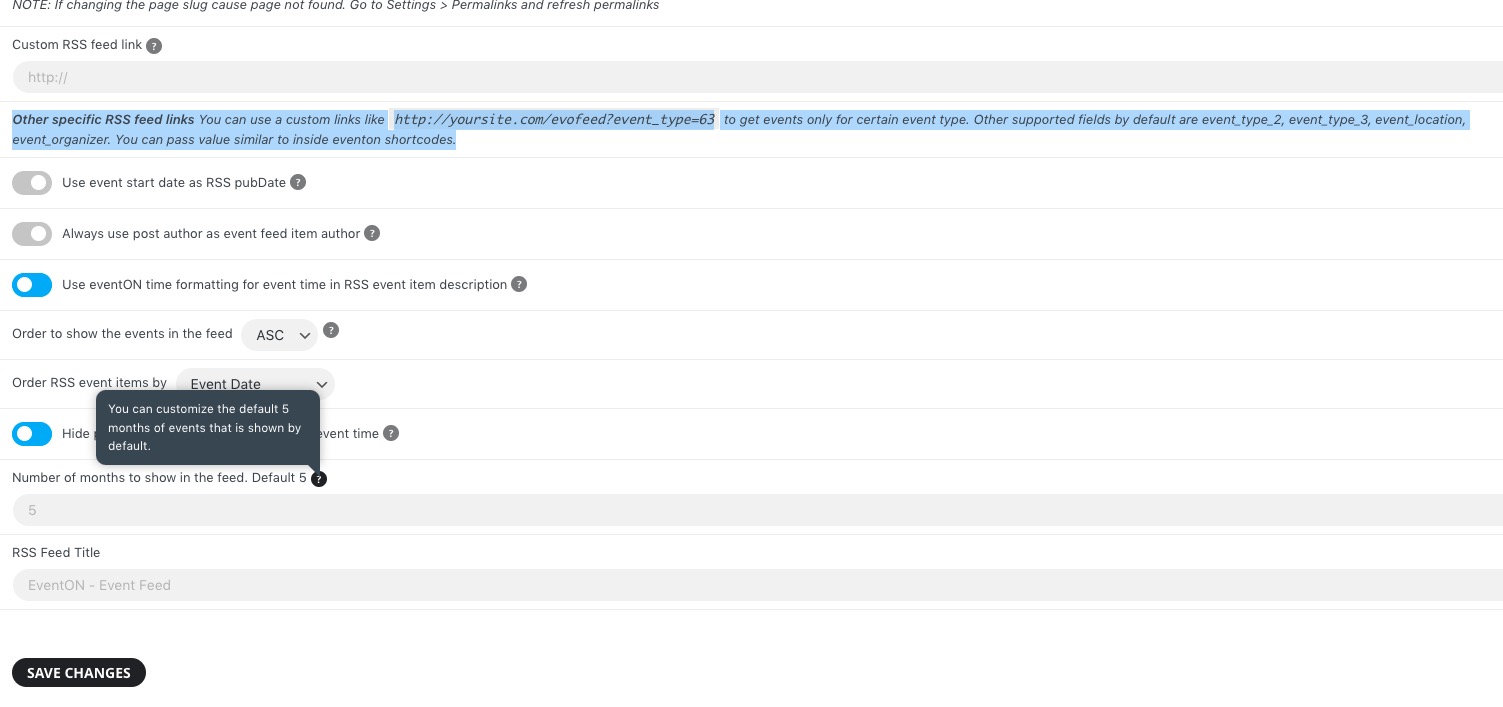
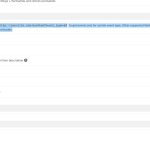
Maybe instead you could use RSS Feed add-on:
https://www.myeventon.com/addons/rss-feed/
It has several filtering options:
You should be able to convert the feed to .ics file with this
https://github.com/raivivek/rss2cal
Try on https://dev.myeventon.com/wp-admin/
Hello,
Please follow the instructions in this documentation to activate debug in your site to see any PHP errors recorded that can provide insight on to whats going on. Please reply with a link to debug.log file. If you are not able to do this please send us FTP access to your site so we can do this for you.
In most cases there is an issue with memory limit, so please try following
https://docs.myeventon.com/documentations/increasing-wordpress-memory-limit/
Hello,
Right here:
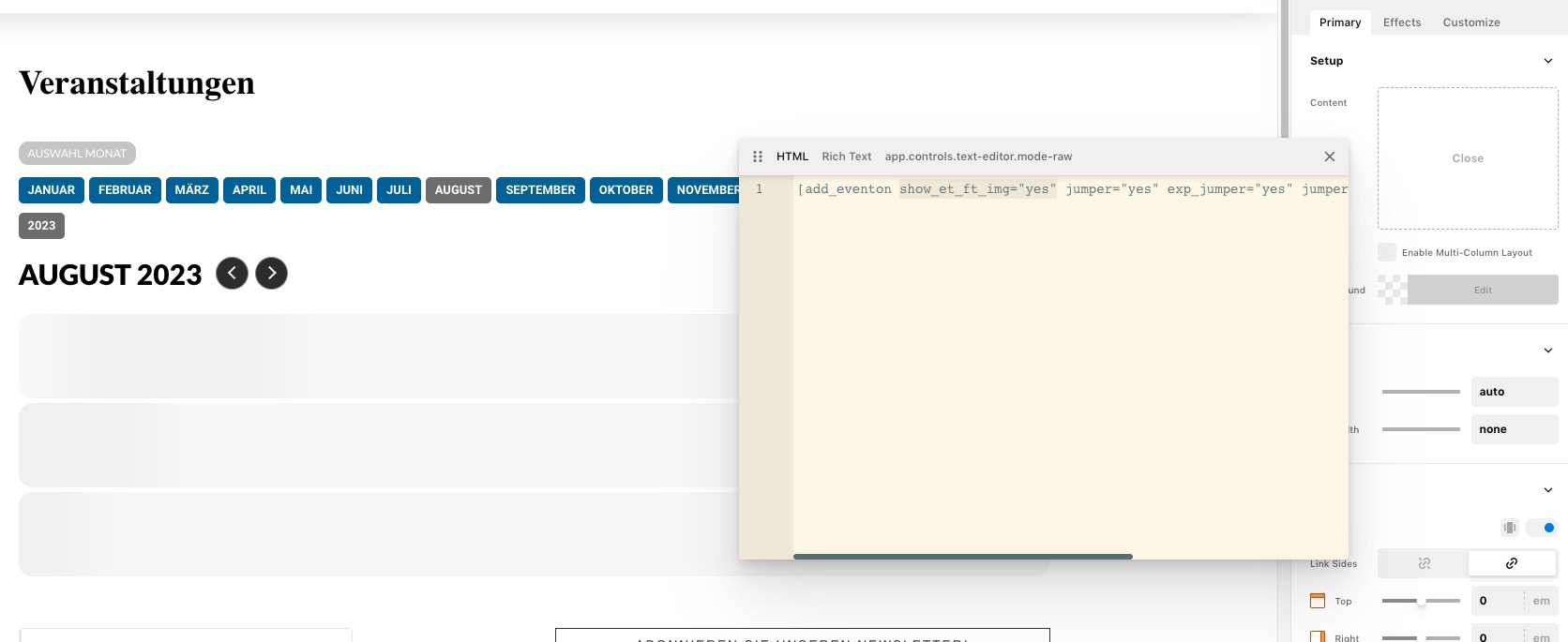
https://www.kom-olching.de/cornerstone/edit/1935
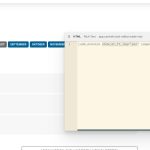
Since you are using a third-party page builder, please make sure click on Edit with Cornerstone on Edit Page.
More info on how to use Shortcode Generator:
https://docs.myeventon.com/documentations/shortcode-generator/
Please follow these instructions:
To update eventon to latest version: If you are unable to do autoupdate, you can go to codecanyon your account > download and get the latest eventon version as zip file. Then you can go to your website > make sure “Delete eventon settings & data when EventON is uninstalled” is Deslected from eventon settings, delete old eventon, install new one and activate. This link will further explain the process it. Also you can follow us on twitter to get real-time announcements on updates!
To update eventon addons: You can download latest eventon addons from myeventon > my account. Then you can go to your website, deactivate old addon and install new one and activate then delete the old addon. This link will further explain the process. Also you can follow us on twitter to get real-time announcements on updates!