Does it show anything on the screen? Could you send us a screenshot?
Also can we try to make a purchase in Test Mode:
https://woocommerce.com/document/woopayments/testing-and-troubleshooting/testing/
Replies for tickets on suppota
Does it show anything on the screen? Could you send us a screenshot?
Also can we try to make a purchase in Test Mode:
https://woocommerce.com/document/woopayments/testing-and-troubleshooting/testing/
We are glad your issue is resolved, if you have any further questions or concerns please create a new ticket.
If you have a moment, we would greatly appreciate if you could kindly leave us a review at codecanyon! from your account > downloads. Cheers!
Thankyou. This worked perfectly.
Hello,
Did you follow this guide to add the fields:
https://docs.myeventon.com/documentations/how-to-add-additional-fields-at-checkout/
The payments are not going through either – the customer puts their details in and it just hangs and doesnt complete the checkout process.
When I check the website in Troubleshooting Mode:
https://nutritionw.com/wp-admin/site-health.php?tab=troubleshoot 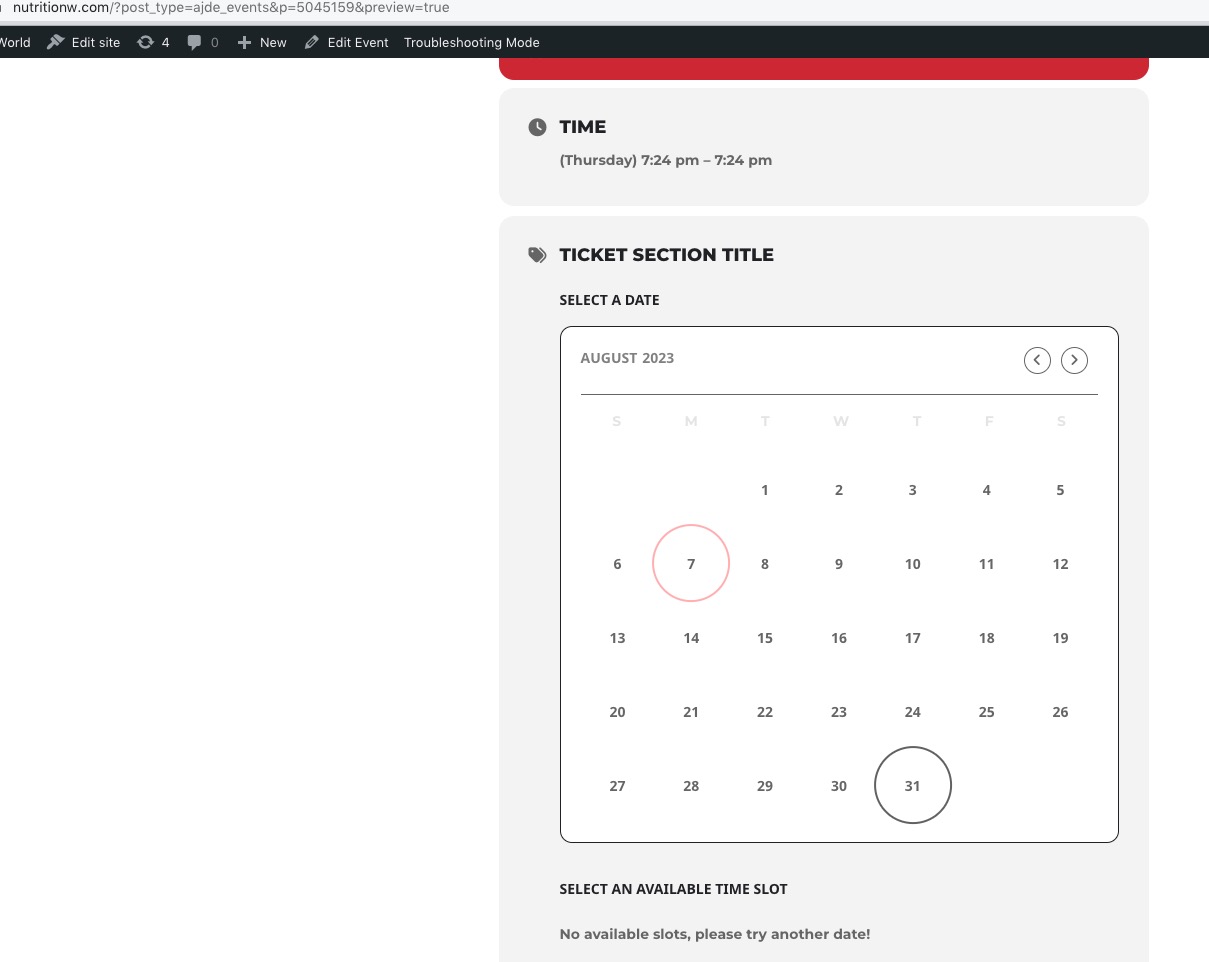
Could you please try the instructions mentioned in this documentation to make sure your issue is indeed coming from eventon.
Hello,
Please go to eventon-action-user/includes/form/class-form.php. All Day functionality can be found on line 395.
Please use these codes:
.wrap.evotax_term_card.evo_organizer_card { margin: 0 auto; max-width: 1164px; } .archive.tax-event_organizer .evotax_term_card .td_block_widget, .archive.tax-event_organizer .evotax_term_card .widget { display: none !important; } .archive.tax-event_organizer .content-area { width: 100% !important; float: none !important; }
.wrap.evotax_term_card.evotax_term_card { margin: 0 auto; max-width: 1164px; } .archive.tax-event_type .evotax_term_card .td_block_widget, .archive.tax-event_type .evotax_term_card .widget { display: none !important; } .archive.tax-event_type .content-area { width: 100% !important; float: none !important; }
Unfortunately, didn’t receive the image. Could you re-send?
Minimize it, then open. Now you should be able to move sections around with arrows.
Or do you want to move blocks inside of, for example, Time and Date section?