Nevermind I just understood what you were asking for 🙂
We will add those options to hide change RSVP when rsvp is closed and when limit reached.
Replies for tickets on suppota
Nevermind I just understood what you were asking for 🙂
We will add those options to hide change RSVP when rsvp is closed and when limit reached.
The options you showed are the available options for when to hide the Change RSVP option.
You mentioned, you close the RSVP 2 days before. WOuld you like for us to add extra options for 2 days before event start in the settings? So you can set that and forget about it 🙂
Hello David! Thank you very much for catching this my friend! It was one of those suckers that escaped our refactoring the code for HPOS. We will make sure to include this code change in the next version. Please use the modified code you shared here in your website for now.
Thank you again and may you have a blissful day my friend!
Hello Giovanni, i am trying to access your wp-admin to see what is going on, but it is asking for wordfence 2FA code. any chance you can disable it for a moment so we can take a look and see what is gong on?
Also can you try adding fullCal only into a new page and see if that work?
Do you remember what was updated, that made everything stop working?
If helpful, these are the problems I am currently unable to fix;
Thanks.
March 1 Sourdough-
March 7 Filo –
April 18 Sourdough-
Thank you!
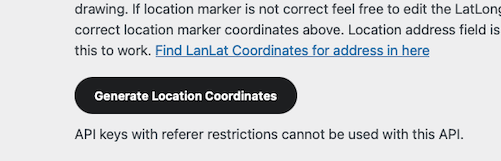
lat/long cannot be created manually using google – API keys with referer restrictions cannot be used with this API.
lat/long can be created manually using openstreetmap
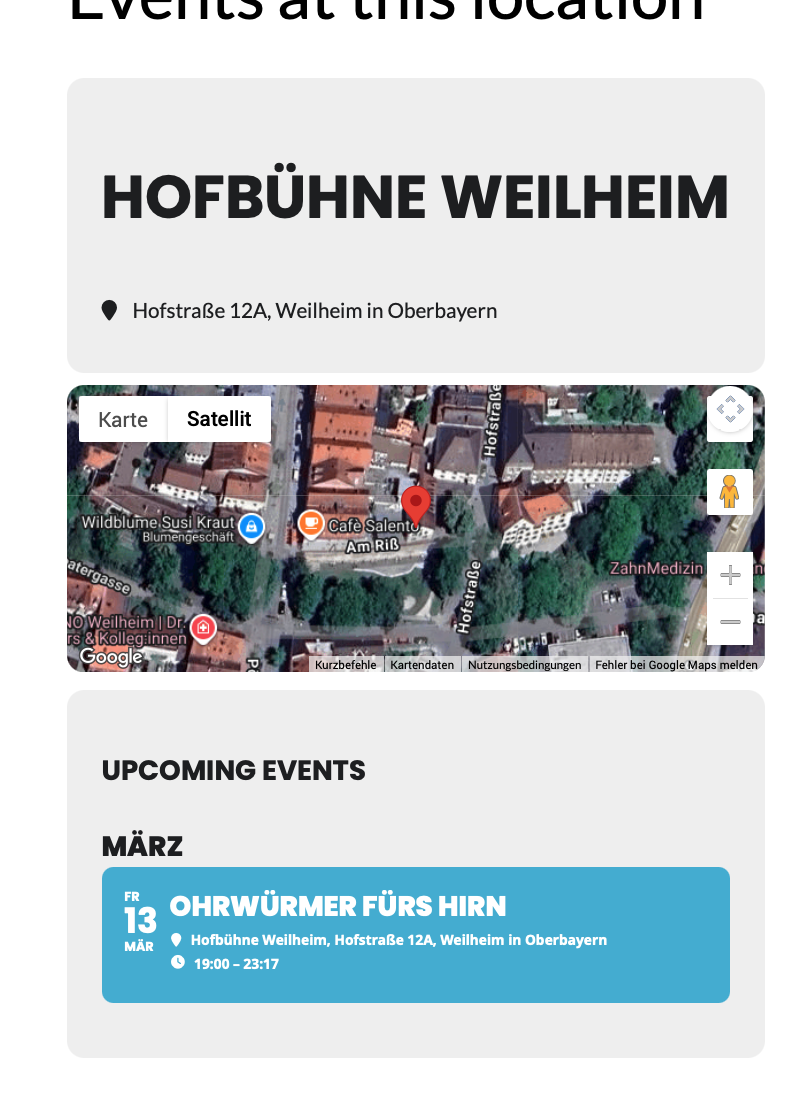
map shows up in location detail
map does not show up in eventtop detail
some maps do show up in eventtop detail


sure – login data was already added to the ticket
Hi Artem,
the Add-on is active now.
Best regards
Andreas
Hi Artem, have you had a chance to look into this issue anymore? Thanks