If you cannot update, please add this CSS code to EventON > Styles (If you don’t see any change, EventON > Scripts & Styling > turn off Write dynamic styles to header > save settings > turn on Write dynamic styles to header):
@media (max-width: 980px){ .evo_page_body .evo_page_sidebar, .evo_page_content.evo_se_sidarbar .evo_event_content, .evo_page_content.evo_se_sidarbar { display: block !important; flex: none !important; }}
Hello,
Could you try to re-download it again?
I am also going to assign this ticket to Ashan and he will be able to take it from here and find you a solution. Please allow some time for him to get back to you, we greatly appreciate your patience and thank you for being a eventon customer!
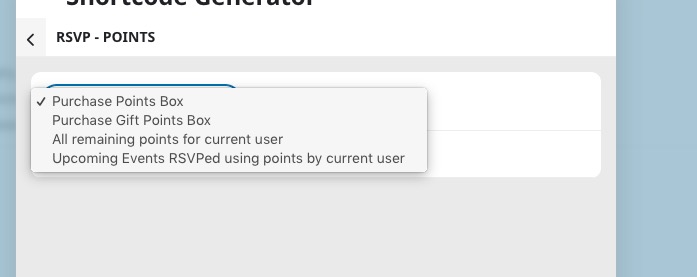
Current options of the add-on can be found here:
The rest is basically hacks that can break the functionality of the add-on, I am afraid.
Hello,
Thank you very much for your suggestion! We will take this into account when working on updates.
Hello,
Please send us wp-admin access to your site as a private message for us to further assist your situation.
Could you make sure that your server’s cache is cleared?
Hello,
I fixed it by following:
https://docs.myeventon.com/documentations/single-events-page-not-working-404-error/
Could you check and let me know?
Hello,
There are new versions of Ticket and Variations add-ons are available. Could you update?
To update eventon addons: You can download latest eventon addons from myeventon > my account. Then you can go to your website, deactivate old addon and install new one and activate then delete the old addon. This link will further explain the process. Also you can follow us on twitter to get real-time announcements on updates!
Can you add more than 4 tickets on this event on our test server:
https://dev2.myeventon.com/events/book-4/
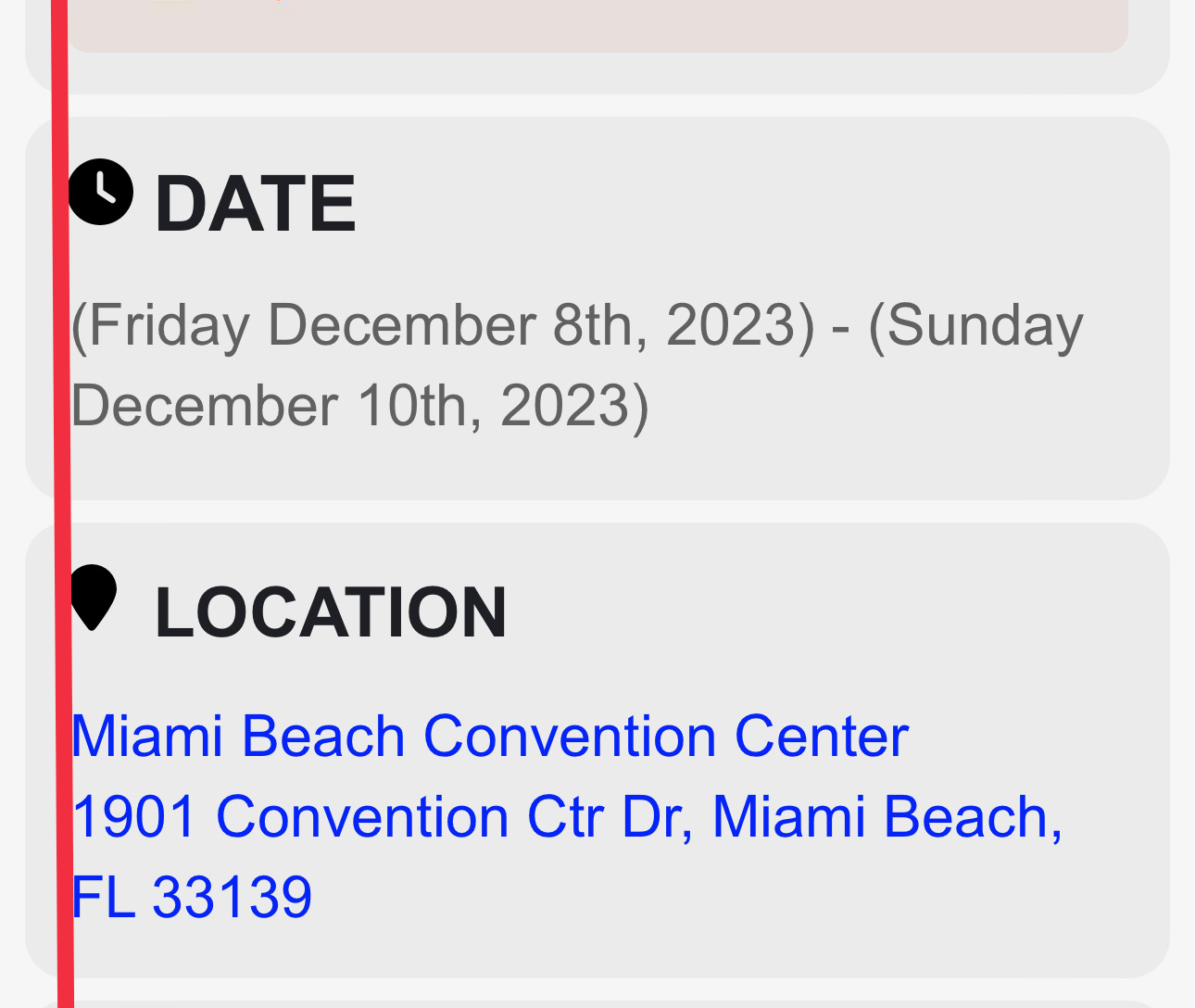
Ill look at the docs. However, Lets make sure we are on the same page.
Ive attached the mobile design below with the red line to indicate the padding.
Im trying to get that on desktop as well. So that the justification is the same as it is on mobile. And left aligned at the same position as it is on Mobile.
Is there not an easy solution to do this?
Hi there,
Just to tell you that I update all the website (PHP Version, WordPress Version, Woocommerce Version, Divi Template Version and so all the Event On Plugin…)
And the problem disapeared.
So, thanks for all.
Jean
We are glad your issue is resolved, if you have any further questions or concerns please create a new ticket.