Please send us wp-admin access to your site as a private message for us to further assist your situation.
Archives: Replies
Replies for tickets on suppota
Reply to: tickets(321494)
Hello,
Please add this CSS code to EventON > Styles (If you don’t see any change, EventON > Scripts & Styling > turn off Write dynamic styles to header > save settings > turn on Write dynamic styles to header):
.eventon_full_description .wp-block-columns { gap: 10px; }
Reply to: tickets(321497)
Hello,
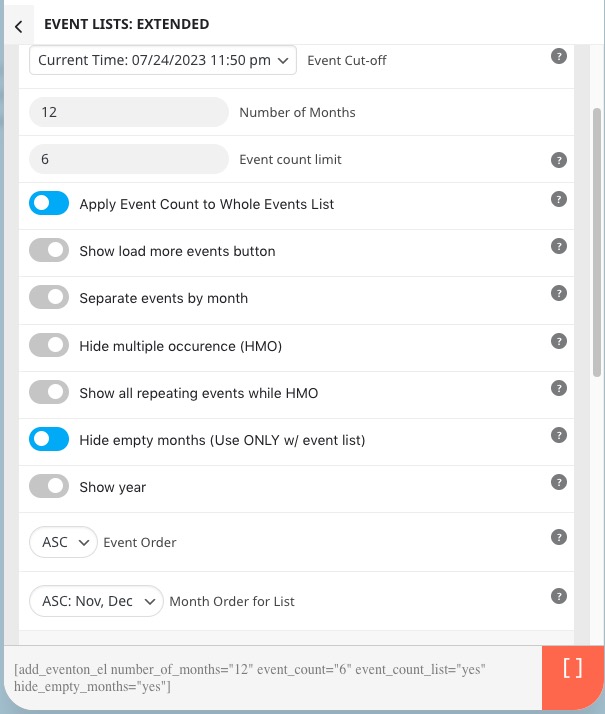
Please use this shortcode:
[add_eventon_el number_of_months=”12″ event_count=”6″ event_count_list=”yes” hide_empty_months=”yes”]
Options I enabled:
Please take a look at this guide:
https://docs.myeventon.com/documentations/shortcode-guide/
However, the best is just ask us and we’ll help you ASAP.
Reply to: tickets(321390)
Hello,
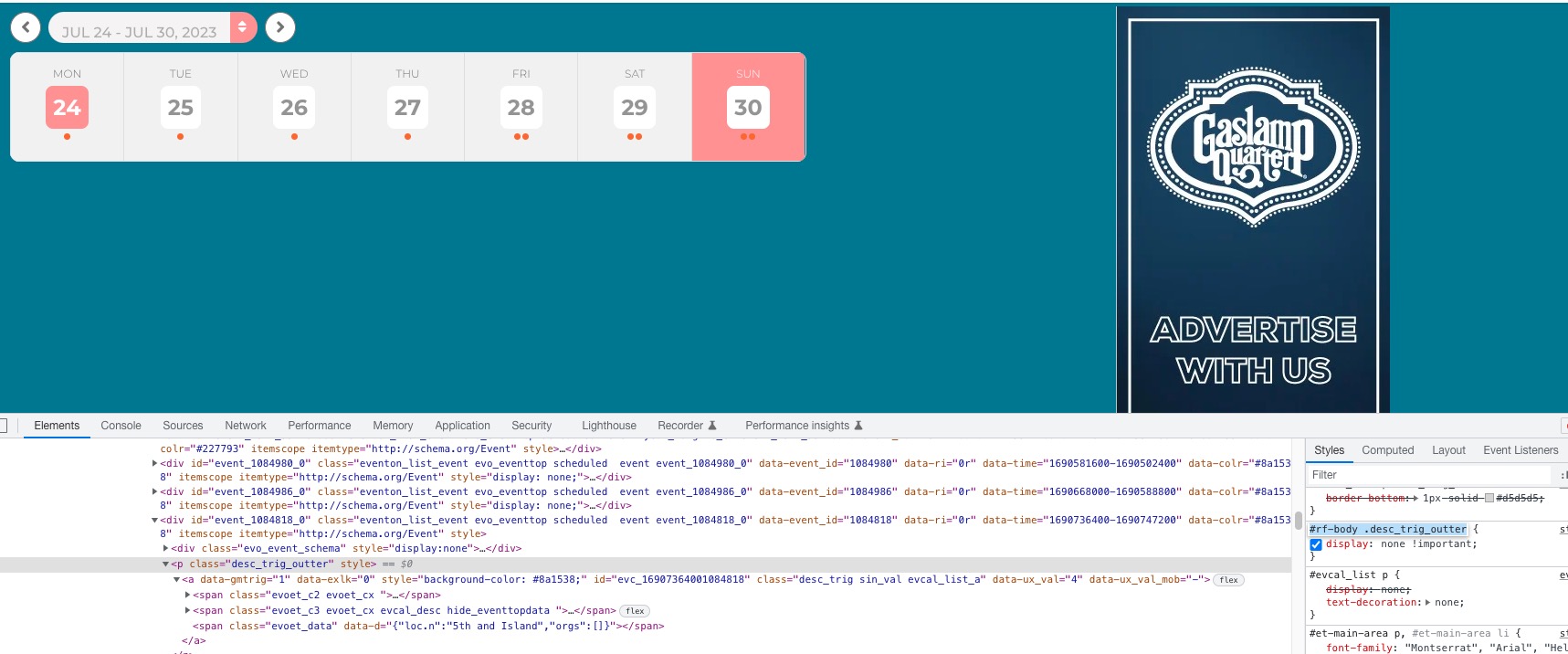
Please remove this CSS code:
Reply to: tickets(321500)
Hello,
You need to use Event Lists: Ext add-on:
https://www.myeventon.com/addons/event-lists-extended/
Try this shortcode on https://dev.myeventon.com/wp-admin/:
[add_eventon_el number_of_months=”12″ event_count=”3″ event_count_list=”yes”]
Reply to: tickets(321501)
Hello,
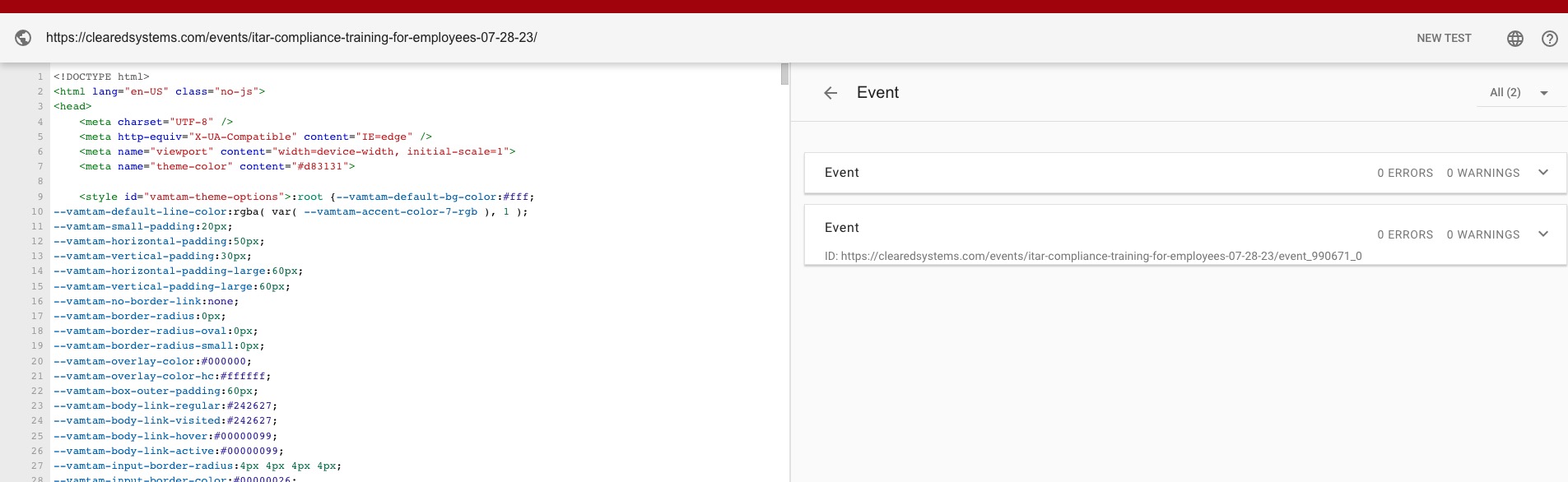
No issues on my side:
https://validator.schema.org/#url=https%3A%2F%2Fclearedsystems.com%2Fevents%2Fitar-compliance-training-for-employees-07-28-23%2F
Could you try clearing server’s cache and check again?
Reply to: tickets(321259)
This ticket is private, so please send us login/pass so we can check wp-admin.
Reply to: tickets(321504)
Hello,
In Troubleshooting Mode it works:
https://ima-net.org/wp-admin/site-health.php?tab=troubleshoot
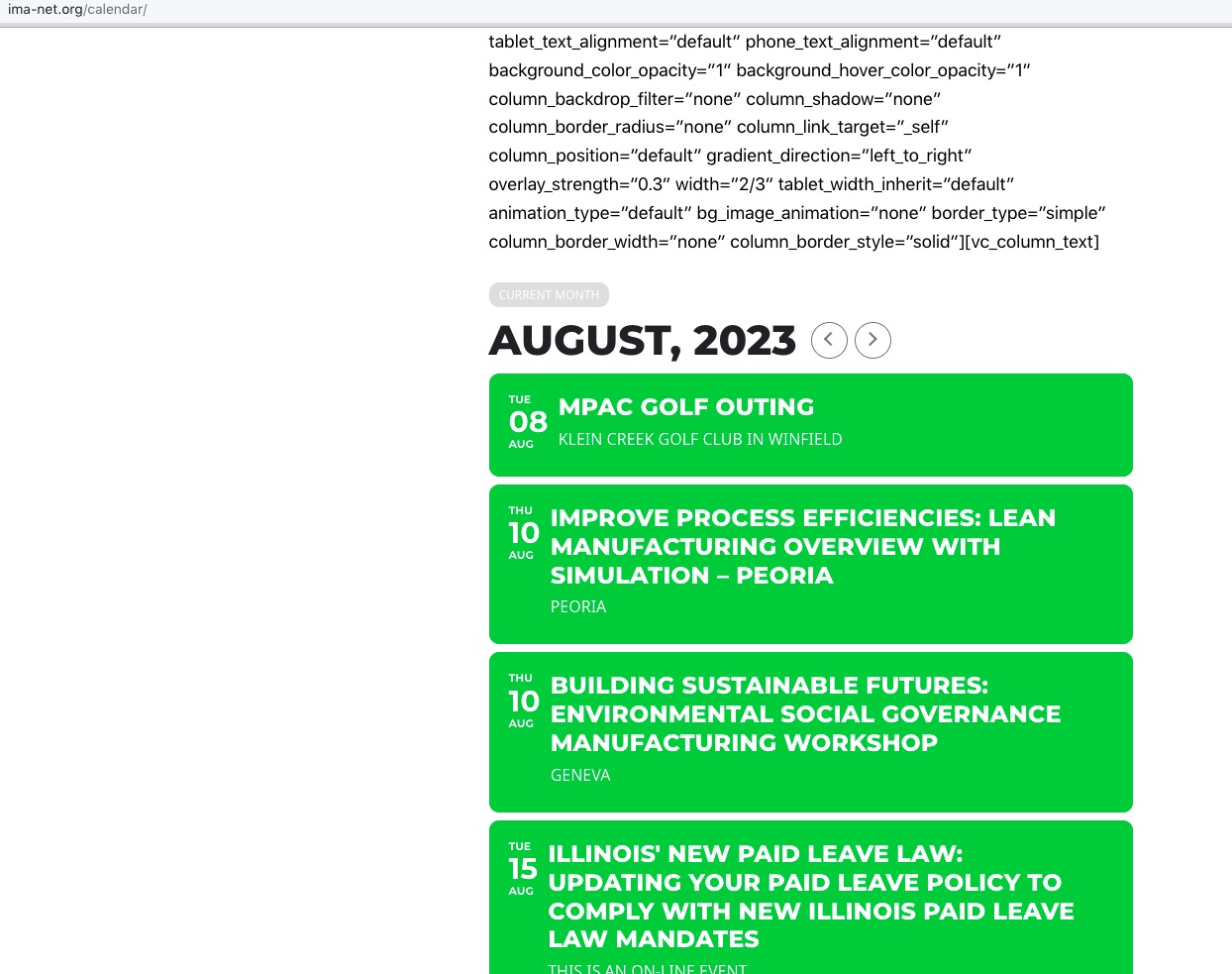 It seems that your marketing plugin adds a script that affects EventON: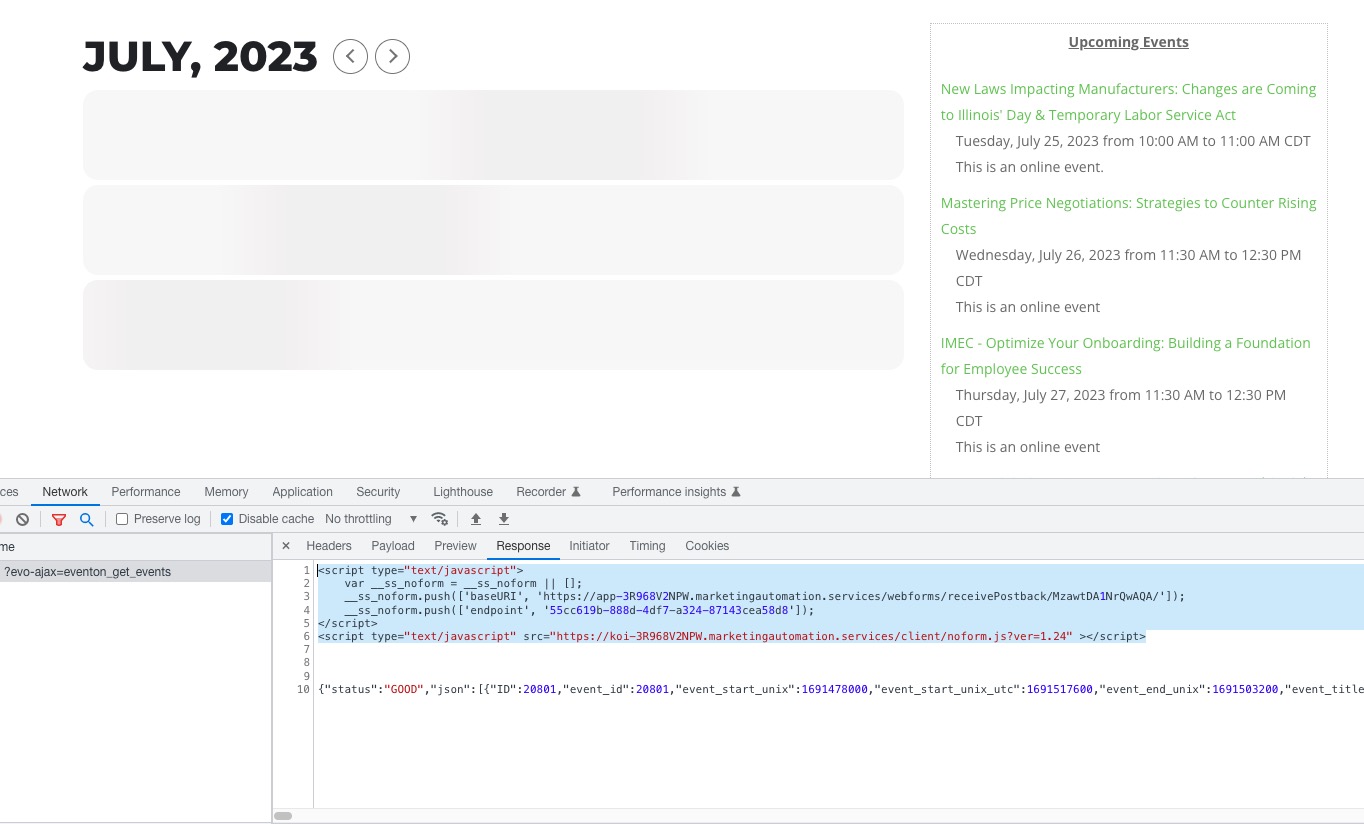
Reply to: tickets(321259)
Hi,
The months and dates was rewritten and translated earlier and looks ok under Language > Months and Dates.
I have tried adding to the shortcode:
add_eventon lang=”L1″
and cleared the cache. But no difference. Also tried adding only :
lang=”L1″
with same result.
You are welcome to login as admin if it helps. Should I post the login link, ID and Password here?
Thanks
Hans
Reply to: tickets(321412)
it s ok now