Hello,
Thank you for your messages!
I am going to escalate this ticket to development to help in here. Please allow us some time to address this, and we truly appreciate your patience. Thank you for being a valued EventON customer!
Replies for tickets on suppota
Hello,
Thank you for your messages!
I am going to escalate this ticket to development to help in here. Please allow us some time to address this, and we truly appreciate your patience. Thank you for being a valued EventON customer!
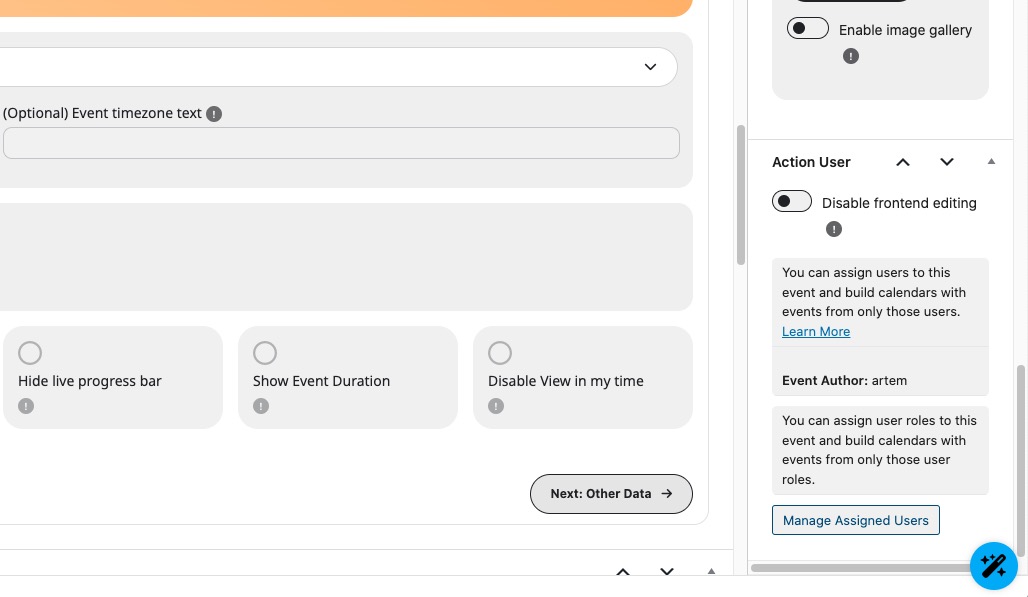
Please go to wp-admin > Events > Edit Event > Action User:
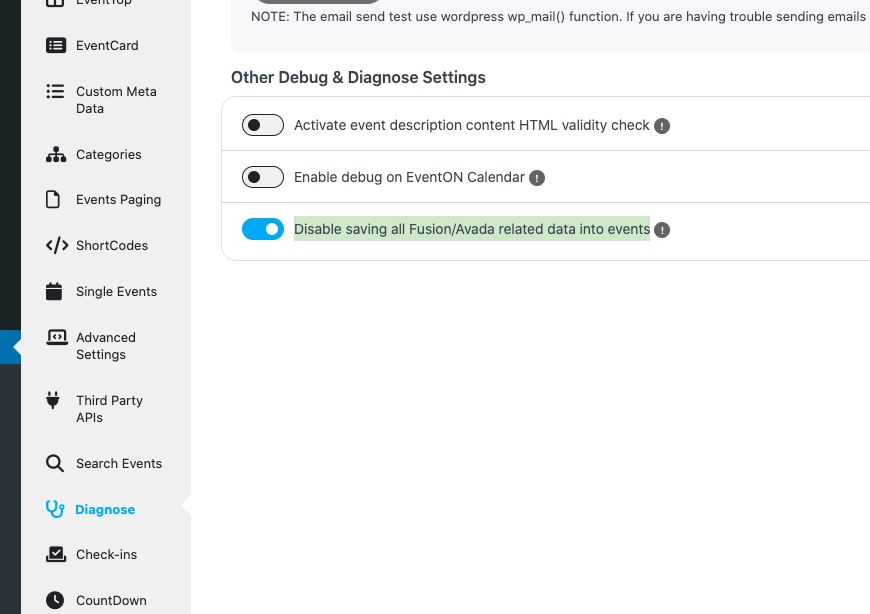
About the issue with Avada. Have you tried to enable this option that was designed specifically for Avada:
About the refund. I am going to escalate this ticket to development to help in here. Please allow us some time to address this, and we truly appreciate your patience. Thank you for being a valued EventON customer!
Hello,
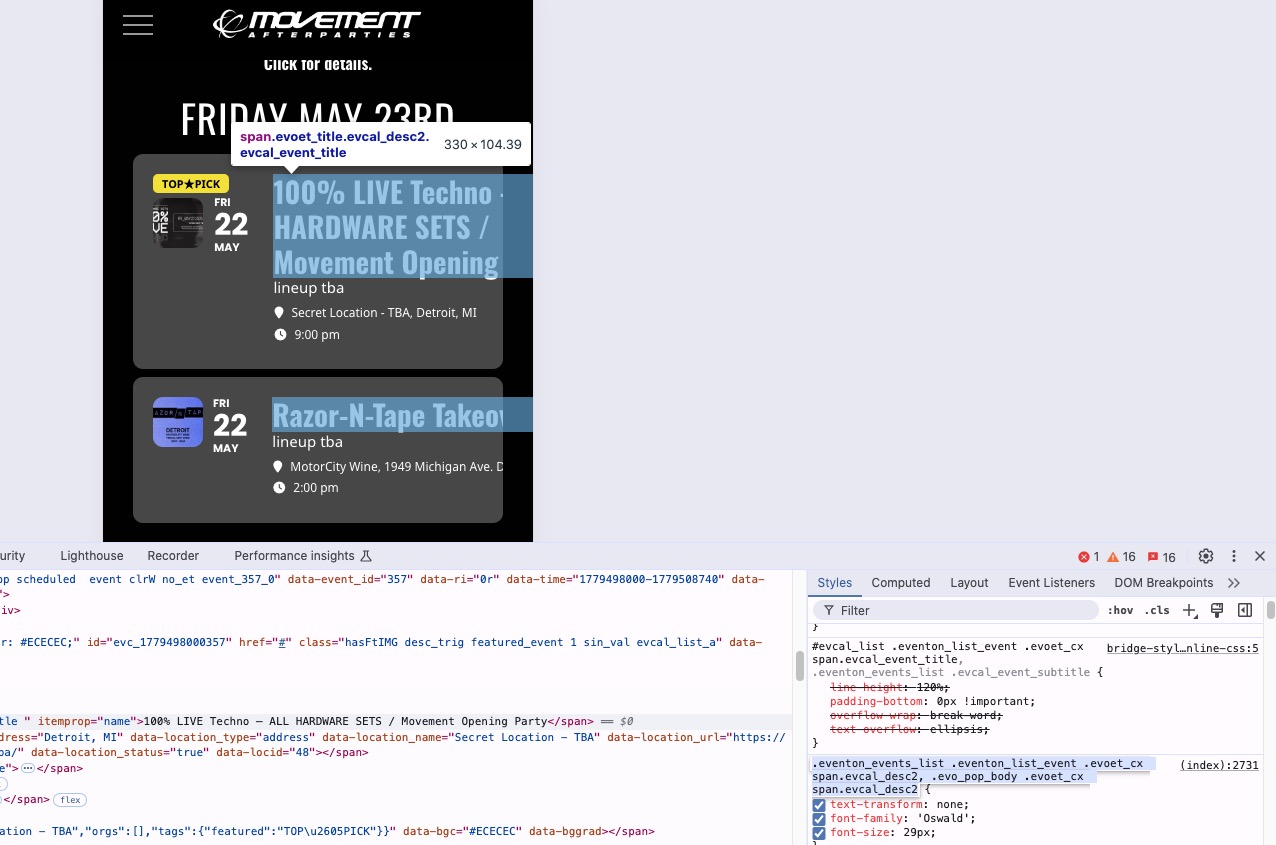
Please remove your custom CSS to fix the issue:
At this time, the EventOn and RSVP plugins are not functioning properly on our platform. We use Avada, and we’re experiencing issues with displaying an RSVP form for our event. After reviewing this with our developer, it appears there is a code conflict between Avada and the EventOn/RSVP plugins that prevents the form from displaying as intended.
Due to this incompatibility, we would like to request a refund. The order IDs are listed below.
#221491
#221486
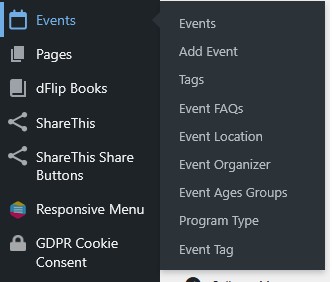
I don’t appear to have the action user section in the events tab, so I’m not sure I can assign myself to the events.
Thank you very much for the information!
Now it looks fine.
How now. On some website it is ok, and broke it is only on some.
You will make some change into new plugin update, or should i use CSS fixation only, if needed?
Thank you.
Could you install ”Health Check & Troubleshooting” plugin? I want to check the website in Troubleshooting Mode without any other plugins and the default theme.
Hello,
I believe that you need to renew your license subscription for Event Lists: Ext add-on. Could you check and let me know?