Hello,
Thank you for your messages, I am going to assign this ticket to Ashan and he will be able to take it from here and find you a solution. Please allow some time for him to get back to you, we greatly appreciate your patience and thank you for being a eventon customer! Also please disable any IP blocking on your site if there are any.
Please update Single Event Template with the new version:
https://hristosinafrica.org/wp-admin/plugin-editor.php?file=eventON%2Ftemplates%2Fsingle-ajde_events.php&plugin=eventON%2Feventon.php
We are glad your issue is resolved, if you have any further questions or concerns please create a new ticket. If you have a moment, we would greatly appreciate if you could kindly leave us a review at codecanyon! from your account > downloads. Cheers!
Now if it has worked, thank you very much, it was necessary to add the additional CSS.
Hi Michael,
The credentials you have provided are not working. Please send some which work so that we can troubleshoot the issue.

Hi Richard,
When you install Eventon Pro, please disable Eventon Lite. You can only use one of them at a time.
Yes I do! Thank you but what was the issue?
Hi, thank you. I discovered that after updating my single event page is broken. Can you please check it? I made a costumisation that worked with the past versions prior to 4.1. The file is here: /public_html/wp-content/themes/generatepress_child/eventon/single-ajde_events.php . I just renamed it is at single-ajde_events.php2 for the site to work. (I got a lot of events inside GSC because of this and then I realized it’s this problem)
Example of the URL : https://hristosinafrica.org/calendar/sfantul-slavit-proroc-ilie-tesviteanul/var/ri-0.l-L2
Now it works, but you have to rename single-ajde_events.php2
Thanks
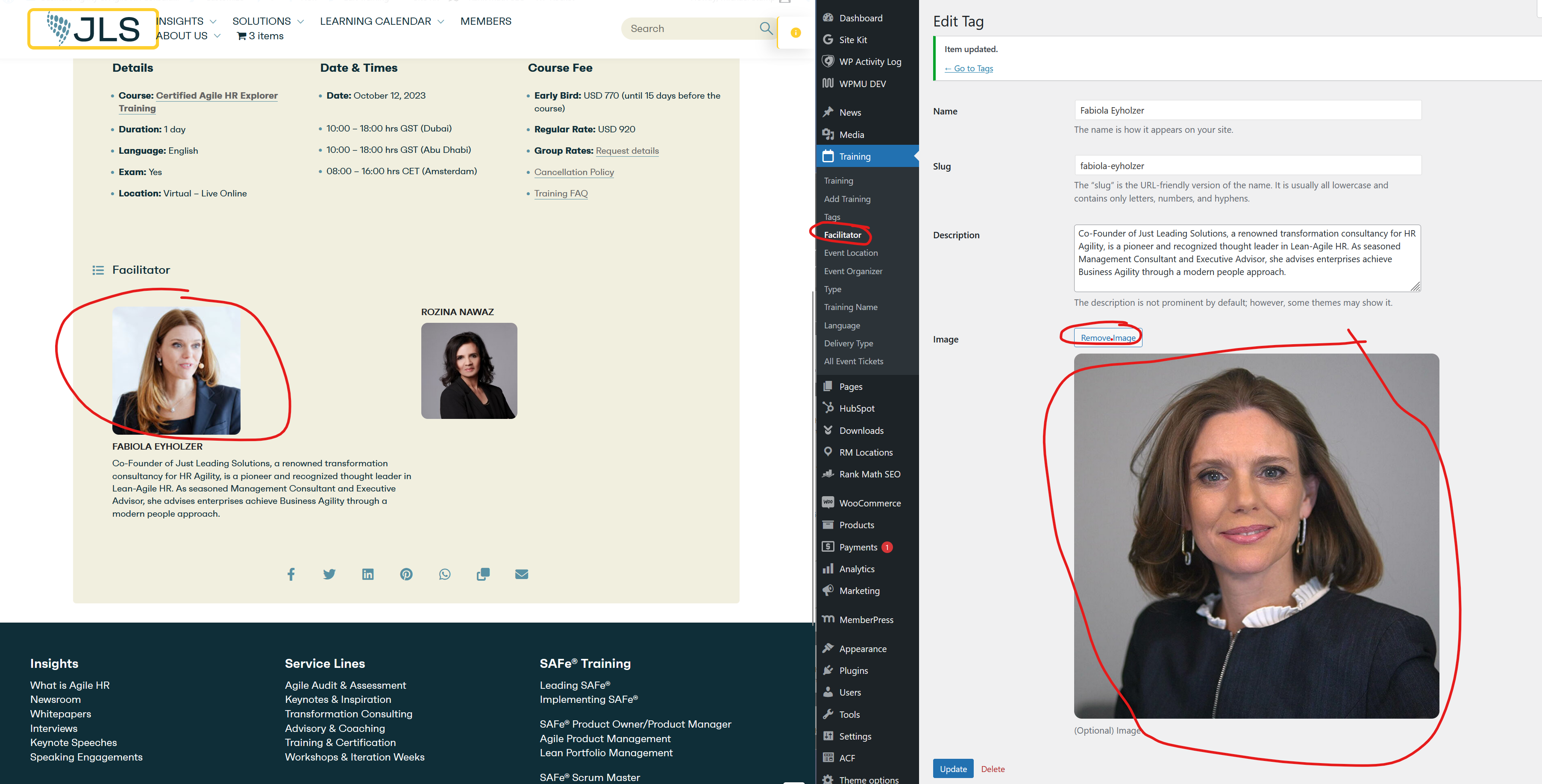
This is the link to the backend https://www.justleadingsolutions.com/wp-admin/edit-tags.php?taxonomy=multi_data_type_1&post_type=ajde_events