Thank you for the info! We will look into this.
If you have any further questions or concerns please create a new ticket.
Replies for tickets on suppota
Thank you for the info! We will look into this.
If you have any further questions or concerns please create a new ticket.
Hello,
In the current calendar design the background comes from Edit Event > Event Color.
Please go to EventON > Event Top > Select Default Calendar EventTop Style: Clear with left border colors. This way EventON uses the color from Appearance.
Also what is the way to add space between date and title?
Please add this CSS code to EventON > Styles (If you don’t see any change, EventON > Scripts & Styling > turn off Write dynamic styles to header > save settings > turn on Write dynamic styles to header):
.eventon_events_list .eventon_list_event .evoet_cx, .evo_pop_body .evoet_cx { margin-right: 20px; }
Hello,
Thank you for your messages, I am going to assign this ticket to Ashan and he will be able to take it from here and find you a solution. Please allow some time for him to get back to you, we greatly appreciate your patience and thank you for being a eventon customer!
Hello,
If you go to https://www.myeventon.com/my-account/edit-address/billing/ you can edit the address and add TVA number under company name. And then apply it to all the active subscriptions and see if generating invoice make correctly with TVA. if it doesn’t, send us the TVA number and we can include in the invoice for you.

The shortcode you provided didn’t show events from different month.?
I want to do this (see attached) with the event type as the controller, and all events from the event type displayed in a row irregardless of month.
Right now each month creates a new row.
Is this what I need to accomplish this?:
bought it but now I have another problem. The background color of my events is black. It doesn't matter if I change all the colors to gray it stays black. How can I do. Also what is the way to add space between date and title?
I bought it but now I have another problem.
The background color of my events is black.
It doesn't matter if I change all the colors to gray it stays black.
How can I do. Also what is the way to add space between date and title?
Hi.
I downloaded the plugin from Codecanyon and updated it. There is still a conflict with WP External Links. I will use Open Links In New Tab plugin and all is aok.
Thank you,
Tom
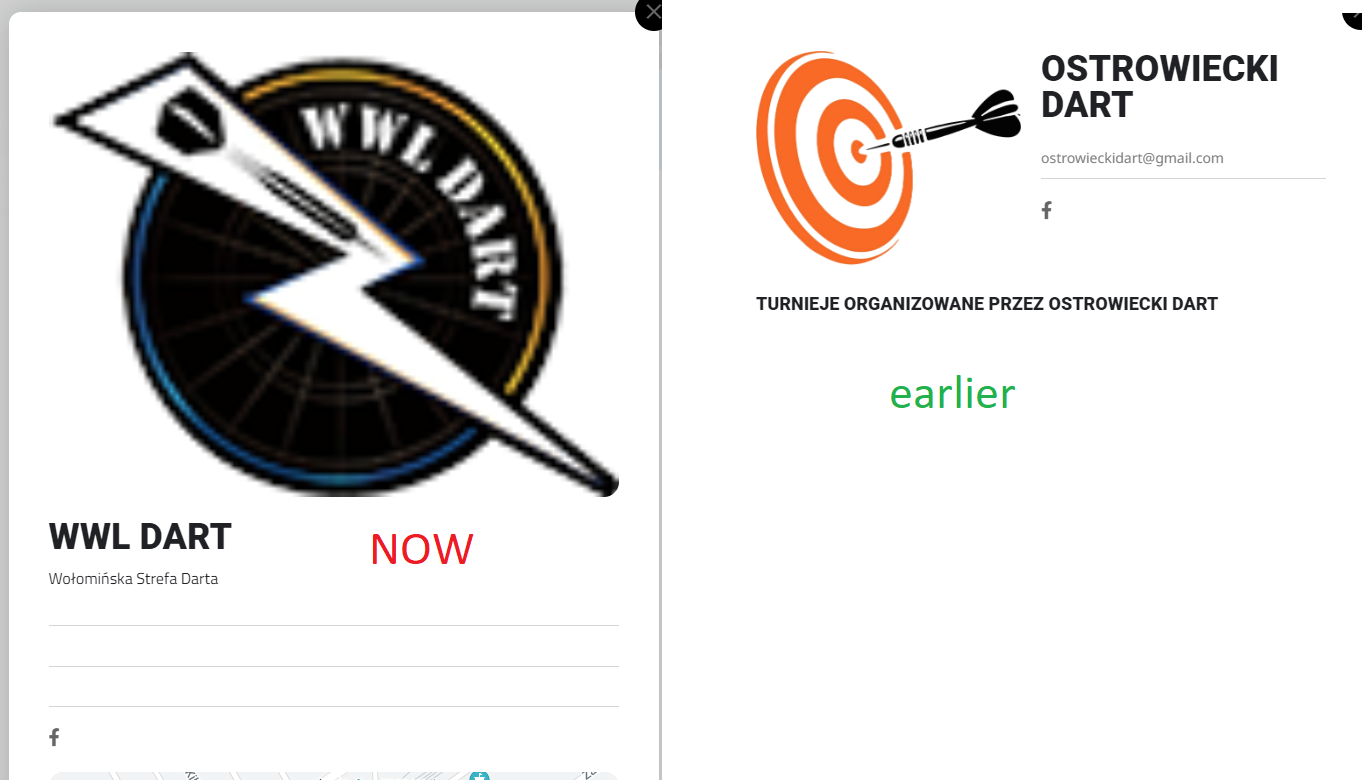
Hi,
changes in 4.4.1 are great, everything works 🙂
But I have one question – please look at the attachment. This is where you click on the organizer’s other events. This current view with a large log in the middle is not very convincing to me (especially since it requires good quality logs). I preferred the previous arrangement. And now I have a question – is there a chance to get a code to get the old look of this place in version 4.4.1 in this particular place?
I would be very grateful 🙂
this was only for this order all other orders are coming in correctly. i dont have acces to ideal.