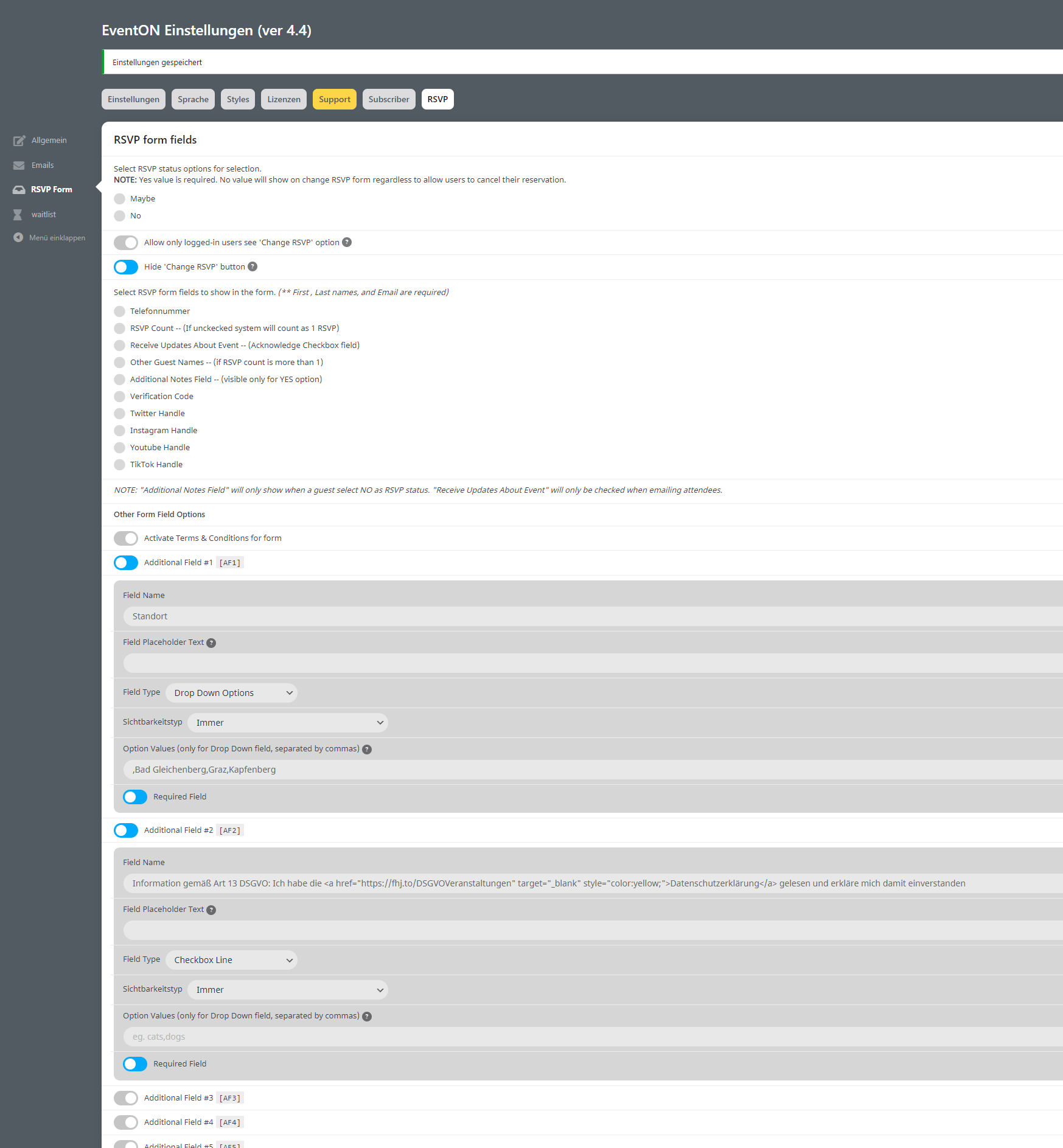
So it seems the QR codes generated before did not have a URL, but only the ticket code. I am not entirely sure how that happened.
So the system create a qr code image and then it saves it in the media to reuse it.
You have a lot of orders. I am not really sure what we can do. We can def add re-generate QR code button in event ticket edit page. But clicking that for a lot of pages would be tiresome.
I am open to any suggestions you might have?
I also removed some code text from featured events. Any idea where that code comes from? Could it be from duplicating events?
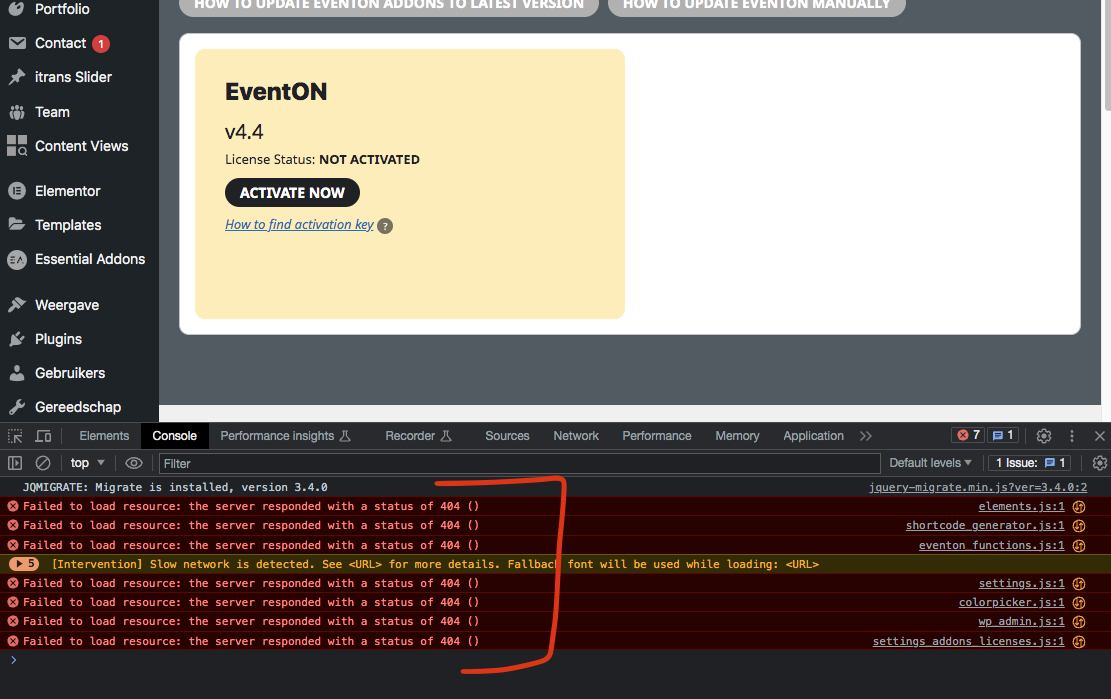
So the issue with your site is, its failing to load some necessary javascript files on your page to work properly. Like this file
https://www.sola-bs.nl/wp-content/plugins/eventON/assets/js/eventon_functions.js?ver=4.4
It is missing. That is why it is not working. But this is not happening on our end. So must be something in combination with your setup.
1. Perhaps try re-installing eventON and see if that fix it?
2. If that doesnt work, try deactivating some of the other plugins and see it that work.
3. If that doesnt work, try switching the theme and see.
Something is not letting those scripts load into the page– from what I see.
Hi Artem,
https://gaestehaus.kloster-weltenburg.de/wp-login.php
User: EventOn
Pwd.: v7Gzs&4PPN(yoU)*Rqk2&L0N
1. Unfortunately, we unable to help with code customizations. However please create a new ticket and select Feature Request as category so others can vote on your idea and get it moved into development faster.
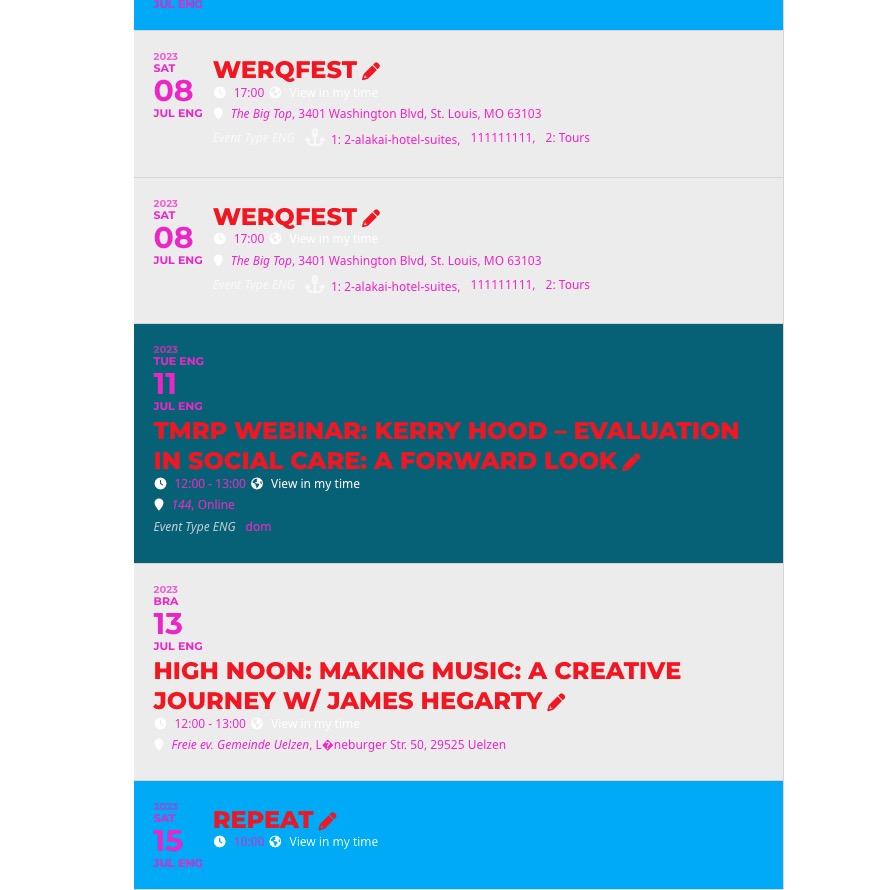
2. Please take a look at this website with disabled awesome fonts:
https://dev2.myeventon.com/Events-Directory/high-noon-making-music-a-creative-journey-w-james-hegarty/
Usually your theme or other third-party plugin also load their own icons. Could you check if something similar happens on your website?
Ashan,
Not sure how to fix this with custom CSS code because of flex. The same on dev2:
https://dev2.myeventon.com/test-97/
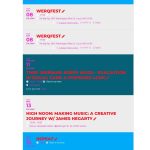
Could you check?
Hello,
Thank you for your messages, I am going to assign this ticket to Ashan and he will be able to take it from here and find you a solution. Please allow some time for him to get back to you, we greatly appreciate your patience and thank you for being a eventon customer! Also please disable any IP blocking on your site if there are any.
We are glad your issue is resolved, if you have any further questions or concerns please create a new ticket.
Hello,
Please add this CSS code to EventON > Styles (If you don’t see any change, EventON > Scripts & Styling > turn off Write dynamic styles to header > save settings > turn on Write dynamic styles to header):
.ajde_evcal_calendar.boxy.boxstyle1 #evcal_list .eventon_list_event .evcal_desc span.evcal_event_title, .ajde_evcal_calendar.boxy.boxstyle1 #evcal_list .eventon_list_event .evcal_desc span.evcal_event_subtitle { overflow-wrap: normal; word-wrap: normal; overflow: hidden; white-space: normal; text-overflow: unset; }
And this code is to change font-size on mobiles:
@media (max-width:960px){ .ajde_evcal_calendar.boxy.boxstyle1 #evcal_list .eventon_list_event .evcal_desc span.evcal_event_title, .ajde_evcal_calendar.boxy.boxstyle1 #evcal_list .eventon_list_event .evcal_desc span.evcal_event_subtitle { font-size: 15px }}