Hello,
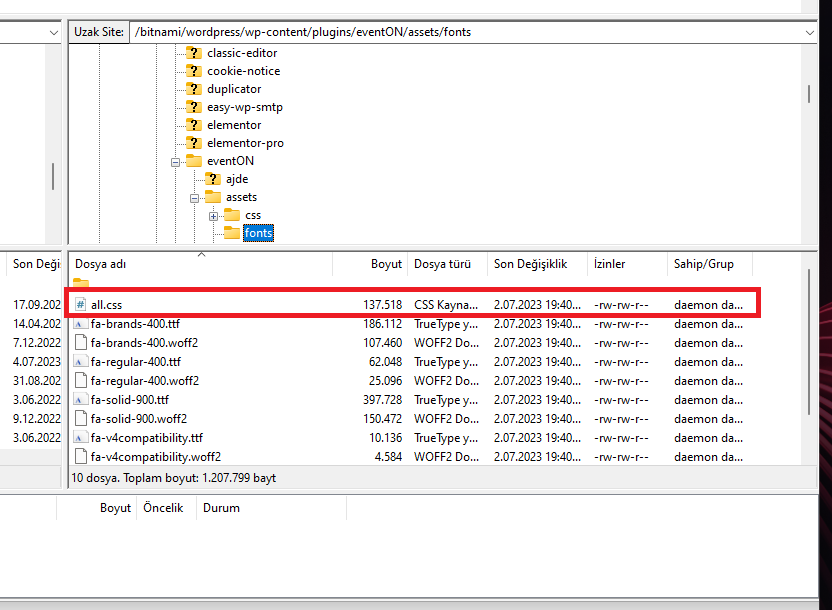
When we ftp to our server I can find ccs files right there. Is there a permisson problem with plugin because it won’t load any other icons that includes eventOn
Replies for tickets on suppota
Hello,
When we ftp to our server I can find ccs files right there. Is there a permisson problem with plugin because it won’t load any other icons that includes eventOn
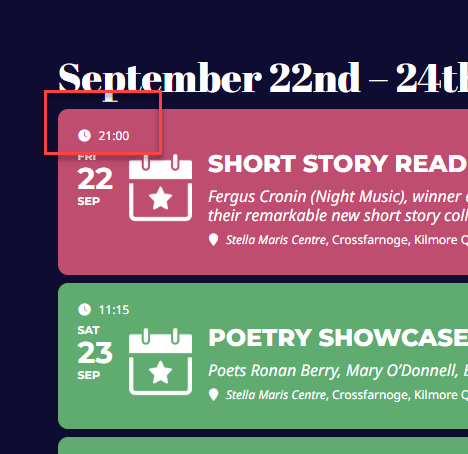
thank you Artem
There’s still no regular events on the calendar,,, Help
BTW
One of your events (or maybe multiple) contains raw HTML code that breaks everything.
How do you know it breaks everything?
Try going to EventON > selecting Select calendar event content filter type: Default WordPress Filter.
Tried this. Nothing changed
One of your events (or maybe multiple) contains raw HTML code that breaks everything.
There is always code on the text part. What’s the problem and if it’s not supposed to be there, how do I get rid of it?
And why can’t I update to 4.4?
This is a major problem and I need a fix asap. Is Kenneth there?
Font awesome.
2. When I try toggling (google web fonts and font awesome fonts) on or off, it does not change anything. It seems there are 3 files serving almost 300kb. I only load 7 icons. So I suspect the file should be closer to 5kb. And only 1 file, instead of 3 files.
I tried following this guide however I couldn’t get the code to to unminify. And with it being spread across 3 files, it seems that its beyond my ability.
https://thewebsitearchitect.com/how-to-remove-unused-icons-for-font-awesome/
Is there a solution that can be achieved to get this consolidated?
I cannot find the attached file among media. Could you upload to your server and then send us a link? When I am logged-in, I can download it.
There are multiple fatal errors:
[03-Jul-2023 21:07:11 UTC] WordPress database error Table ‘wp_ridgesresort.wp_hb_resa’ doesn’t exist for query
SELECT MAX(id) AS id
FROM wp_hb_resa
/* From [theridgesresort.com/upcoming-events/] in [/nas/content/live/ridgesresort/wp-content/plugins/wp-sojern/public/class-wp-sojern-public.php:114] */ made by require(‘wp-blog-header.php’), require_once(‘wp-includes/template-loader.php’), include(‘/themes/Avada/100-width.php’), get_header, locate_template, load_template, require_once(‘/themes/Avada/header.php’), wp_head, do_action(‘wp_head’), WP_Hook->do_action, WP_Hook->apply_filters, wp_enqueue_scripts, do_action(‘wp_enqueue_scripts’), WP_Hook->do_action, WP_Hook->apply_filters, Wp_Sojern_Public->enqueue_scripts
[03-Jul-2023 21:07:12 UTC] PHP Fatal error: Allowed memory size of 536870912 bytes exhausted (tried to allocate 4194328 bytes) in /nas/content/live/ridgesresort/wp-includes/class-wpdb.php on line 2397
[03-Jul-2023 21:07:12 UTC] PHP Fatal error: Allowed memory size of 536870912 bytes exhausted (tried to allocate 3153416 bytes) in /nas/content/live/ridgesresort/wp-includes/functions.php on line 5309
[03-Jul-2023 21:07:12 UTC] PHP Fatal error: Unknown: Cannot use output buffering in output buffering display handlers in Unknown on line 0
Still not enough memory. Could you increase it more?
I went to https://theridgesresort.com/wp-admin/admin.php?page=eventon > set Select event calendar WP Query method: Query only the event posts created within last 4 months.
With limitations, it seems that https://theridgesresort.com/upcoming-events/ is working now.
We are glad your issue is resolved, if you have any further questions or concerns please create a new ticket.