lain our kind apologies! I am working on your issue right now.
Archives: Replies
Replies for tickets on suppota
Reply to: tickets(318253)
please update to the latest version 2.0.1
https://docs.myeventon.com/documentations/changelog-weeklyview/
should resolve this issue.
Reply to: tickets(318568)
Hello Kenneth, Thank you very much. That tutorial was helpful. However, one instruction is not accurate.
NOTE: When using this it’s important to make sure you have set “Hide past events in the calendar” option to “NO” in EventON settings.
This is not true. When I set it to no, as it says, it doesn’t show the past event.
And another thing, I copied the shortcode from that page and pasted it on my web page. But it didn’t show the events. Then I pasted it on the notepad and copied it to my webpage. Then it worked. There must be some hidden, non-printed characters on your shortcode.
By then I found the solution.
Thank you very much.
Reply to: tickets(317918)
It seems that I do not upload the file. how can i send it to you?
is only 1.7 MB
Reply to: tickets(317918)
I bought the Countdown Addon today and it seems to work except for one problem.
Once the time of the event arrives and the Countdown disappears the plugin doesn’t allow me to access the event until I reload the page (ex. pressing F5). At the moment I patched it up myself by inserting a button that forces the page to be reloaded but it’s not the correct way to work.
How come?. Can you help me?
I have attached a short record of the operations performed
Reply to: tickets(318584)
Hi there,
Thanks for this. Do you have any idea when this update will be available and will we be notified?
Do we just duplicate the event and then upload the seating plan?
Regards,
Cameron.
Reply to: tickets(317618)
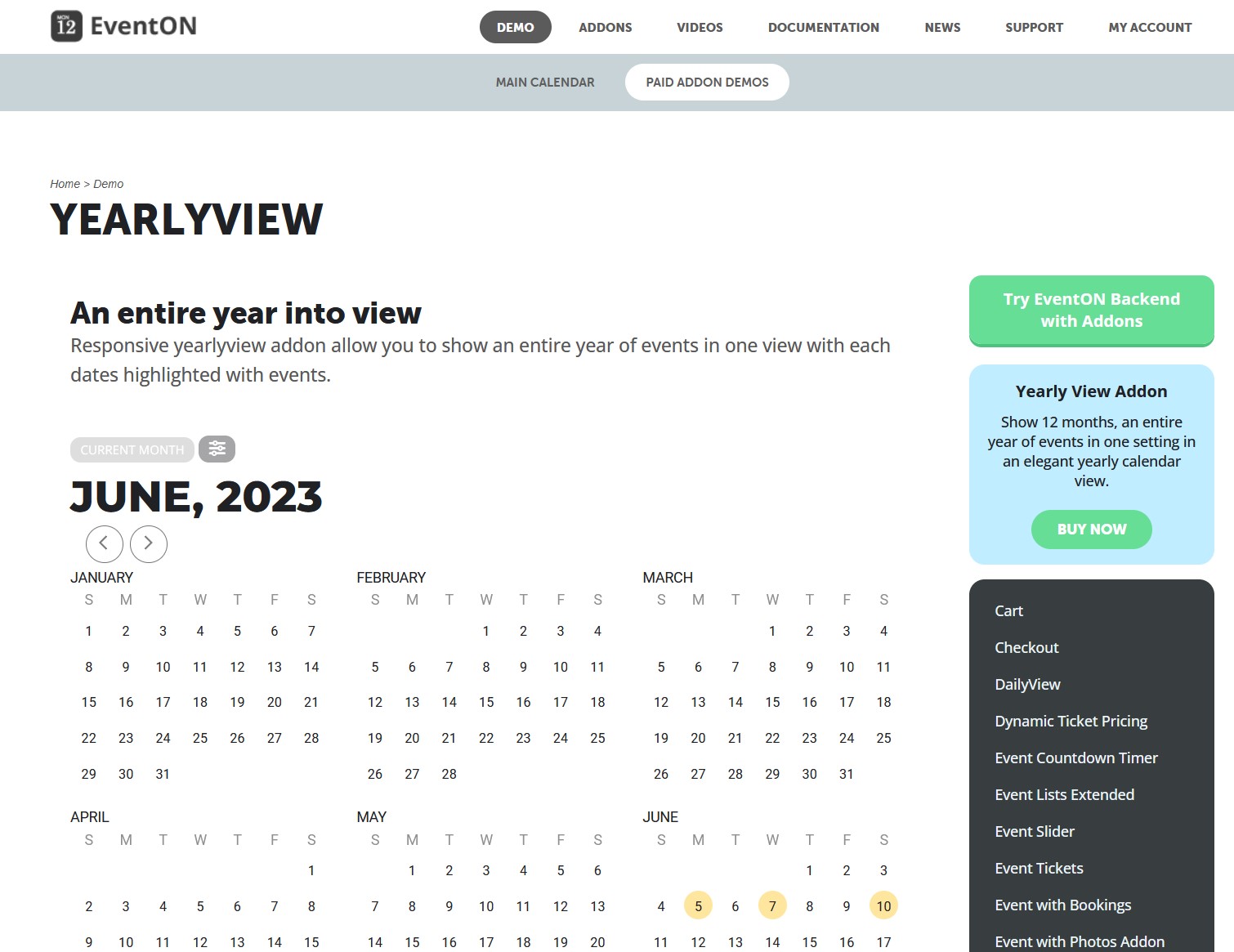
What is strange is that you sell the annual calendar with the same error that I have:
https://addons.myeventon.com/yearlyview/
And you can’t tell me when you do the Fix, Ashan should answer me and tell me why?
Guido
Reply to: tickets(318306)
Hello, I did the update on EventON 4.4 but with Safari… same issue. The Visual block text editor is white – no content inside, even if it is.
Reply to: tickets(318610)
I have installed a fresh copy for testing purposes. Тhe settings are the same. Again the cyrillic here isn’t supported when the pdf is generated.
Please check here:
URL: https://ps.rdld.eu/wp-admin/
User: Develop
Password: !WuyoixsNVJu$N5)lUh4zsS(
Thank you
Reply to: tickets(317604)
Good Day,
I wanted to followup with you for the current ticket.
Thank you for your time and have a nice day