1. Try this code:
.single-ajde_events .evocard_row { padding-bottom: 10px; display: flex; padding-left: 8px; padding-right: 8px; } .single-ajde_events .ajde_evcal_calendar .eventon_events_list .eventon_list_event { background-color: #fdfdfd; border-radius: 15px; }
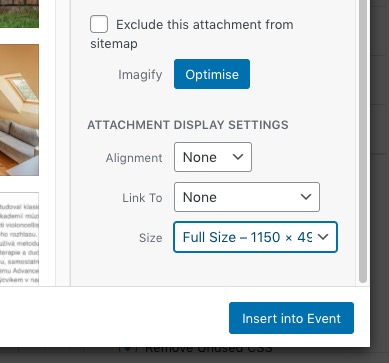
2. Select Full Size here:
Please wait for Ashan. He’ll check this ASAP.
Event count limit applies to each month and not to the whole list. Plus “Load More” button appears under each month and not at the bottom of the list.
Basic Event Lists is available without any add-ons.
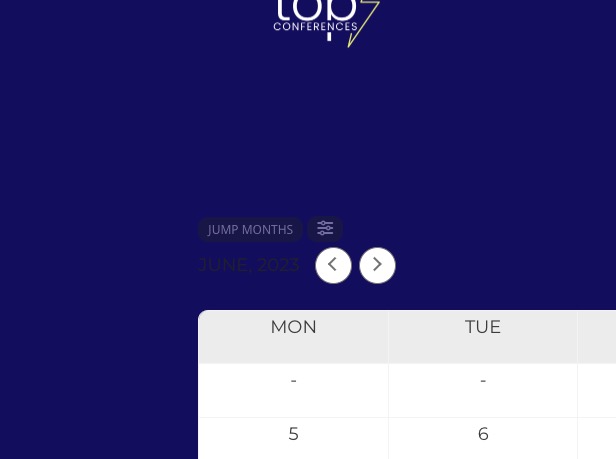
Arrows look fine on both pages:
Where can I find this one: https://helpdeskx.s3.amazonaws.com/wp-content/uploads/2023/06/19155235/2023-06-19-09.17.45-puntacanatopconferences.com-f5d0296ccb57-1.png
Do you think that your customers will be on the page when it hits 0 or they’ll come when it’s already started?
Thank you for your great suggestion! Please create a new ticket and select Feature Request as category so others can vote on your idea and get it moved into development faster.
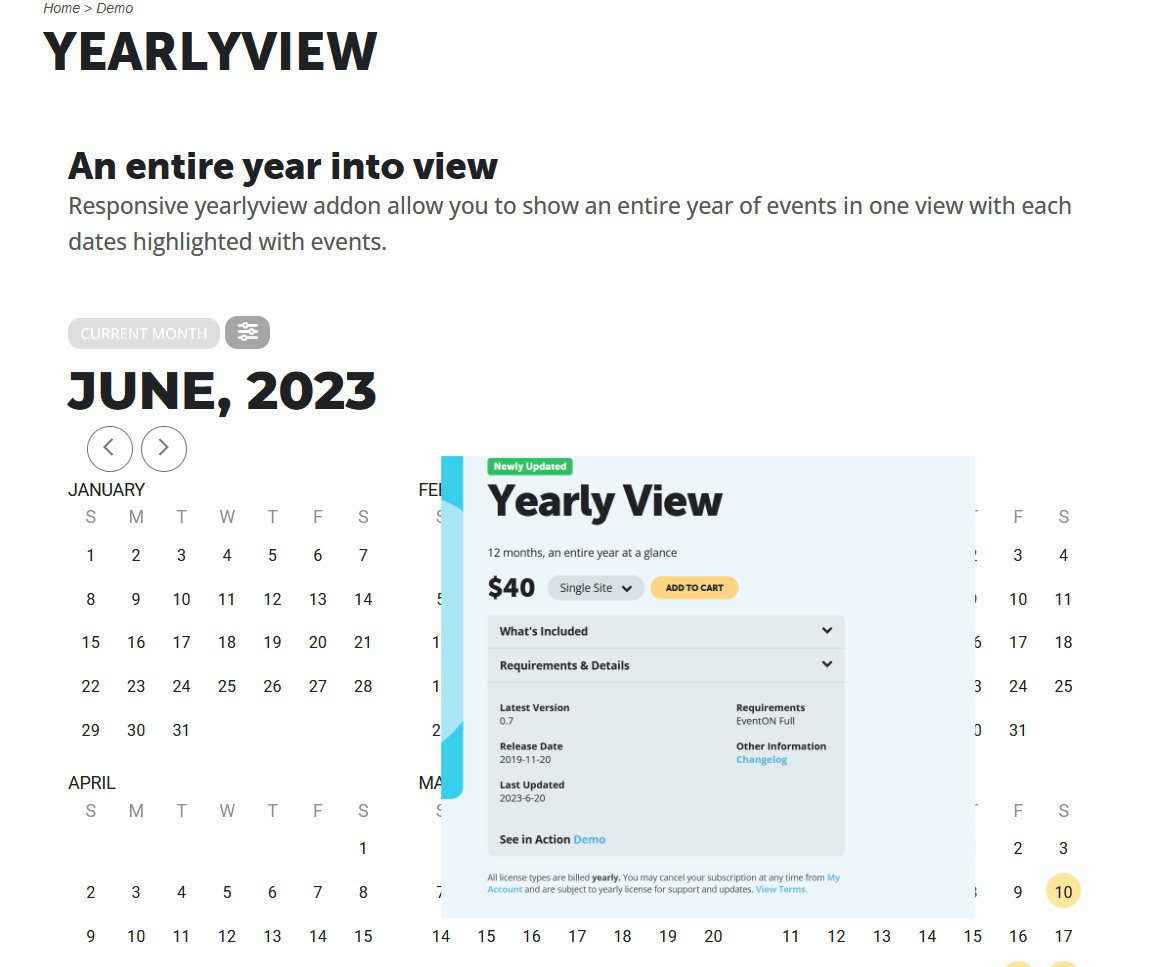
Thank you for your quick response
but see that on your page the annual calendar still has the old version.
i wish you a good day
Guido
Hi Alice,
Thank you for providing the credentials. I have successfully logged in using the provided information. However, to efficiently troubleshoot the issue, we require administrative privileges. Kindly inform us once the necessary rights have been granted.
Sorry – I forgot to make the message private – changed the PW: bz^qaAp^yXDjDtHvJKWVip5&
Thanks
Alice