Hello,
Previous version can be downloaded from here:
https://helpdeskx.s3.amazonaws.com/wp-content/uploads/2023/06/12031951/eventON4.3.5.zip
Replies for tickets on suppota
Hello,
Previous version can be downloaded from here:
https://helpdeskx.s3.amazonaws.com/wp-content/uploads/2023/06/12031951/eventON4.3.5.zip
We are glad your issue is resolved, if you have any further questions or concerns please create a new ticket.
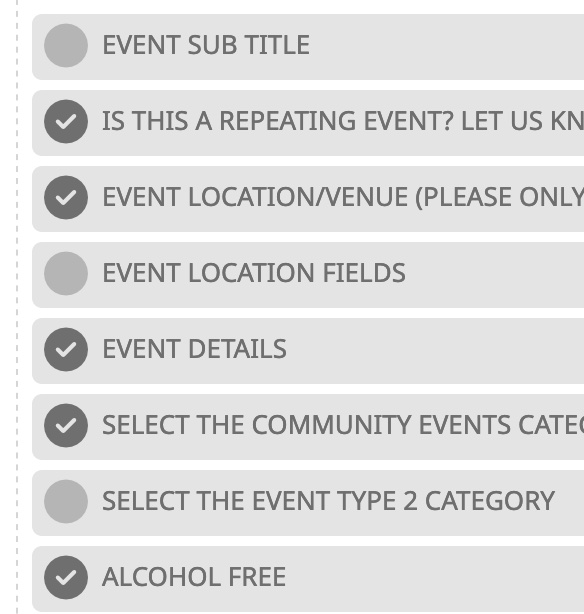
Hi,
I already have the fields enabled there, I’ll include a screenshot.
They will show up in the Action User submission form, that is not a problem.
I just can’t them to display on the actual calendar the user sees.
I hope that makes sense?
Thanks so much for all your help!!!
–Matt
Oh yes, thanks a lot ! 🙂
thx
it does work
on mobile.
on desktop view
the line break doesn’t take.
could you include that as well, pls?
After more research, it appears there is a conflict with the ‘Styles & Layouts Gravity Forms’ plugin. Disabling that brings back to the calendar.
Invoice attached. : )
Order Number 168129
We have a user role plugin, called Admin Menu Editor Pro, but we really like that action user can do an event restriction where the user submits an event and admin gets to approve or disapprove the event and publish or not publish the event the user created which is something your eventon plugin wont do without the action user plugin correct? also will eventon send notifications to the admin and user when an event is created if so how do i get this working?
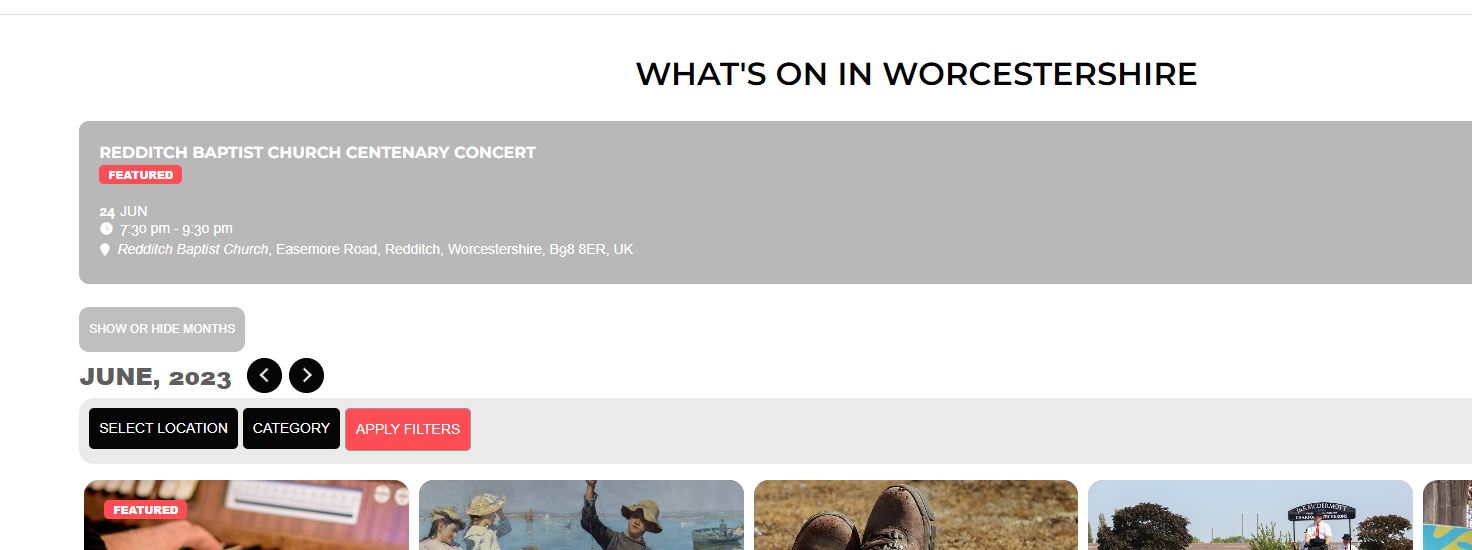
hi it still did not show image and stretched it acroos the page as per image, i reverted back. I need 5 across plus image if possible, many thanks