Hello,
Please use the custom CSS below to help fix the issue.
@media only screen and (max-width:768px){
.ajde_evcal_calendar.boxy.boxstyle1 .evo_boxtop{
background-size: contain !important;
}
}
Add the code to Appearance > Customize > Additional CSS
Replies for tickets on suppota
Hello,
Please use the custom CSS below to help fix the issue.
@media only screen and (max-width:768px){
.ajde_evcal_calendar.boxy.boxstyle1 .evo_boxtop{
background-size: contain !important;
}
}
Add the code to Appearance > Customize > Additional CSS
Hi Ashley,
Please use the tutorial below to fix the issue
https://docs.myeventon.com/documentations/single-events-page-not-working-404-error/
Let us know how it goes.
I updated Action User to 2.4.1. The WSYWYG Event Details looks REALLY good. I can’t break it. 🙂 Now to see if the customer can. They try and paste word document text that was pasted on to their website and then copy that and paste it into the Event Details. Sheesh.
I am requesting only plain text from them, however I tried all kinds of formatting and back and forth changes between the AU and the Admin (me). It looks great. Thank you!
⭐ ⭐ ⭐ ⭐ ⭐
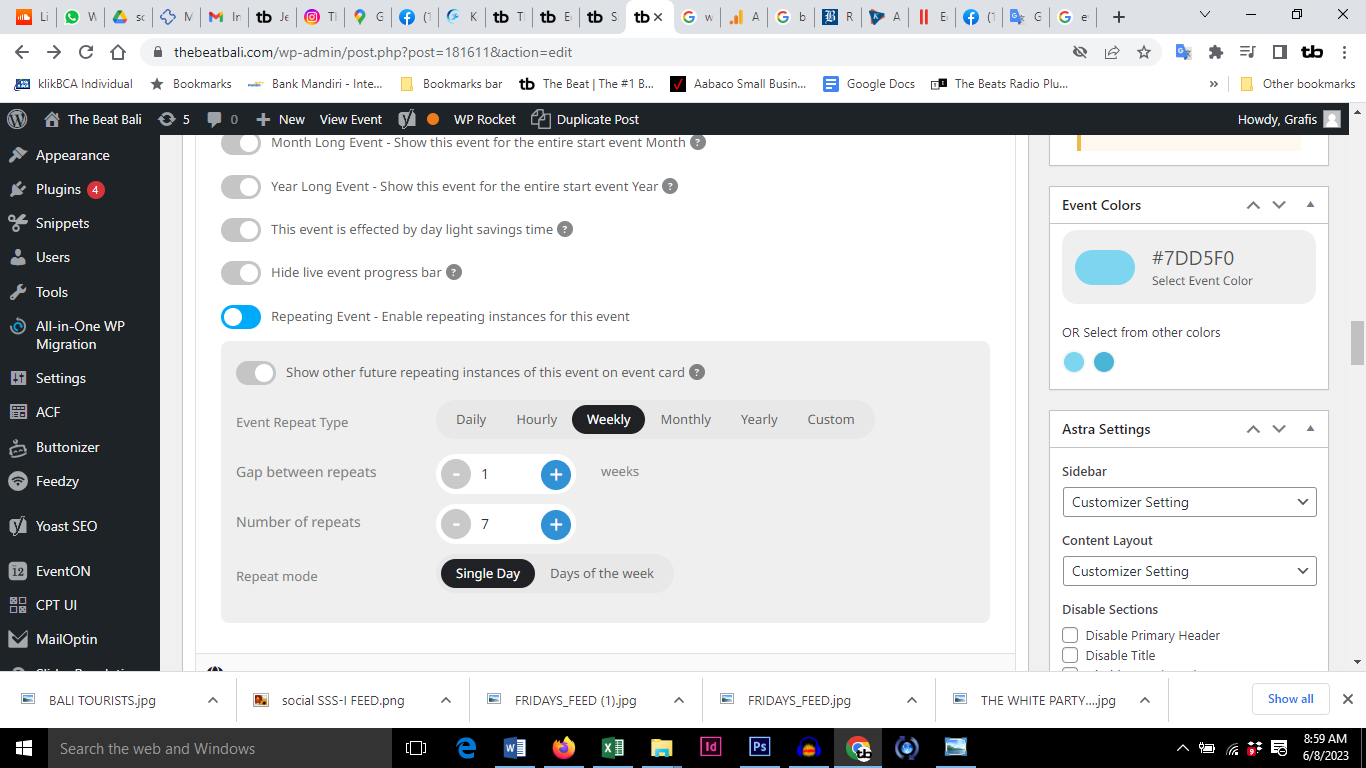
BTW the option I am talking about is on the attached.
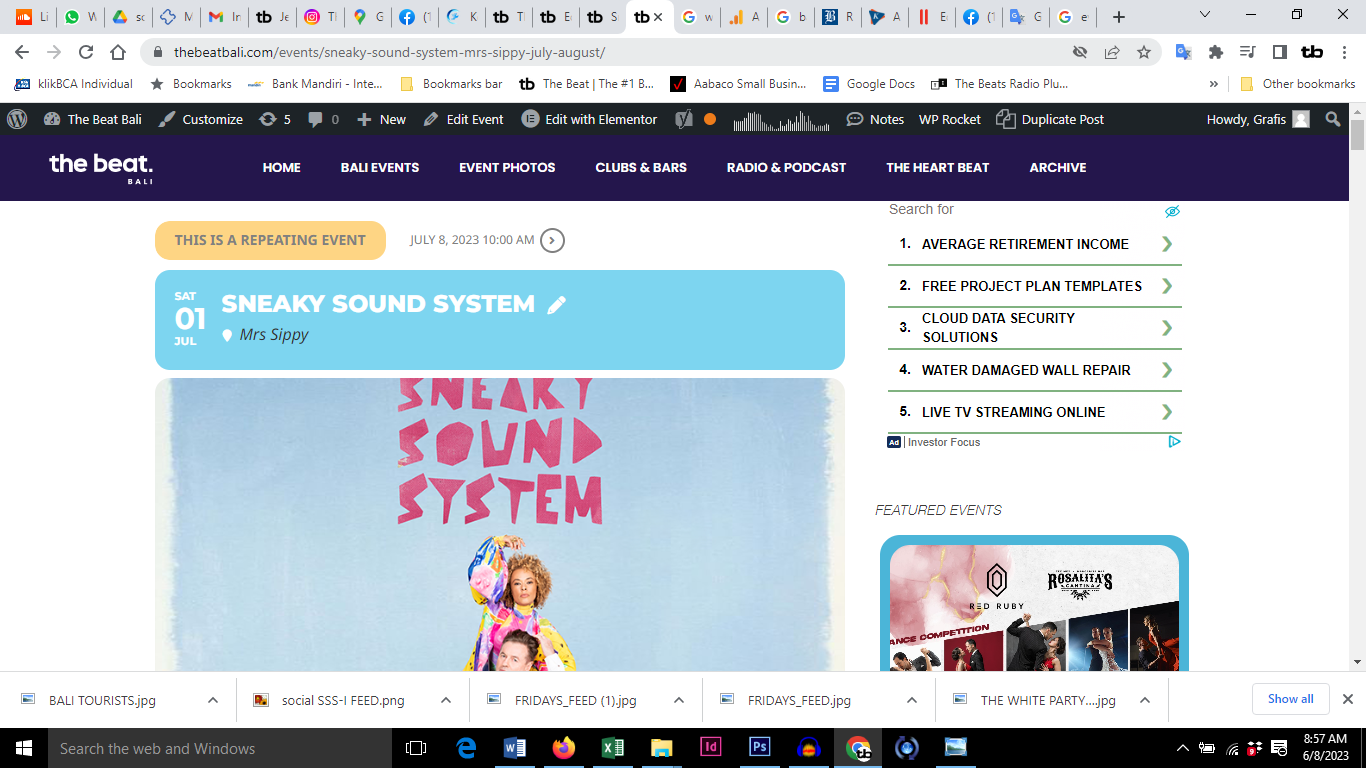
Hi again. I just made a new repeating event, with the show repeating event option off, and again it is showing the repeats at the top of the page. Attached.
https://thebeatbali.com/events/sneaky-sound-system-mrs-sippy-july-august/
I think I found it. There is some issue with the WPML Plugin.
I disabled it and it worked
Hello,
Please update EventON to 4.3.5.
To update eventon to latest version: If you are unable to do autoupdate, you can go to codecanyon your account > download and get the latest eventon version as zip file. Then you can go to your website > make sure “Delete eventon settings & data when EventON is uninstalled” is Deslected from eventon settings, delete old eventon, install new one and activate. This link will further explain the process it. Also you can follow us on twitter to get real-time announcements on updates!
Yes, I re-entered the payment information
No, still empty cart. It happens to all Events, if I use „privat Mode“
did you try incognito?