Hello,
Please add this CSS code to EventON > Styles (If you don’t see any change, EventON > Scripts & Styling > turn off Write dynamic styles to header > save settings > turn on Write dynamic styles to header):
#evcal_list .eventon_list_event .evo_metarow_organizer .evo_card_organizer span, .evo_pop_body .evo_metarow_organizer .evo_card_organizer span { color: white; }
.eventon_events_list .eventon_list_event a, .evocard_row .evo_metarow_organizer .evo_card_organizer_social a, .evo_lightbox .evo_tax_social_media a { color: white; }
Hello,
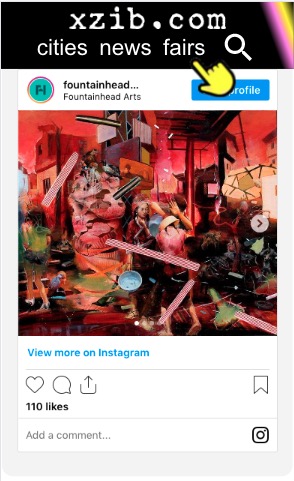
Could you send us a screenshot? Instagram section on my side on mobile:

Hello,
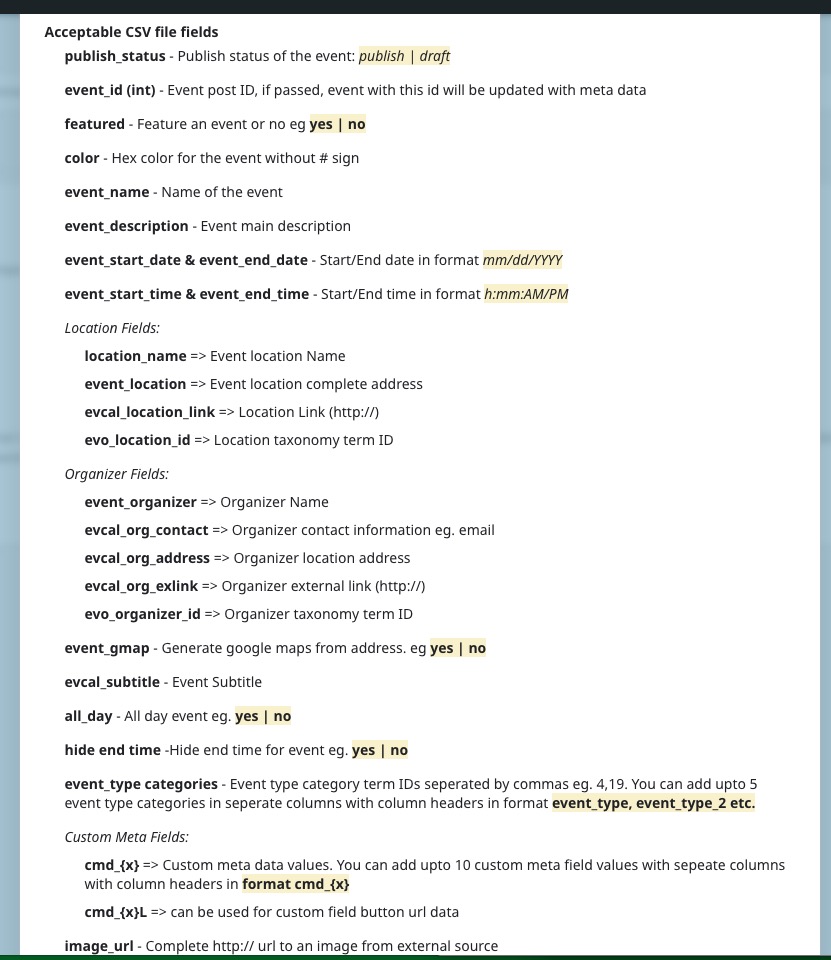
If time.ly can export events as .csv file in the following format
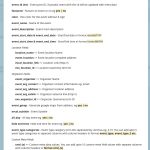
then try using CSV Event Importer add-on:
https://www.myeventon.com/addons/csv-event-importer/
Try on https://dev.myeventon.com/wp-admin/
However, not sure if this is possible.
Hello,
Please fix this issue:
Google Maps JavaScript API error: ApiNotActivatedMapError
https://developers.google.com/maps/documentation/javascript/error-messages#api-not-activated-map-error
Try following
https://stackoverflow.com/a/38056246
Hello,
Are you referring to this https://events.iloveseattle.org/ or this calendar http://iloveseattle.org/? They both show me events for May 7th on load.
Try going to EventON Settings > enable Hide past events for default calendar(s).
Hello,
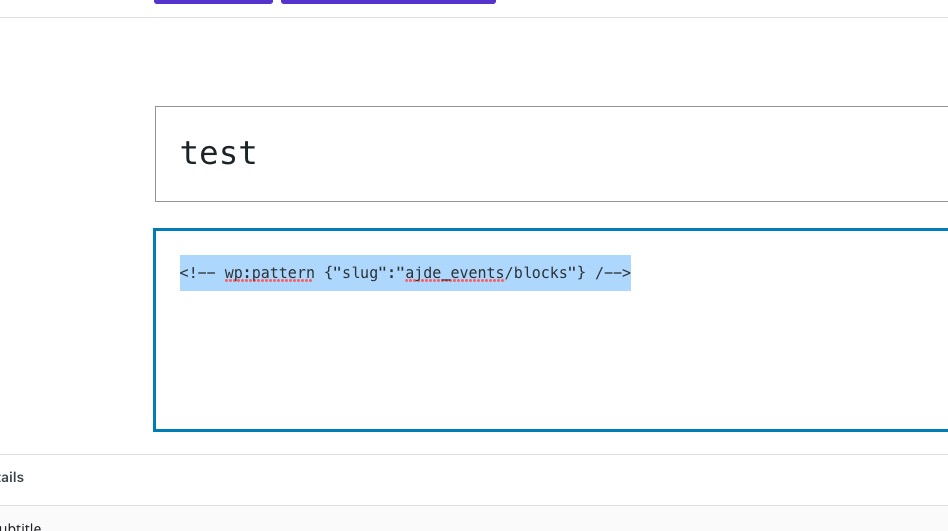
Switch to “Code editor” mode:
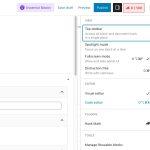
Now remove this code:
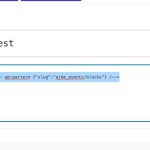 After publishing the event details should be hidden.
Hello,
Please add this CSS code to EventON > Styles (If you don’t see any change, EventON > Scripts & Styling > turn off Write dynamic styles to header > save settings > turn on Write dynamic styles to header):
.ajde_evcal_calendar.boxy .eventon_list_event.hasbgimg::after { opacity: .6 }
Thank you for your messages, I am going to assign this ticket to Ashan and he will be able to take it from here and find you a solution. Please allow some time for him to get back to you, we greatly appreciate your patience and thank you for being a eventon customer! Also please disable any IP blocking on your site if there are any.
This code below is added on the page below, and you can see its still showing the full month. Per my understanding this code should show events for today and tomorrow.
https://xzib.com/art-fairs/nyc
[add_eventon_el el_type=”dr” start_range=”today” end_range=”+1 days” tiles=”yes” tile_count=”1″ tile_height=”10″ event_type=”7612″ ux_val=”4″]
https://xzib.com/wp-admin
ryan eddy lutz
YiG6-ZVqDVNQa