Hello, Thank you for your reply. I am still not doing #1 or #2 correctly. I am going to hire someone on Upwork to fix this for me.
Can you please tell me where to find the “Buy Ticket Button” section?
Thanks,
Greg
Replies for tickets on suppota
Hello, Thank you for your reply. I am still not doing #1 or #2 correctly. I am going to hire someone on Upwork to fix this for me.
Can you please tell me where to find the “Buy Ticket Button” section?
Thanks,
Greg
Hello,
Thanks for answer. I try it, but after, on the homepage, label background disappear 🙁
So I remove this code temporaly
I can’t open the image of the fix code. And I don’t see any download link either.
Where can I look for this patch?
Thank you!!!
Hi, this is my shortcode
[add_eventon_el el_type=”dr” undefined=”dr” start_range=”2023/01/01″ end_range=”2023/12/31″ tiles=”yes” tile_count=”3″ tile_bg=”1″ tile_style=”1″ event_order=”DESC”]
Ah sorry, I understand now
It’s just a small help, I can customize the wording of the template, but I have no coding skills and have no idea how to generate a google calendar event.
I see there’s already a feature to save Google calendar event on Event Card, it’s very strange that you don’t make it an option on Email. Everyone uses Google nowadays, it’s such an incovenient and close to useless feature to ask a user to download the .ics file and figure out what to do with it themselves.
Please help do this little favor, or please send me an instruction elsewhere about generating google event for the php file.
Hi Jon,
Thank you for your messages, I am going to assign this ticket to Ashan and he will be able to take it from here. Please allow some time for him to get back to you, we greatly appreciate your patience and thank you for being a eventon customer!
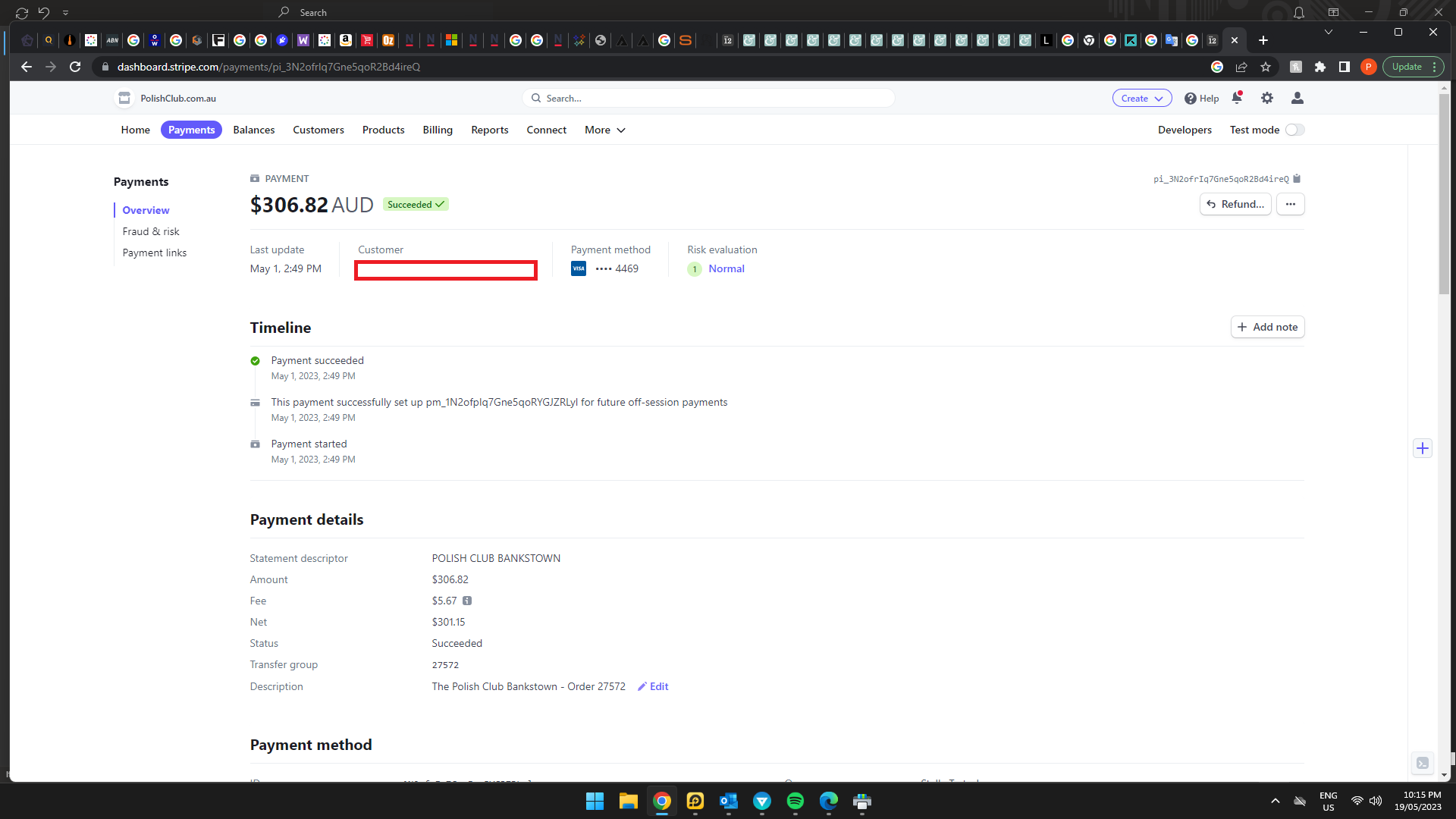
I need a copy of my order like this from your stripe transactions please, so that it shows order in USD.
My colleague was so kind to provide me some other screenshots that I put in this pdf, I hope the issue is more understandable now! I hope you have access to the file here via the upload. Otherwise, here’s a link just to be safe: https://filebin.net/necm8kchcov5ls7w
However, in the email it only show the download .ics option which is not friendly for users.
By default there is only one button on email confirmations. If you want to add more, you need to customize the template, I am afraid.
We are sorry for the delay. Unfortunately, no updates on this one. Please remove the clear button for now before we can fix this.