When I disable EventON > Single Event > Stop using eventON single event template for single event pages, it works correctly:
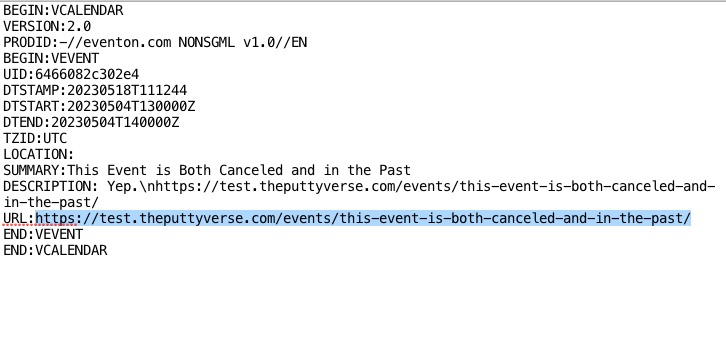
Could you check your custom Single Event Page template for any issues?
Replies for tickets on suppota
When I disable EventON > Single Event > Stop using eventON single event template for single event pages, it works correctly:
Could you check your custom Single Event Page template for any issues?
Hello,
Please follow this guide:
https://docs.myeventon.com/documentations/hook-eventtop/
Instead of <span> add a regular <a> link.
Reset Permalinks button redirects you to wp-admin > Settings > Permalinks where you can re-save them.
Ashan,
In Troubleshoot Mode with or without lang=”L1″ and added wpml_l1= “cs” wpml_l2=”en” it doesn’t who any events with added event_type=”93,”:
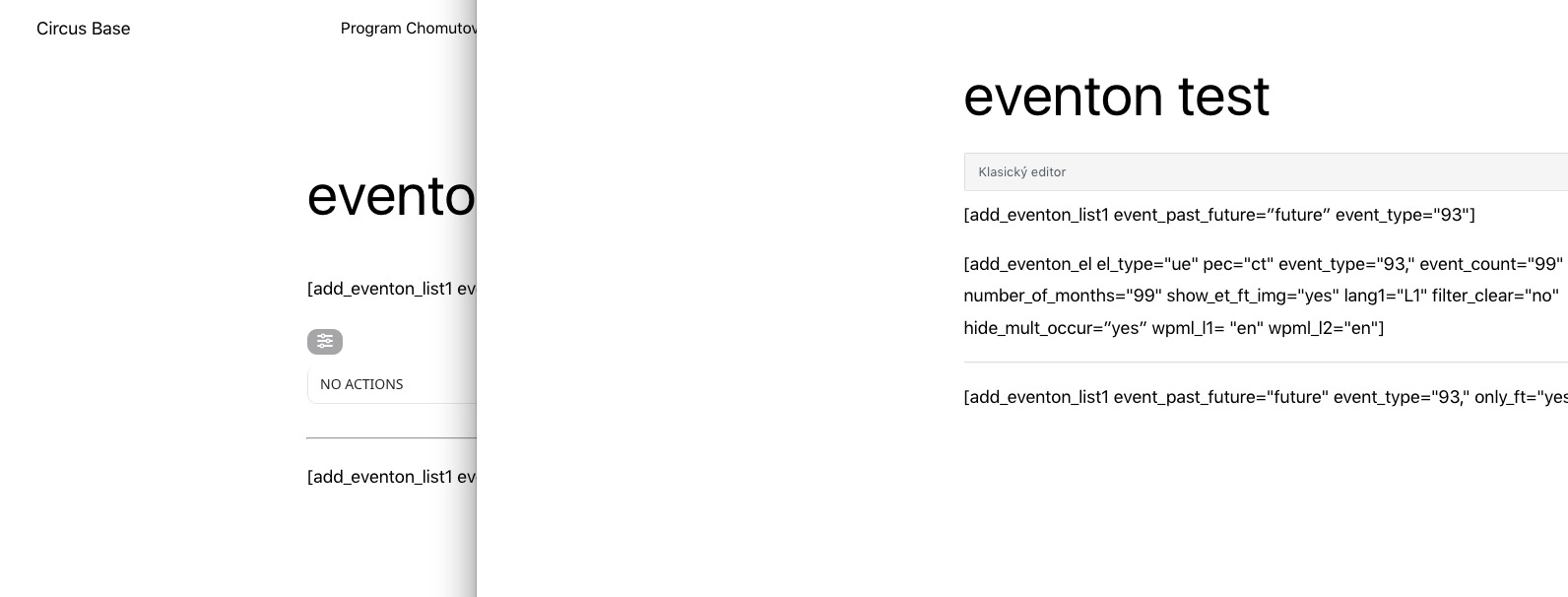
Events are there in both languages:
https://www.cirkusbase.cz/wp-admin/edit.php?event_type=chomutov&post_type=ajde_events
The mode can be enabled from here:
https://www.cirkusbase.cz/wp-admin/site-health.php?tab=troubleshoot
Hello,
Thank you for your messages, I am going to assign this ticket to Ashan and he will be able to take it from here and find you a solution. Please allow some time for him to get back to you, we greatly appreciate your patience and thank you for being a eventon customer! Also please disable any IP blocking on your site if there are any.
Thank you!
Is this the same as the button “reset permalinks” or is this directly in the specific single event?
Unfortunately, no updates on this one. We are working on a new big update that will available soon. Ashan will reply ASAP.
We are glad your issue is resolved, if you have any further questions or concerns please create a new ticket.
If you have a moment, we would greatly appreciate if you could kindly leave us a review at codecanyon! from your account > downloads. Cheers!
Hi Larry,
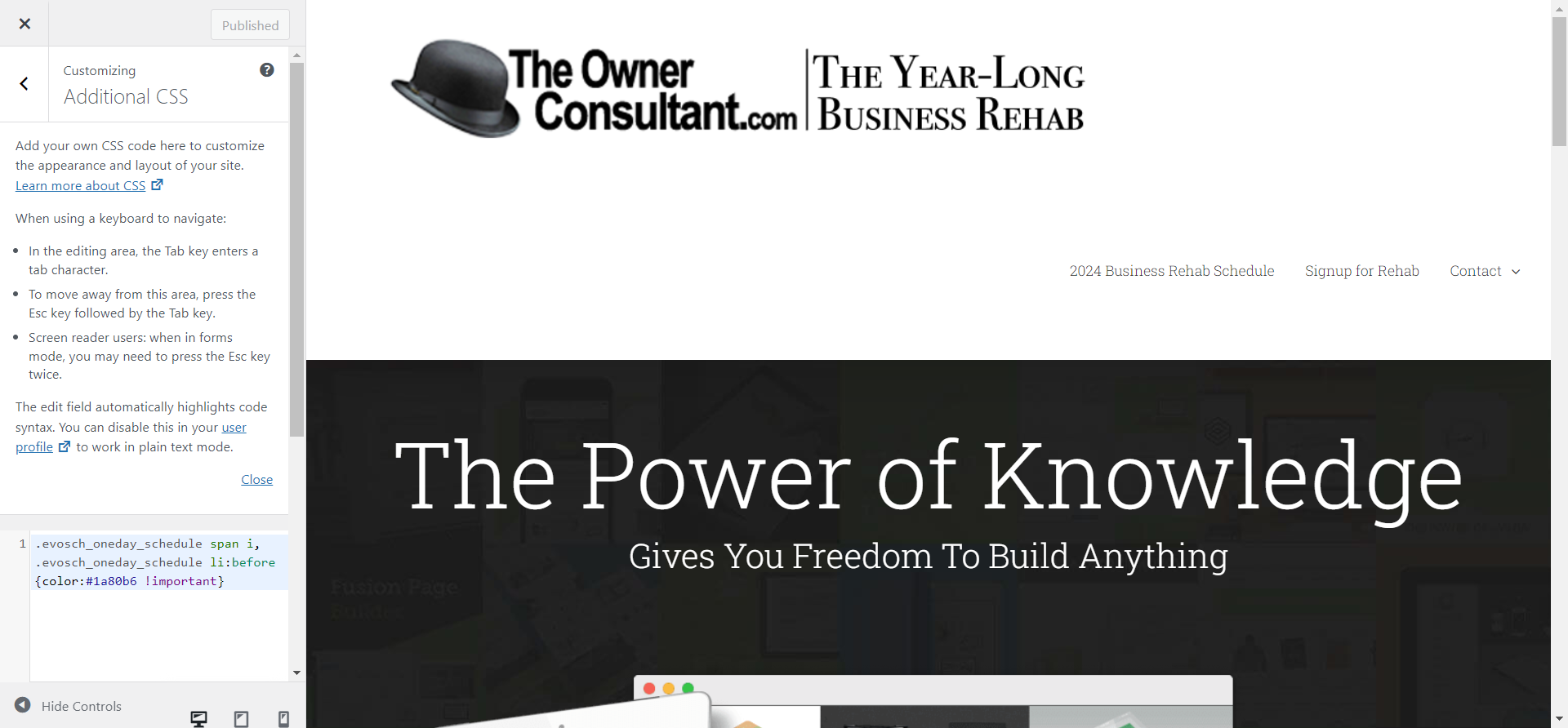
The code has been added to Appearance > Customize > Additional CSS
Hi Steve,
We are working on resolving the issue.
Thanks,