I have followed both of those and it is still just showing the location name but not the google map. Here is the URL to the events page if that helps https://jasonh296.sg-host.com/events-directory/
Archives: Replies
Replies for tickets on suppota
Reply to: tickets(315074)
We will be removing the cal_id support in next version update to eventON! If you have more questions, kindly send us a new ticket and we would be more than happy to help you resolve your issues!
Reply to: tickets(315158)
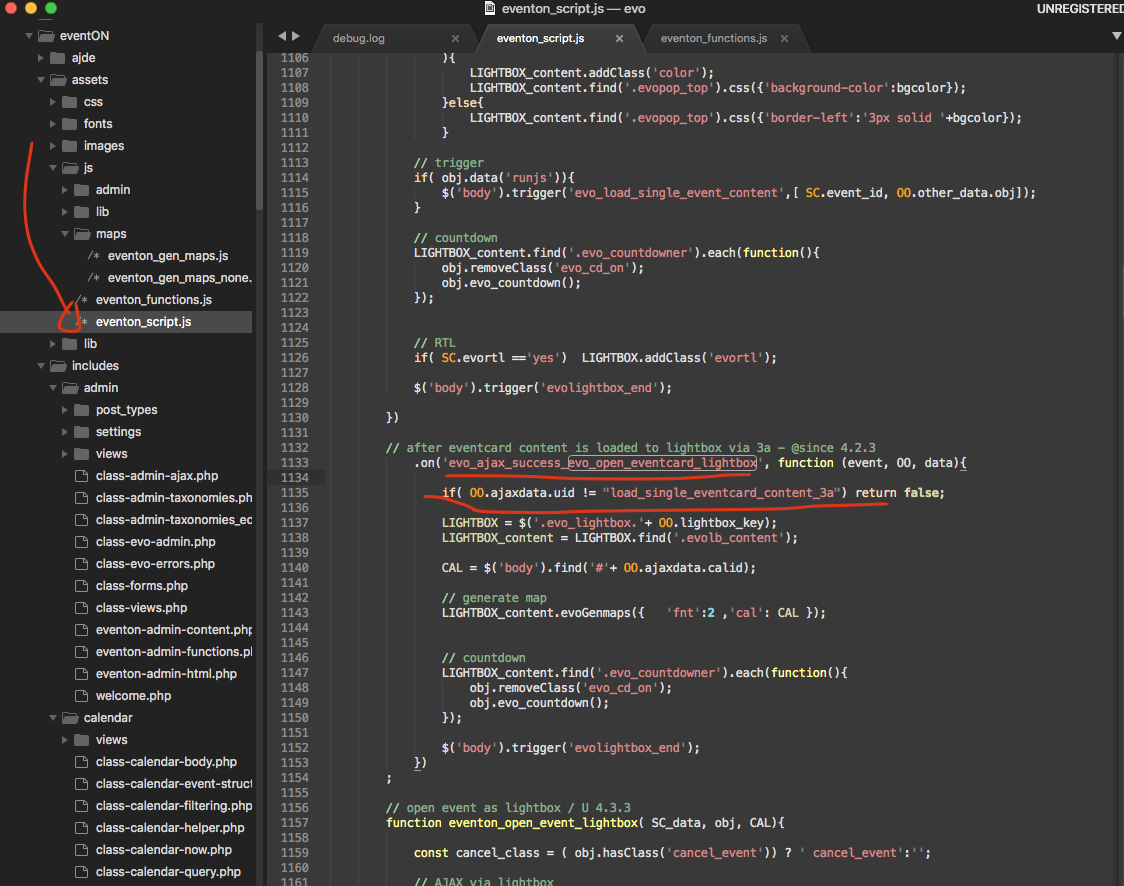
please apply this patch fix.
Reply to: tickets(315260)
Could you try disabling WP’s cache as well?
https://www.nexcess.net/help/nexcess-wordpress-cache-settings-excluding-pages-data/
Reply to: tickets(315629)
Hello,
Could you try updating EventON to 4.3.5?
To update eventon to latest version: If you are unable to do autoupdate, you can go to codecanyon your account > download and get the latest eventon version as zip file. Then you can go to your website > make sure “Delete eventon settings & data when EventON is uninstalled” is Deslected from eventon settings, delete old eventon, install new one and activate. This link will further explain the process it. Also you can follow us on twitter to get real-time announcements on updates!
Please send us wp-admin access to your site as a private message for us to further assist your situation.
Reply to: tickets(315630)
Hello,
Please add sort_by=”sort_rand” to your shortcode.
Reply to: tickets(315631)
Hello,
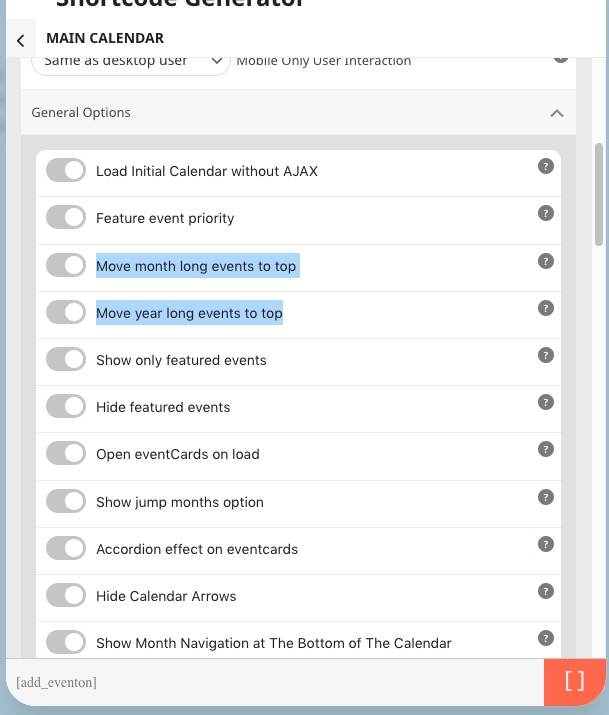
Unfortunately, not possible. Only to the top:
Reply to: tickets(308618)
We are glad your issue is resolved, if you have any further questions or concerns please create a new ticket.
Reply to: tickets(315633)
Hello,
Could you send us your shortcode or wp-admin access to your website?
Reply to: tickets(315636)
Hello,
Please try following this guide:
https://docs.myeventon.com/documentations/why-is-location-google-map-grayed-out-or-not-displayed-on-event-card/
The guide to create Event API key:
https://elfsight.com/blog/2018/06/how-to-get-google-maps-api-key-guide/