Hello,
Please go to EventON > Select event calendar WP Query method. Unfortunately, this is the only options available at the moment.
Replies for tickets on suppota
Hello,
Please go to EventON > Select event calendar WP Query method. Unfortunately, this is the only options available at the moment.
Hello,
I removed cal_id and it seems to be working now. Could you check?
Hello,
Your shortcode contained HTML tags within options. I removed it so it should work. Please check and let me know.
Also, this message came from Yoast:
Hi Seth,
Thank you for following up on this topic. Bug reports are prioritized by impact, so not really “when we get to it” but more of “when the issue has a higher priority than other issues”. There are many factors that we take into consideration when prioritizing issues. Currently, this issue does not have a high priority as the plugin has a small number of installations (3,000+), the issue is specific to a premium add-on, and previous similar issues have not required Yoast code updates.
We updated the bug report with our findings as we narrowed the issue to a specific function in our plugin. We also found some closed bug reports (here, here, and here) that have been resolved without any changes to the Yoast code. This is similar to what EventOn alluded to when they said, “Other than we change our code, but that would be a lot of work.“
With all that in mind, it is possible that we’re unable to resolve the issue because the root cause is how the feed is created or registered, which is handled within the EventOn plugin code. If you haven’t been back in touch with the EventOn author, we highly recommend it. Provide them with the link to the bug reports so they can take a look at how others developers resolved the creation issue. If they’d like to work directly with us to resolve the issue, they can comment on the bug report or email us (especially if they want to provide a copy of their paid add-on for testing).
I’ve created the feature request. Thanks!
Hi Kenneth,
frontend site with the problem in chrome: https://dev02.kanu-petry.de/kalender/
backend: https://dev02.kanu-petry.de/wp-admin/
the logins:
htaccess: eventon & B1tBA1uO0w7Tj2cY
wp-admin: eventon & temsev-wUtbix-hyvzo3
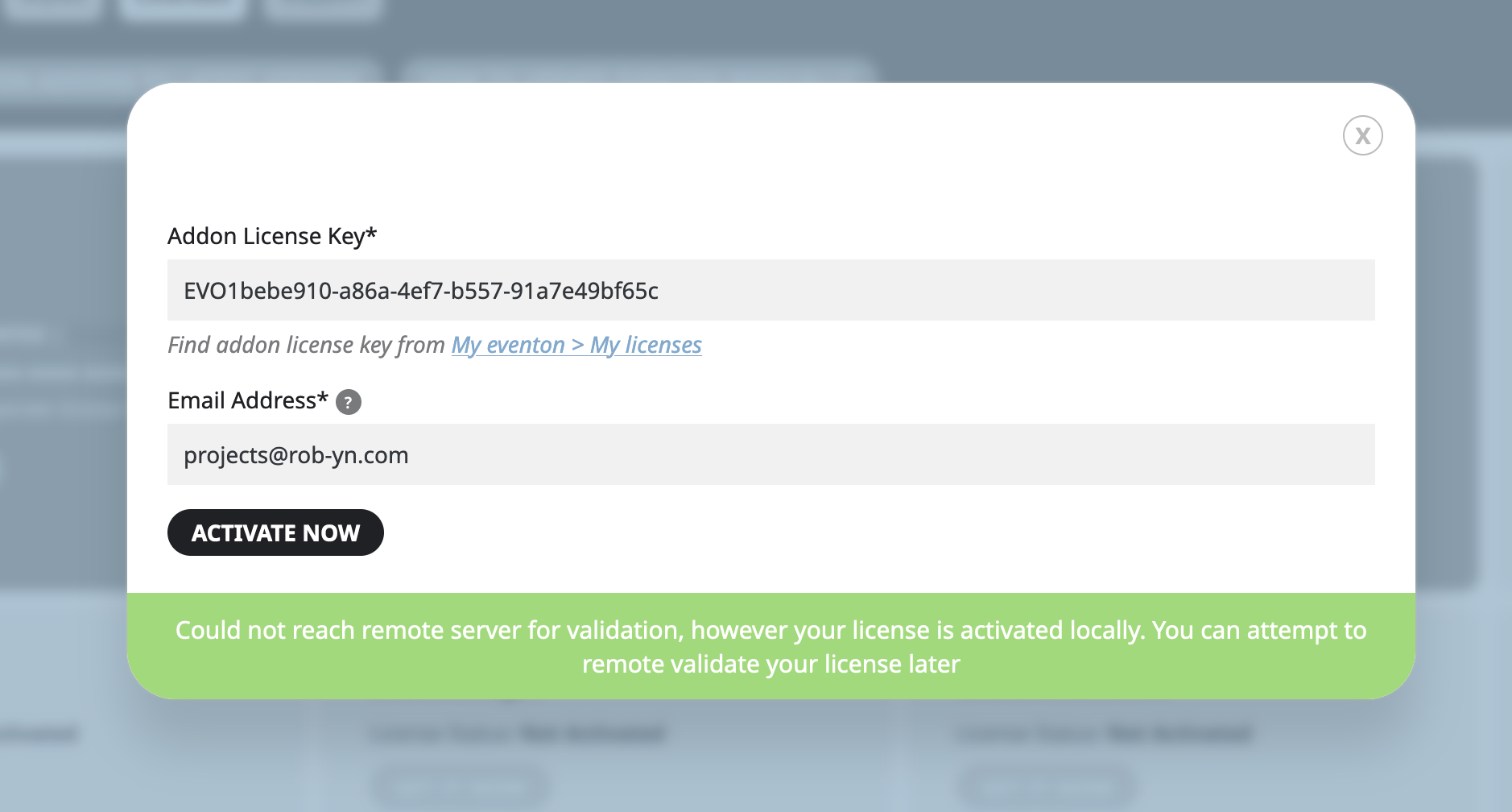
Yes, super weird! I also seem to have upgraded some licenses I don’t need BUT let’s work on one thing at a time! See screenshots for what I see when I try and activate my license… if I try and use any shortcodes on the frontend like [add_eventon_fc] it just stays as a shortcode and doesn’t generate anything. I’m super hopeful we can get this working 🙂
this ok, thank you 🙂
Nevermind – it seems to be working correctly today.