Ok, I think I managed to fix it by reducing the size of the tiles to 99.5%. It would still be better to keep the original spacing on computer and only increase the spacig on mobile, but this solution works ok!
Archives: Replies
Replies for tickets on suppota
Reply to: tickets(312914)
Perfect, thanks so much!! I’ll buy the addon during the next few days and will get back if any problem should arise.
All best,
Peter
Reply to: tickets(312809)
ok but if i try to buy oni MAP addon the sistem charge 50$, instead with renew is 40$, why?
Reply to: tickets(312785)
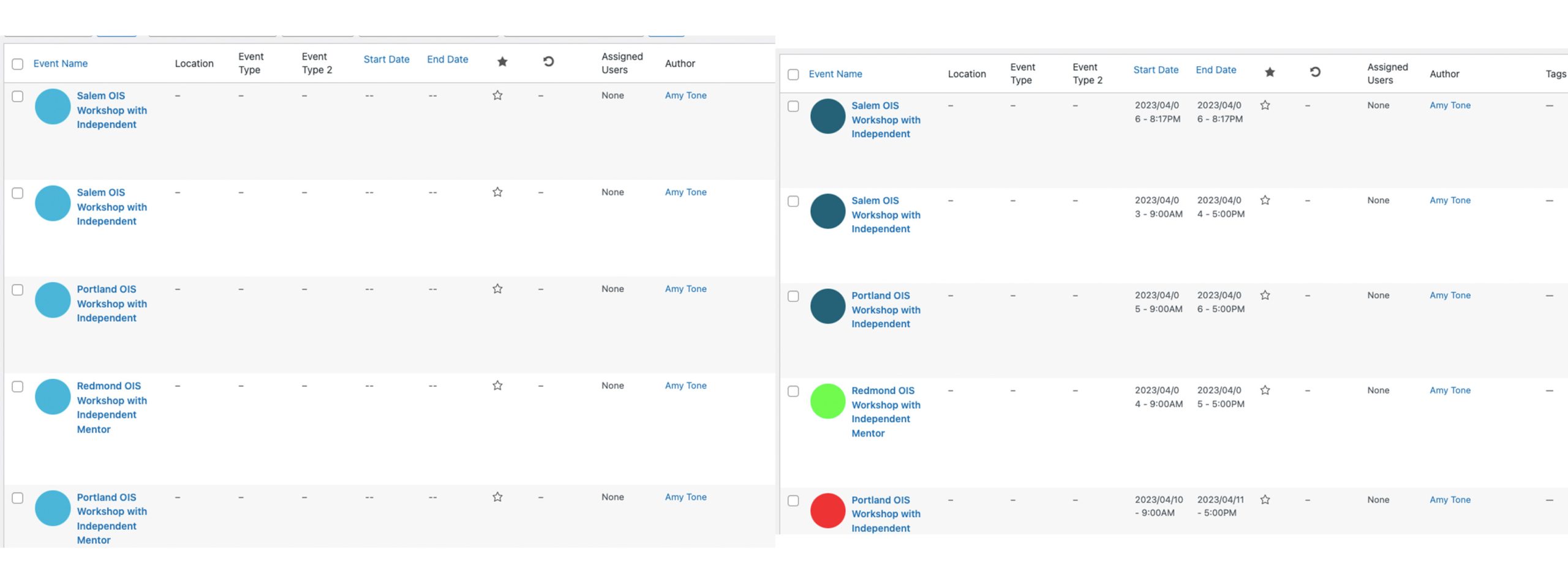
That part we know, if on the backend Event view screen, the color associated with the Event Type is wrong and the start/end date are missing, they will not show on the front end. But what events show that way seem to continuously change. On both the live and staging sites, you might go to this view and every single event would be missing information and on the front end the calendar would say “no events”. Then, when refreshing the backend, suddenly all or most events figure out the information and display properly.
I’ve attached an image where the same view was screenshotted within the period of one minute. Before, nothing was showing correctly. After, all the events had the right info. I had not updated any events in between those screenshots, but I did edit one to confirm that there was a start/end time set within the event and left the edit screen without saving. I have screenshots of the front end view also showing this behavior.
All of these events have the correct information added to them. A start/end date, an event type, etc. The plugin itself is doing something to either lose or forget the information, only to remember it again without warning.
There is a link for an event that shows in the screenshots I provided to have not had a start/end time, when it in fact does.
https://alternastg.wpengine.com/wp-admin/post.php?post=11124&action=edit
Reply to: tickets(312828)
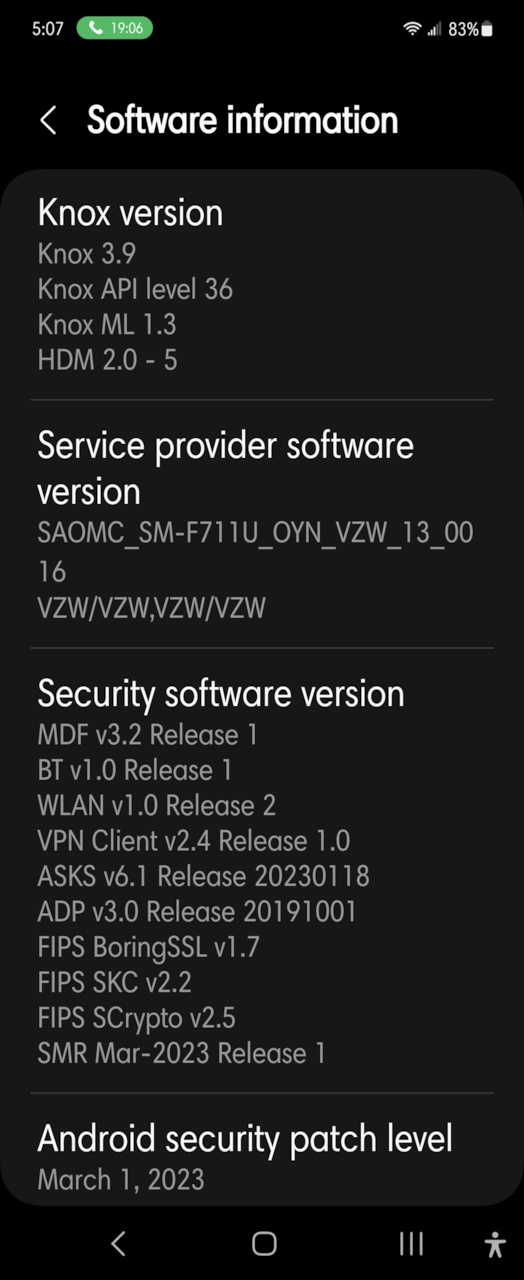
Hi I had 3 images i was trying to send. It would only let me upload one. Let me know if what you are seeking isnt in this image (I am not to handy with your question) – I can upload the others
Reply to: tickets(312958)
Thanks a lot, please take it urgently 🙂 as many users in my website are using this feature!
Reply to: tickets(312958)
Ashan,
The only clue is this warning:
https://www.hussain-in-lab.com/wp-content/debug.log
[10-Apr-2023 19:00:16 UTC] PHP Warning: Undefined array key “ri” in /home/hussaini/public_html/wp-content/plugins/eventon-wishlist/includes/class-ajax.php on line 75
No issues on dev2, but on customer’s website, it just doesn’t save when you press the heart.
Reply to: tickets(312958)
Thank you for your messages, I am going to assign this ticket to Ashan and he will be able to take it from here and find you a solution. Please allow some time for him to get back to you, we greatly appreciate your patience and thank you for being a eventon customer! Also please disable any IP blocking on your site if there are any.
Reply to: tickets(311781)
Please add this CSS code to EventON > Styles (If you don’t see any change, EventON > Scripts & Styling > turn off Write dynamic styles to header > save settings > turn on Write dynamic styles to header):
.evo_eventon_live_now_section .evo_eventon_now_next .eventon_events_list {display: none !important}
Reply to: tickets(312785)
It seems that the issue is with events’ time and date fields:
https://alternastg.wpengine.com/wp-admin/edit.php?post_type=ajde_events
When they are empty, events aren’t visible.
…and showing or not on the front end are continuously changing.
I need to see the event that has Event Date/Time but still not visible on the calendar. Could you send us a link?