Website login details are:
www.candlelitguitar.com/wp-admin
User: support
Password: Elementor2022support
Event page: https://candlelitguitar.com/events/test-event/
Replies for tickets on suppota
Website login details are:
www.candlelitguitar.com/wp-admin
User: support
Password: Elementor2022support
Event page: https://candlelitguitar.com/events/test-event/
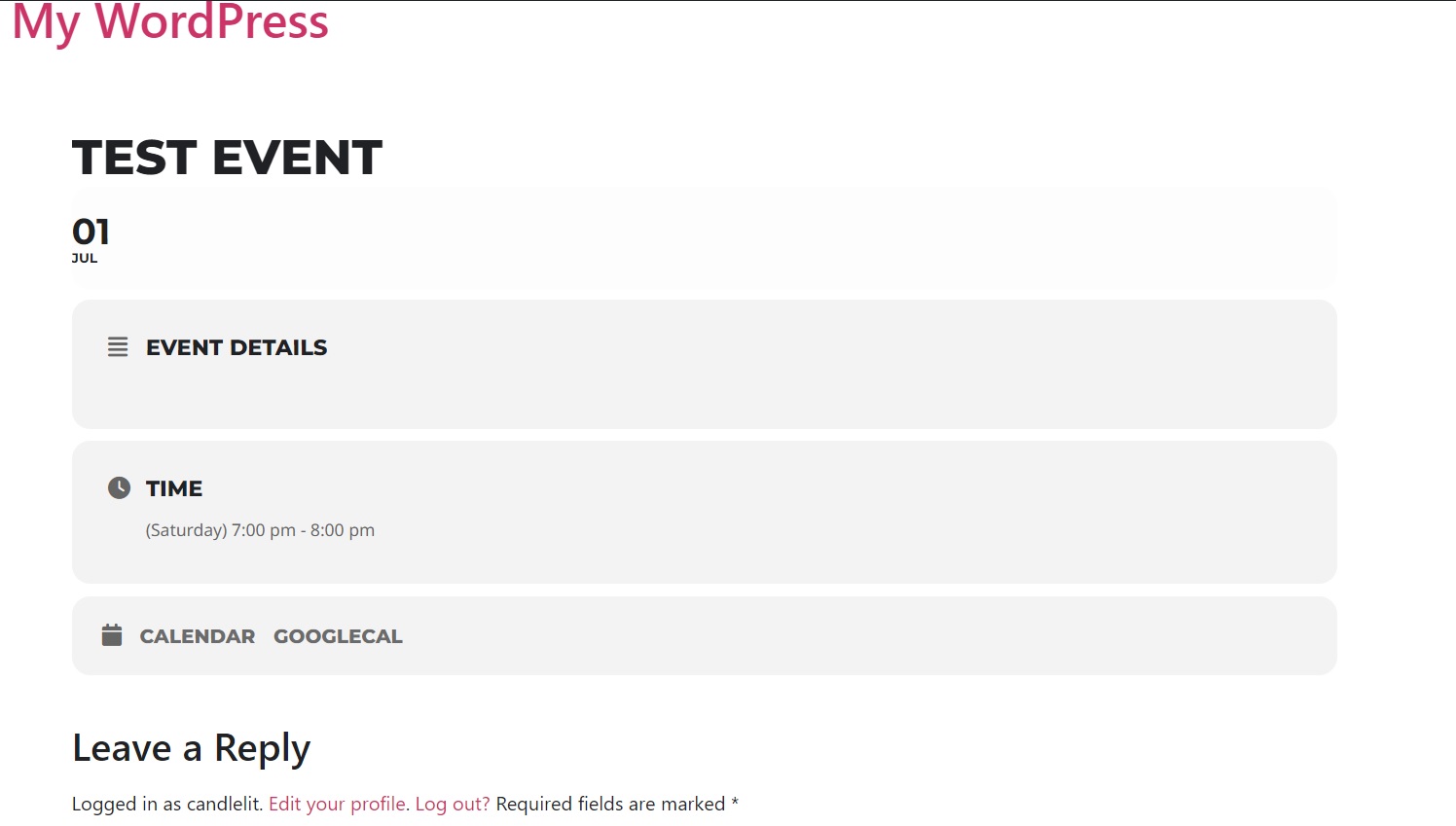
Thank you, but it is not working properly. No tickets are created and I can’t begin checkout process
Oha! It is working now! Why does it produce the issue? And how can I solve this? I will need the plugin.
Ashan,
“Germanized für WooCommerce Pro” is incompatible with PDFer:
[18-Apr-2023 14:07:15 UTC] PHP Fatal error: Cannot declare class FontLibAutoloader, because the name is already in use in /usr/www/users/kanupp/dev02_wp/wp-content/plugins/eventon-pdfer/includes/dompdf/lib/php-font-lib/src/FontLib/Autoloader.php on line 16
Is it possible to fix it?
Thank you for your messages, I am going to assign this ticket to Ashan and he will be able to take it from here and find you a solution. Please allow some time for him to get back to you, we greatly appreciate your patience and thank you for being a eventon customer! Also please disable any IP blocking on your site if there are any.
When you are logged-out it doesn’t load EventON’s dynamic requests: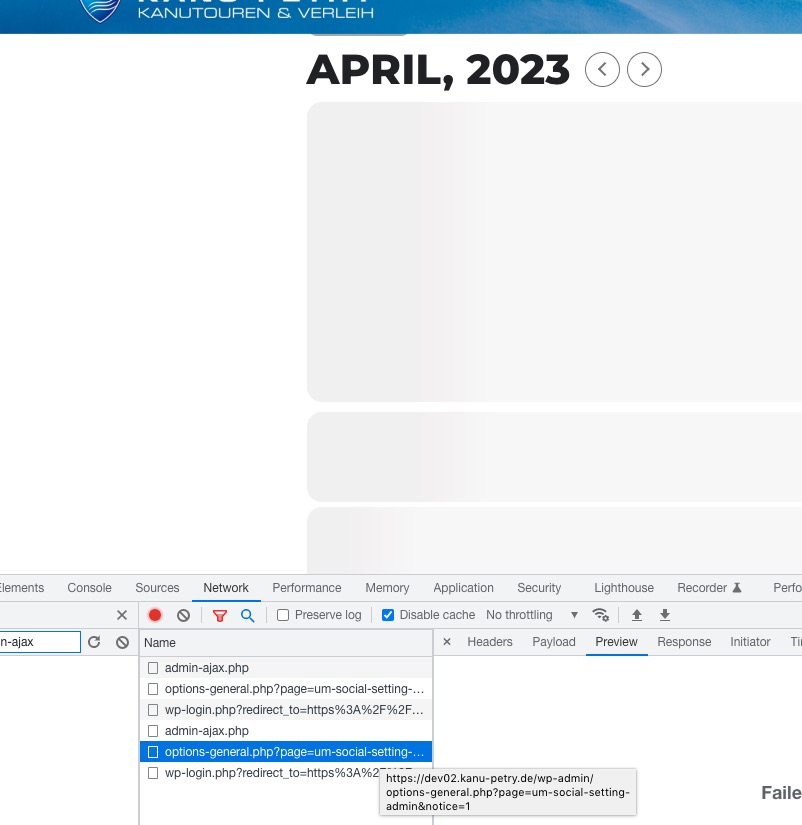
The redirection says um-social and it seems that you have a plugin with similar name WP UM Social. Could you try disabling it?
Everything seems to be working correctly:
The thing is that images are fine. Their loading speed is fast enough:

Please check my suggestion in your other ticket on how to increase the performance.
Could you update EventON to 4.3.5 and try re-saving some organizers to see if it helps? Also after the update, please let us know, so we can check and try some things on your website.
Please also try adding these to the shortcode:
show_limit=”yes” show_limit_ajax=”yes” event_count=”6″
This shows load more events button.
Please follow:
https://docs.myeventon.com/documentations/show-additional-custom-data-eventcard/
Go to EventON > EventCard > select the correct Select which options to show for add to your calendar. Now follow the guide and add your own link to download events in the required format.