I mean that every logged in user which can create event can also upload all types of files? .doc, .pdf,… with the Image Upload?
Thanks
Patrick
Replies for tickets on suppota
I mean that every logged in user which can create event can also upload all types of files? .doc, .pdf,… with the Image Upload?
Thanks
Patrick
What I get when I enable User Specific Content
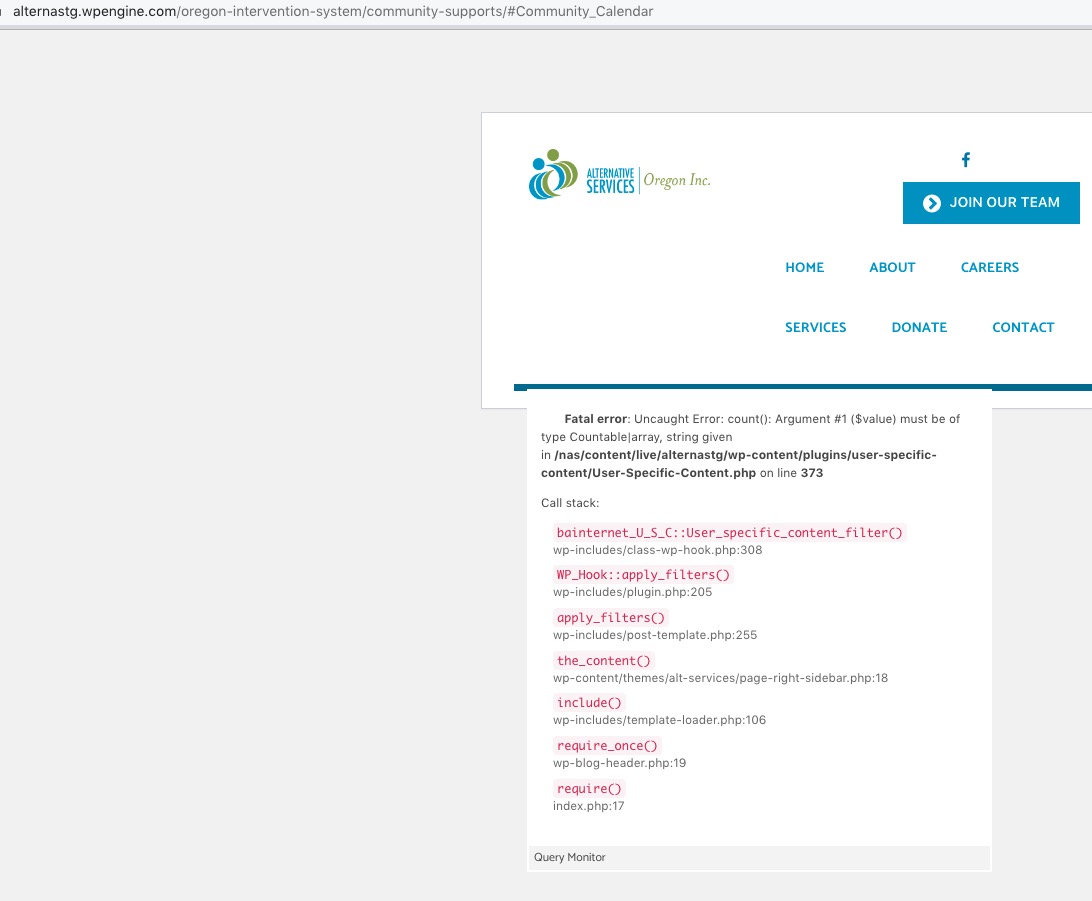
However the results for the EventOn calendar after the User Specific Content deactivation are still the same
Are you referring to disabling it on the live website or staging?
Thank you for letting us know about the issue. I think that the latest 2.1 version already has this issue fixed. Could you check?
Please try adding this CSS code to EventON > Styles (If you don’t see any change, EventON > Scripts & Styling > turn off Write dynamic styles to header > save settings > turn on Write dynamic styles to header):
@media (max-width: 640px){ .eventon_events_list .eventon_list_event .evcal_list_a { display: block; }}
Still the same issue with admin-ajax.php request.
Hello,
Selecting between Month, Week, Day can be achieved with Tab elements of any page builder, for example https://www.youtube.com/watch?v=7TSDG9u9XCM
You create a tab and put there WeeklyView shortcode:
https://www.myeventon.com/addons/weekly-view/
In the next one DailyView:
https://www.myeventon.com/addons/daily-view/
and so on…
However, please note that using so much calendars on the same page at once will hurt the performance, unless you load tabs dynamically.
For submit an event, you need Action User add-on:
https://www.myeventon.com/addons/action-user/
and this shortcode:
[add_evo_submission_form lightbox=”yes”]
Try on https://dev.myeventon.com/wp-admin/
The issue is to move the button into the calendar, however I think that with CSS position: absolute this can be achieved as well.
Hello,
Unfortunately, EventON isn’t compatible with the plugin you are referring to. However please create a new ticket and select Feature Request as category so others can vote on your idea and get it moved into development faster.
Ashan,
Please check
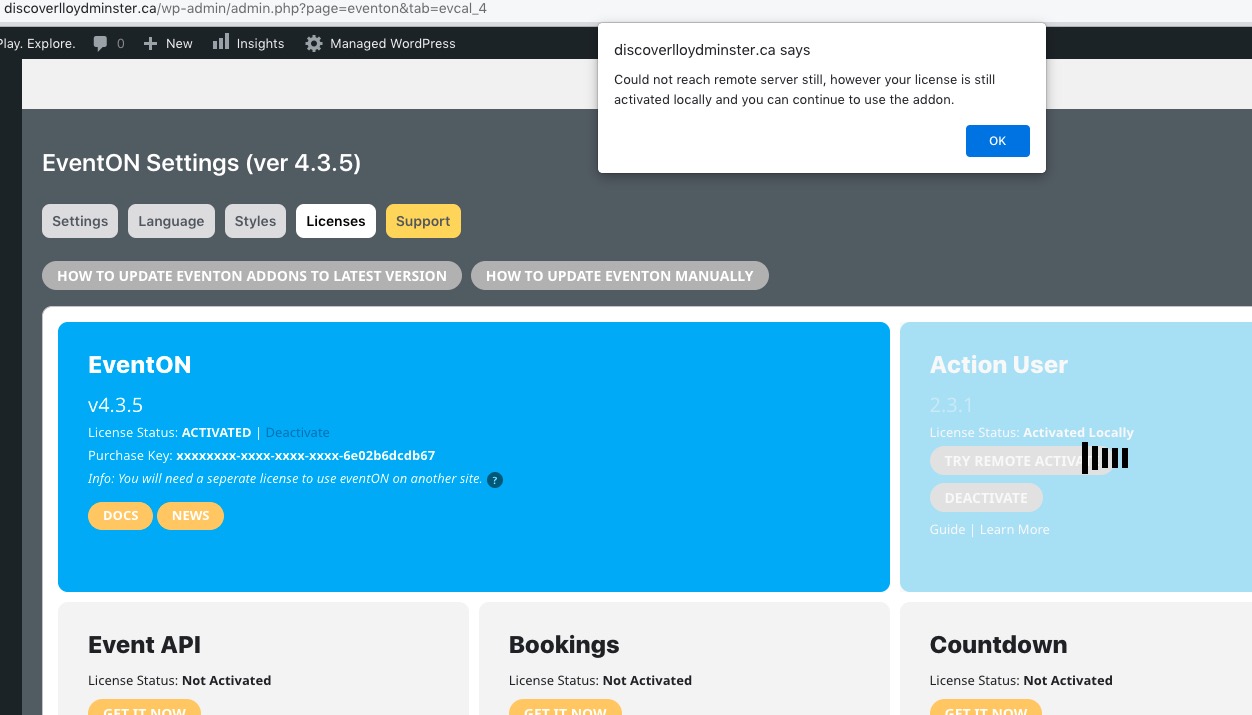
Hello,
Thank you for your messages, I am going to assign this ticket to Ashan and he will be able to take it from here and find you a solution. Please allow some time for him to get back to you, we greatly appreciate your patience and thank you for being a eventon customer! Also please disable any IP blocking on your site if there are any.
Hello,
Please take a look at
https://docs.myeventon.com/documentations/setup-basic-paypal-events/