There is a new version available – 4.3.5. Could you try updating? We’ve changed some things there, so maybe it’ll work better.
To update eventon to latest version: If you are unable to do autoupdate, you can go to codecanyon your account > download and get the latest eventon version as zip file. Then you can go to your website > make sure “Delete eventon settings & data when EventON is uninstalled” is Deslected from eventon settings, delete old eventon, install new one and activate. This link will further explain the process it. Also you can follow us on twitter to get real-time announcements on updates!
Perfect! Please keep us updated.
If you have a moment, we would greatly appreciate if you could kindly leave us a review at codecanyon! from your account > downloads. Cheers!
Hello,
This morning I used the CSV Add-on to import 42 events.
Could you send us the file, so we can take a look?
I restarted my PC, deleted the 9 events, and reloaded the CSV file.
There is no need to restart your PC when working with the server.
Even now, when I have finished updating all the events, and I try to do anything in the Admin panel, it takes ages (e.g. maybe 30 seconds to load a page).
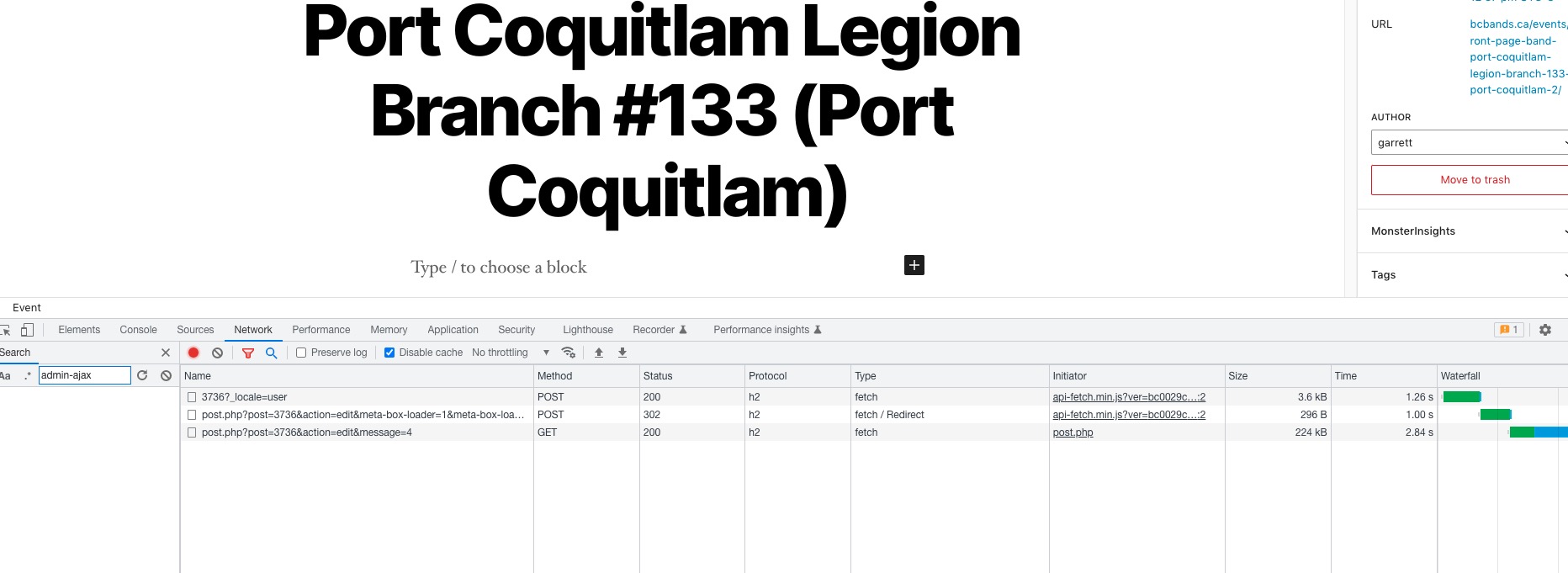
I pressed Update and it took 2+ seconds to update an event:
The amount of memory that you need is based on a lot of different factors. Also note that other plugins and the theme require memory just like EventON.
Just to make things easier for the server please follow “#5 Open events in single event page” of:
https://docs.myeventon.com/documentations/why-my-site-and-eventon-page-loading-slow/
There is also another option that greatly increases the performance:
EventON Settings > Select event calendar WP Query method.
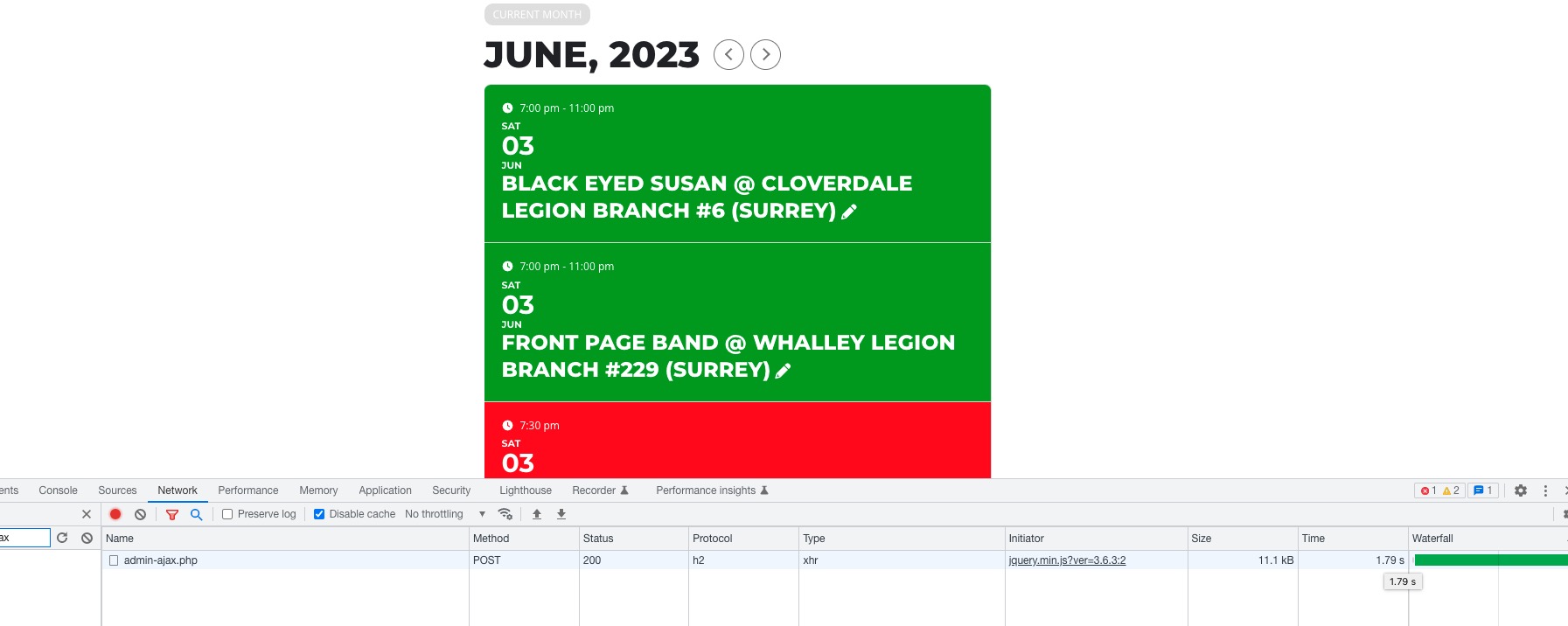
The thing is that for me the website works completely fine. Here’s another example of how long it takes a load the next month:
Less than 2 seconds.
Yes now it worked but if there is any update from the plugin then we lost our translation if we set it like this, so how can we manage that?
Sometimes your theme or a third-party plugin can override EventON’s styles if they in <body>, so by enabling Write dynamic styles to header, it moves the dynamic styles to <head>.
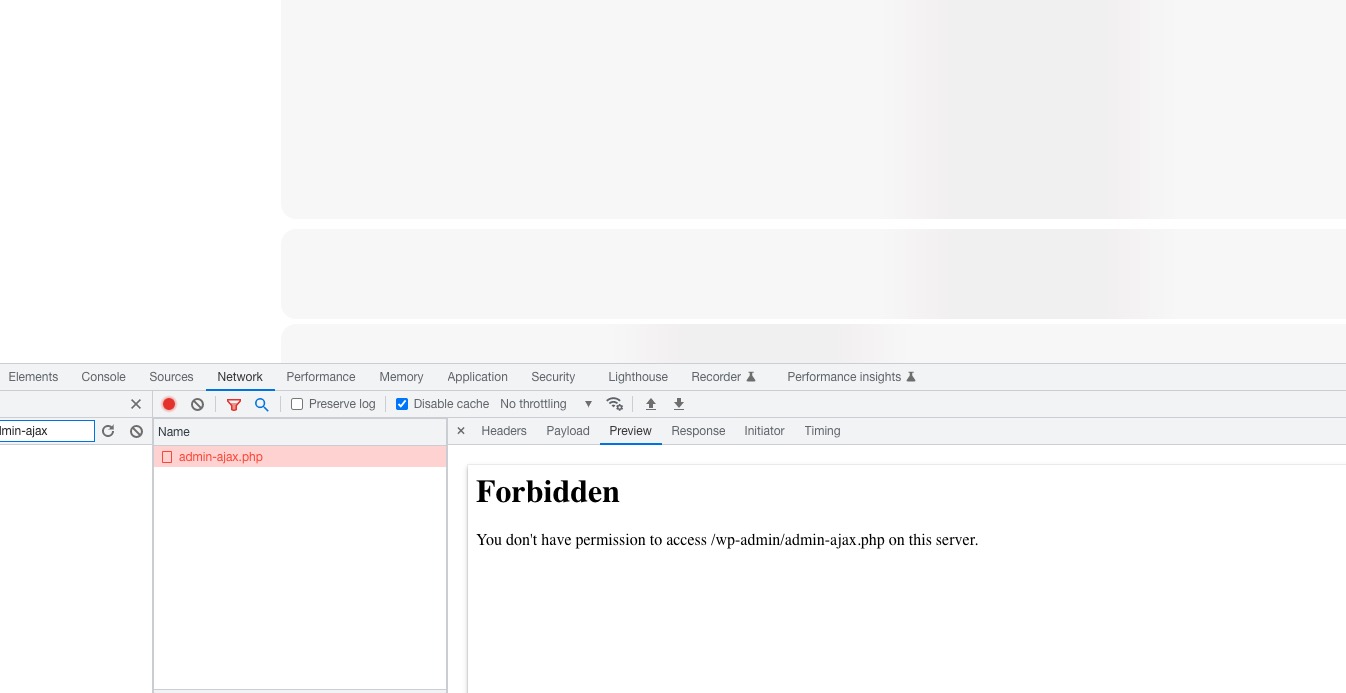
Is there some kind of security plugin on the server that can restrict access for links: 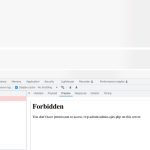
Could you try following
https://www.wpgmaps.com/documentation/troubleshooting/this-api-project-is-not-authorized-to-use-this-api/
We are glad your issue is resolved, if you have any further questions or concerns please create a new ticket.
If you have a moment, we would greatly appreciate if you could kindly leave us a review at codecanyon! from your account > downloads. Cheers!
Hello,
Please follow the instructions in this documentation to activate debug in your site to see any PHP errors recorded that can provide insight on to whats going on. Please reply with a link to debug.log file. If you are not able to do this please send us FTP access to your site so we can do this for you.
we already enhanced the memory limit to 512 MB
Perfect! The issue is that sometimes some hosting providers only allow these kind of changes from php.ini.