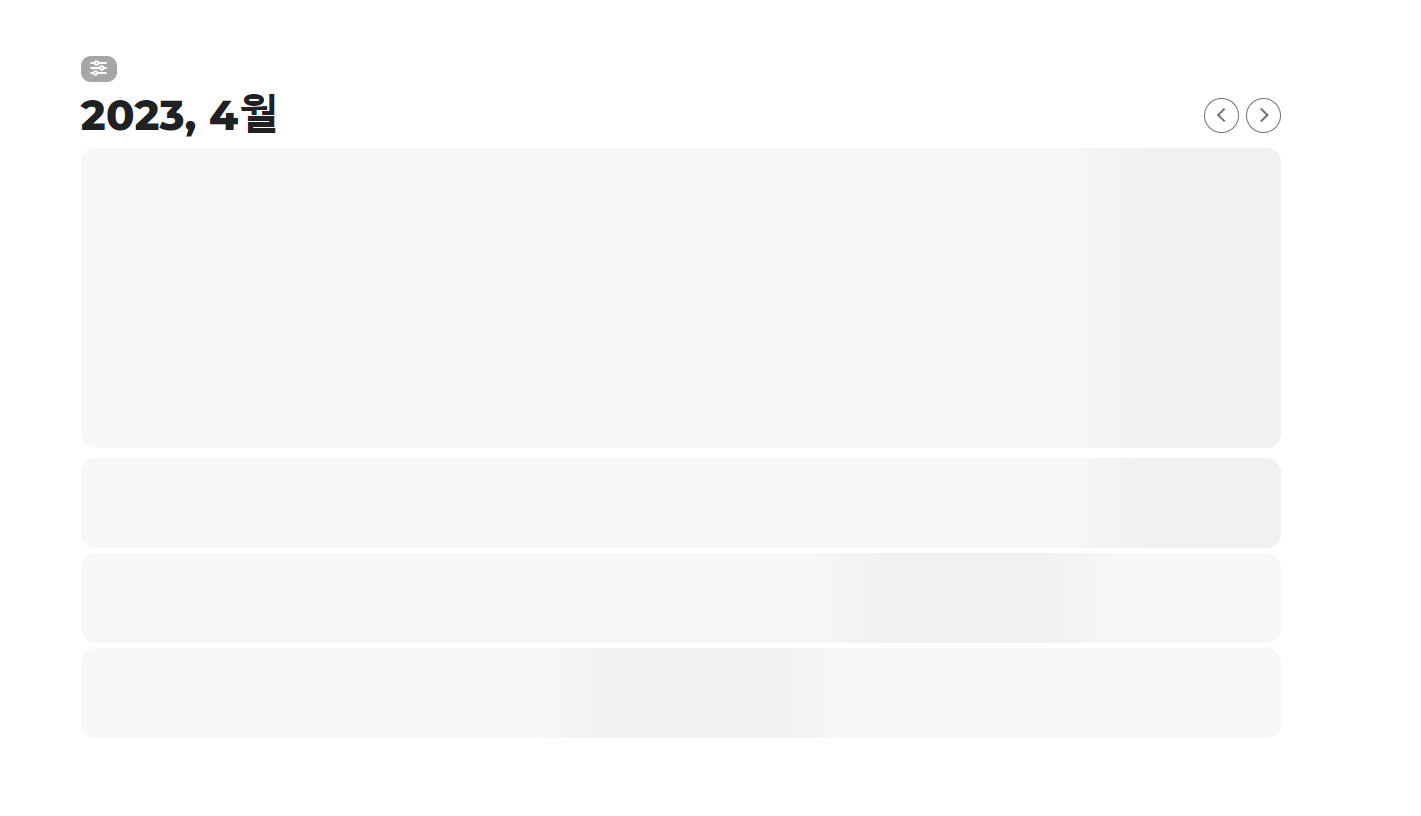
This is what the page looks like.
Replies for tickets on suppota
This is what the page looks like.
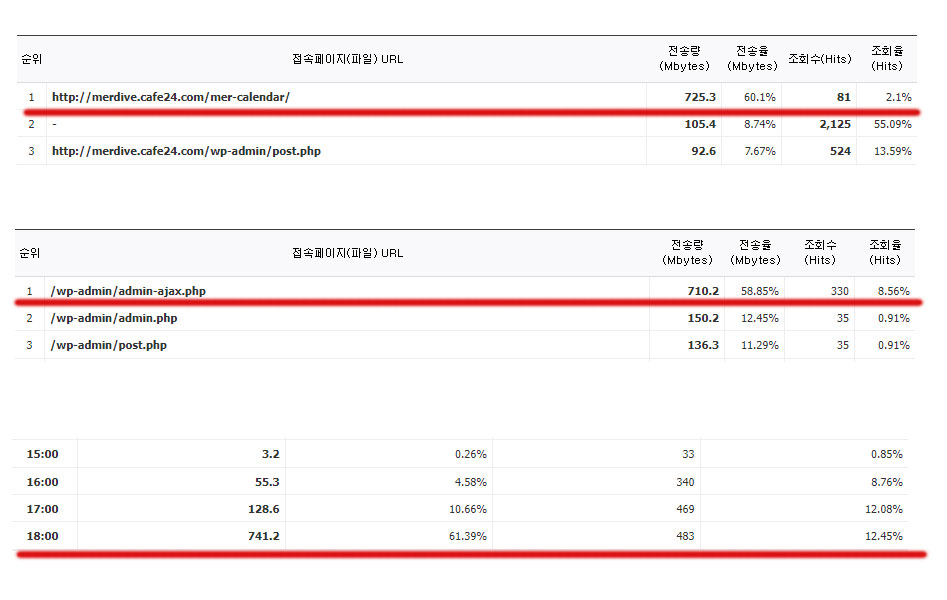
Registered many recurring events.
After that, no events are displayed on the page.
And traffic increased according to event registration.
Hello there,
thank you so much! This does the trick and the filters work perfectly now!
This issue is now resolved.
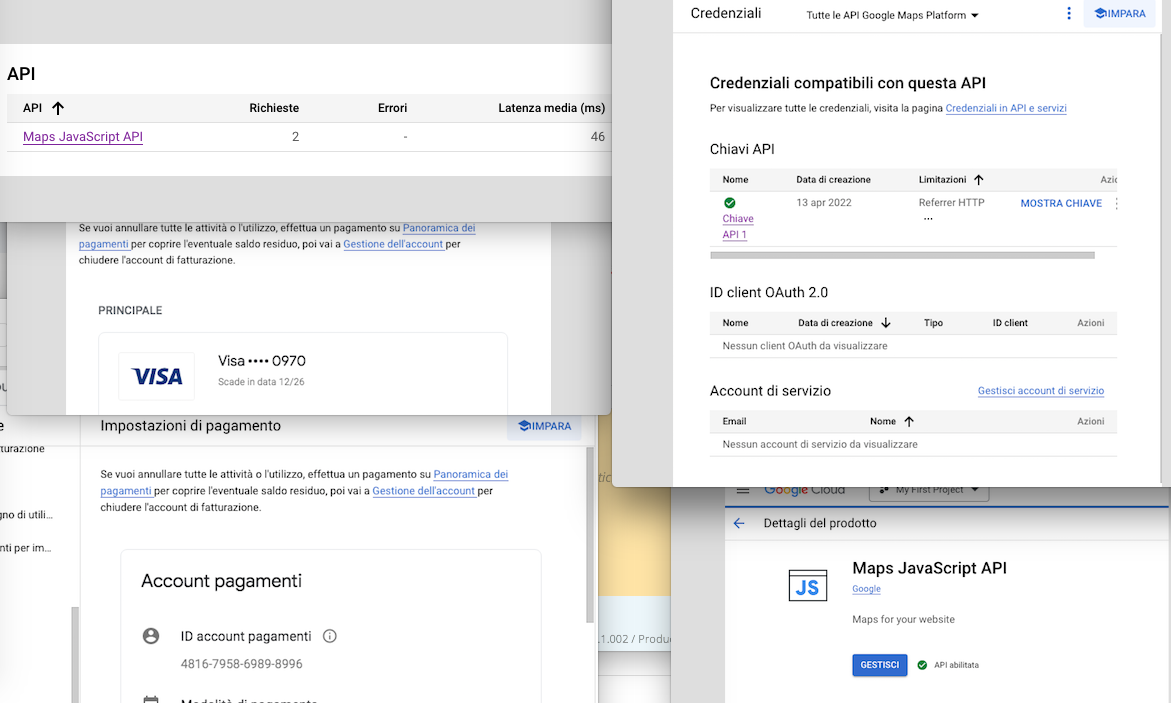
hallo, as you can see on attachment (a screenshot of screenshots), all seems ok from GOOGLE API maps.
i have the map javascript api, maybe i have to activate some other kind of google api like “address validation api”?
The only change i have done now is to restrict access to my website and proceed to OAuth configuration (i set External users and i have published the app)
Can you check now and help me to find a solution?
G
thank you Definitely improved traffic and loading speed.
the error message i am getting on console is
ocoding Service: This API project is not authorized to use this API. For more information on authentication and Google Maps JavaScript API services please see: https://developers.google.com/maps/documentation/javascript/get-api-key
suggests that you are either
using an api from another google maps instalation
have not added credit card details to the api
_
Write dynamic styles to header it was already off, what is used for?
Solved thanks,,,
Hallo, sorry for late reply.
My hosting provider told me that they tried a solution to allow wp_remote_get, but not sure it work fine now.
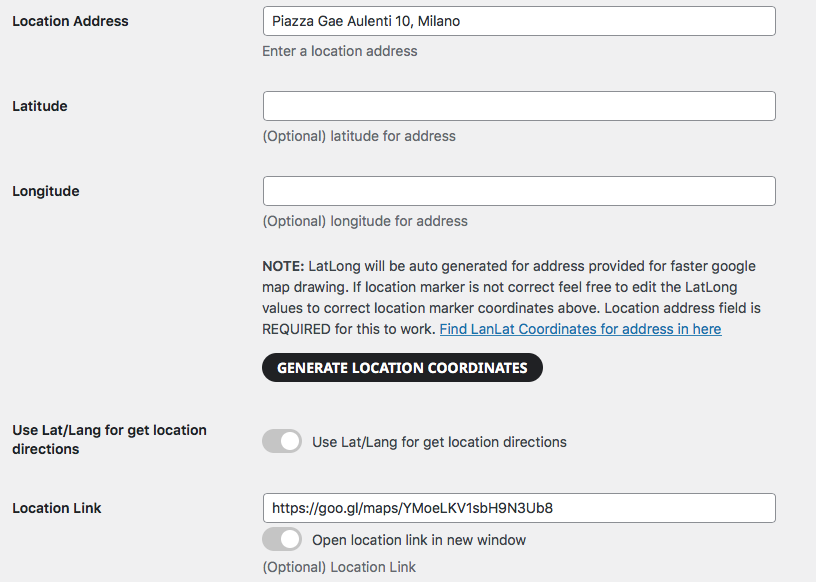
Can you check if is ok now? … I think not, because i’ve tried to use the function “generate location coordinates” from address doesn’t work
the addres is
Ok, I think I managed to fix it by reducing the size of the tiles to 99.5%. It would still be better to keep the original spacing on computer and only increase the spacig on mobile, but this solution works ok!