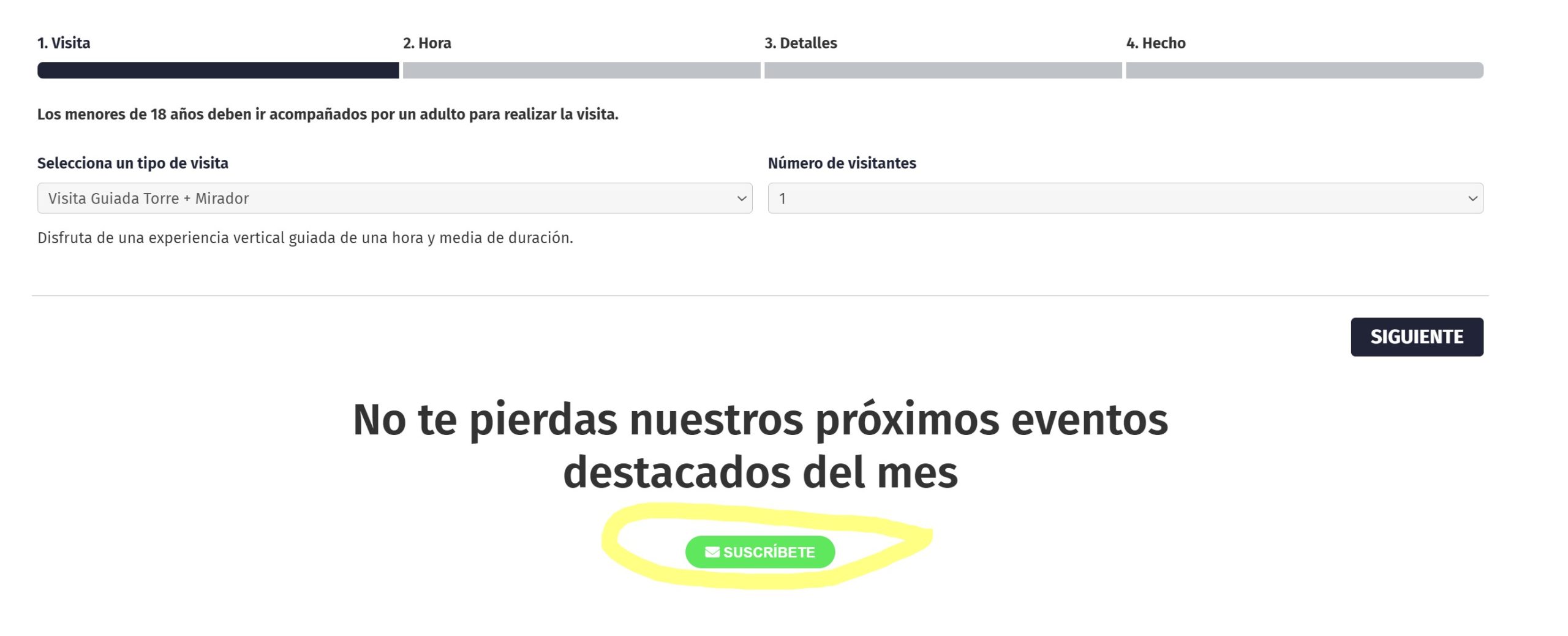
Hi Francisco,
You can use the custom CSS code below to increase the size of the button and text
.evosub_subscriber_btn.evcal_btn{
padding: 20px 18px !important;
font-size:15px;
}
Please add the custom CSS code to “EventON Settings > Styles” and save changes. If you do not see the new style changes, Go to “EventON Settings > Styles & Scripting > Turn off write styles to header” Click save changes – to write the styles css code direct into page header. You can turn this off once the cache is cleared.
Hi John,
Thank you for your message, I am going to assign this ticket to Ashan and he will be able to take it from here. Please allow some time for him to get back to you, we greatly appreciate your patience and thank you for being a eventon customer!
It works! The fonts are displayed correctly.
Thank you very much.
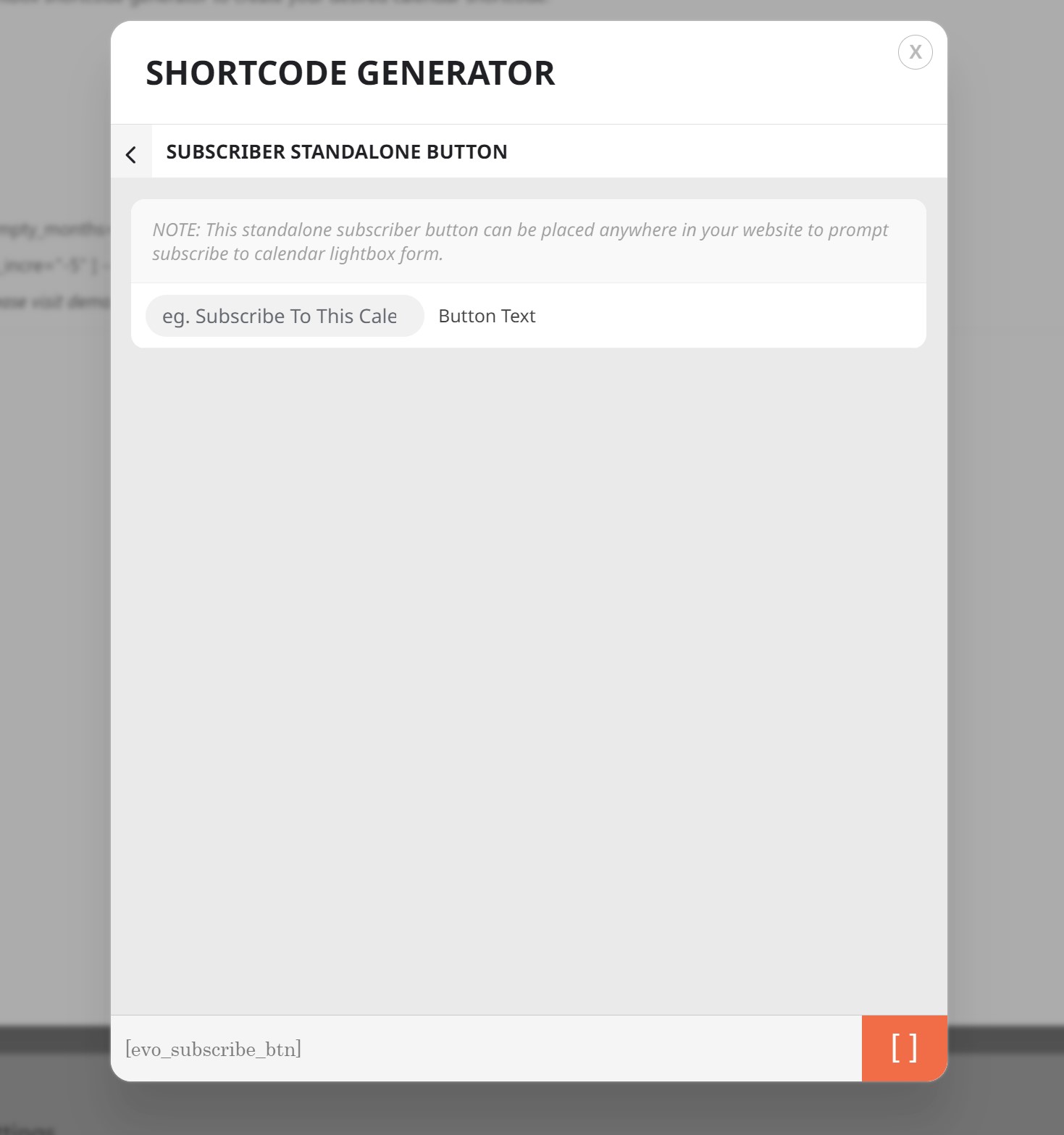
I mean the button to subscribe to the events that is in the home of the page and that would be this code. I would need to make it bigger so that it has more visibility and to know if there is any code to attach the pop links to a specific button on my website. I didn't quite get the design of that button.
Hello,
Please update Event Tickets add-on.
To update eventon addons: You can download latest eventon addons from myeventon > my account. Then you can go to your website, deactivate old addon and install new one and activate then delete the old addon. This link will further explain the process. Also you can follow us on twitter to get real-time announcements on updates!
Hello,
Thank you for your assistance. I’ll wait Ashan feedback.
Have a nice week,
Ana
I think the correct process to bring this to fruition would be:
1º To be able to create a list of “Referrals” or “Reseller”.
2º Each referral has a link that he shares to his contacts and when sold is added to your list.
3º Commission system, define how much each referral gets per ticket sale.
4º Statistics per referral with sales and commissions information.
That is a great idea. i need it….!!
Thanks for letting me know! Looking forward to the update