Hi Todd,
Thank you for your message, I am going to assign this ticket to Ashan and he will be able to take it from here. Please allow some time for him to get back to you, we greatly appreciate your patience.
Replies for tickets on suppota
Hi Todd,
Thank you for your message, I am going to assign this ticket to Ashan and he will be able to take it from here. Please allow some time for him to get back to you, we greatly appreciate your patience.
Hi again!
The same mistake is showing up again.
Would you please help me once again?
this is the code now
[add_eventon_list number_of_months=”12″ tiles=”yes” tile_bg=”1″ tile_style=”1″ ft_event_priority=”yes” event_type=”18,” ]
and how can i show only the events that are available not the month only show events that are alive
how remove other month where it is empty?
thx
thank you very much!
Hello,
Thank you! I did what you suggested in the top of your message with no success. But, when I changed the page slug from /events to /event-directory it looks exactly like we wanted it to. Thanks so much!
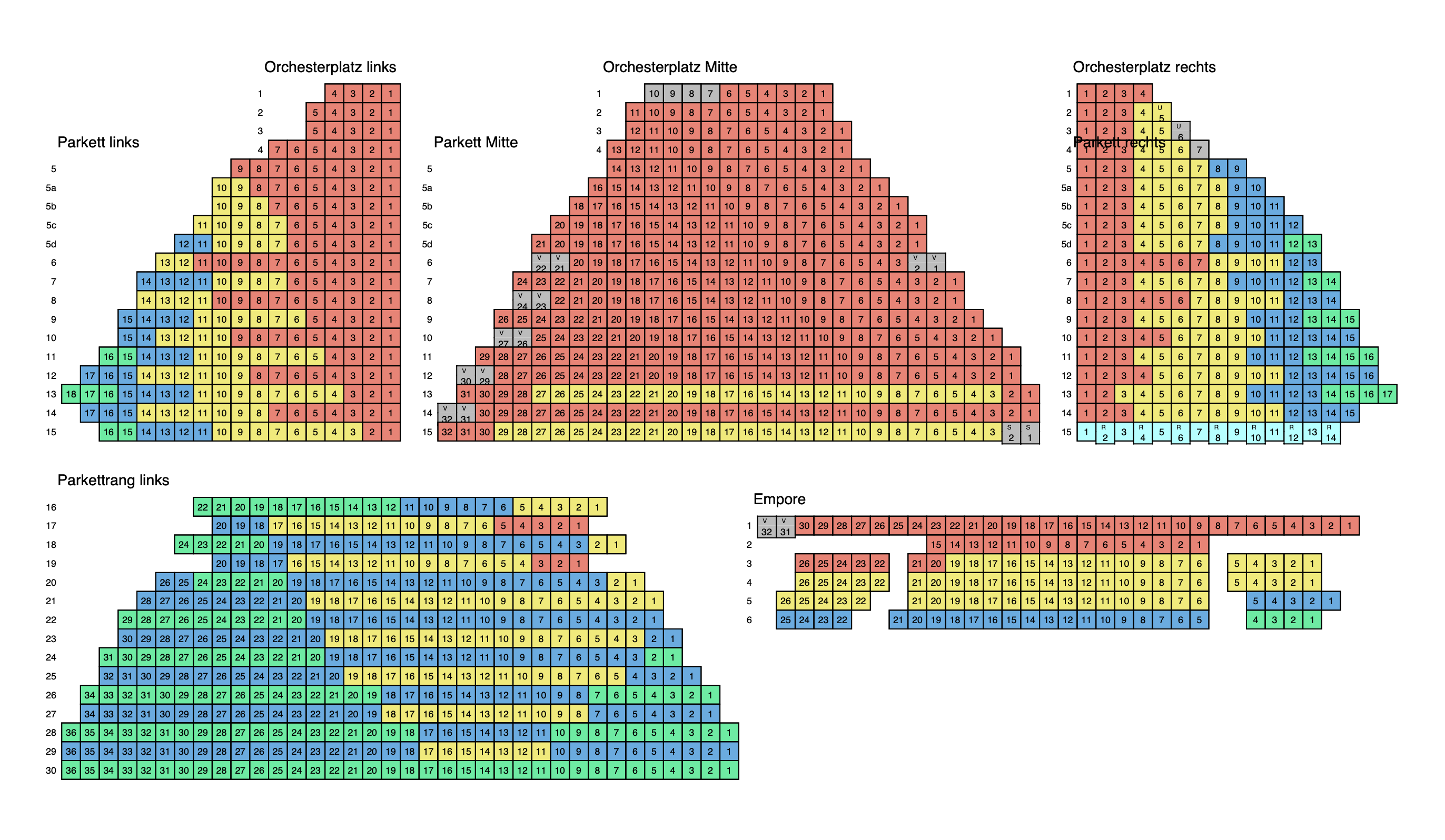
pls let me know more about this big update:
Thx in advance, Peter
When I reuse an existing event I can’t update.

Hello:
I cleared the cache and it is still doing the same thing (The events page looks different when you’re logged in versus logged out).
The addons in yellow (see attached screenshot) are the ones we have purchased that are not activated. When I try to enter the addon license that is in my account it says the license is not valid.
Thank, this helped a lot.
Best Carmen