I have one more question right now. Because here: https://dev2.myeventon.com/Events-Directory/prog/ when you click on an event, the details are shown at the bottom. On my website, when I click on an event, a new window appears. Is there a possibility in my option that a new window does not appear, but it is like in this test what you sent?
Try adding ux_val=”1″ to your shortcode. Also, which page on your website are you referring to?
look here 
Could you tell us more about your browser and OS? Please also try a different browser and your current browser, but in Incognito mode.
last thing – I’m sending you a photo. There are links to the social media of the organizer. But haven’t you thought about making it so that when you click it, a new window will open? Because at this point, if I click, for example, on the FB of the organizer, a direct transfer takes place. This means that you have to go back and go back to the event page again. Maybe it’s worth thinking about opening these socials in a new window?
Thank you very much for your suggestion! We will take it into account.
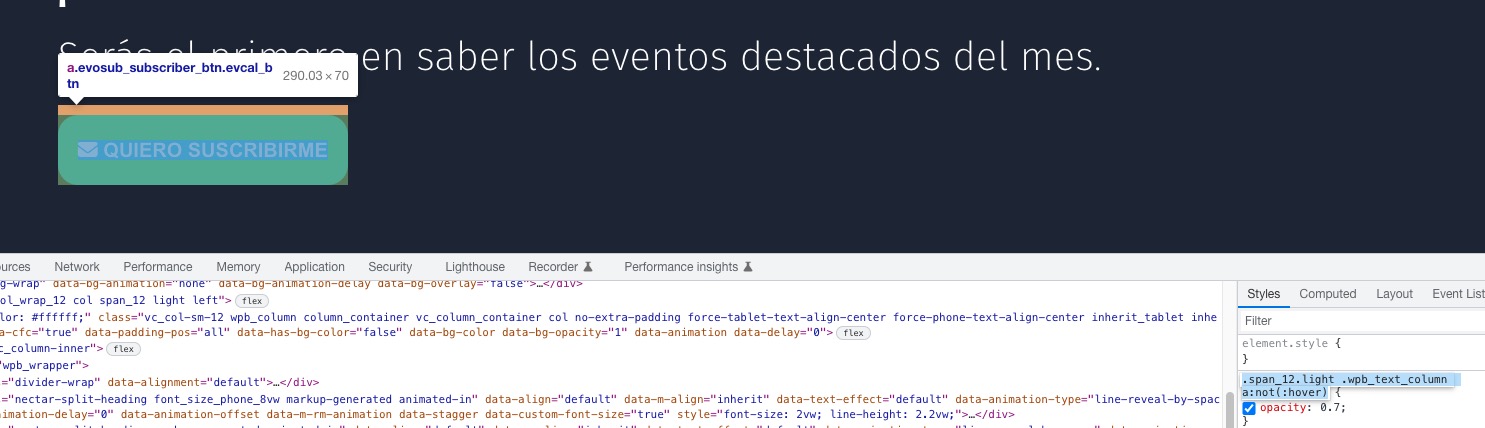
This style from the theme affects the button:
Please add this CSS code to EventON > Styles (If you don’t see any change, EventON > Scripts & Styling > turn off Write dynamic styles to header > save settings > turn on Write dynamic styles to header):
.evosub_subscriber_btn.evcal_btn { opacity: 1 !important; }
Hello,
I also added number_of_months=”12″, so it should work now. Please check and let me know.
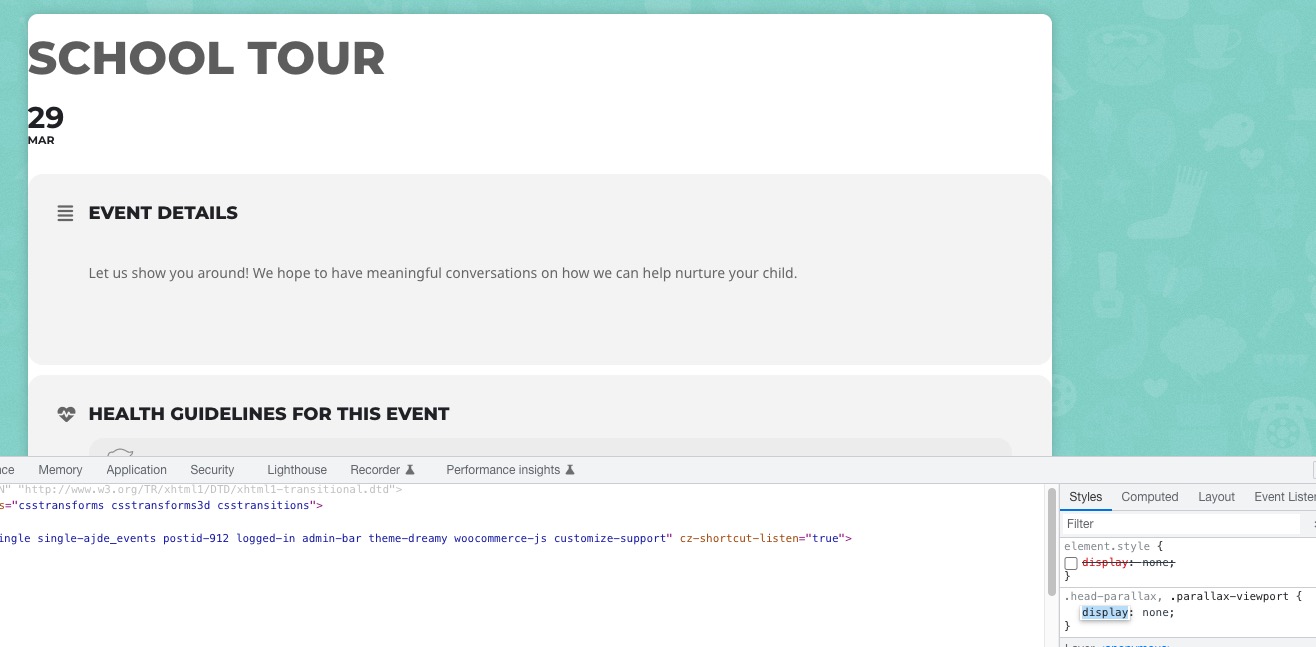
There is something wrong with these styles: It seems that parallax header somehow completely hides EventON’s Single Event page. Is it possible to disable it?
can you please check now to see if the license upgrade from 1 to 5 sites have changed the price of the addon?
Hello,
Unfortunately, we don’t have any access to accounts’ info on CodeCanyon. Please contact them about this.
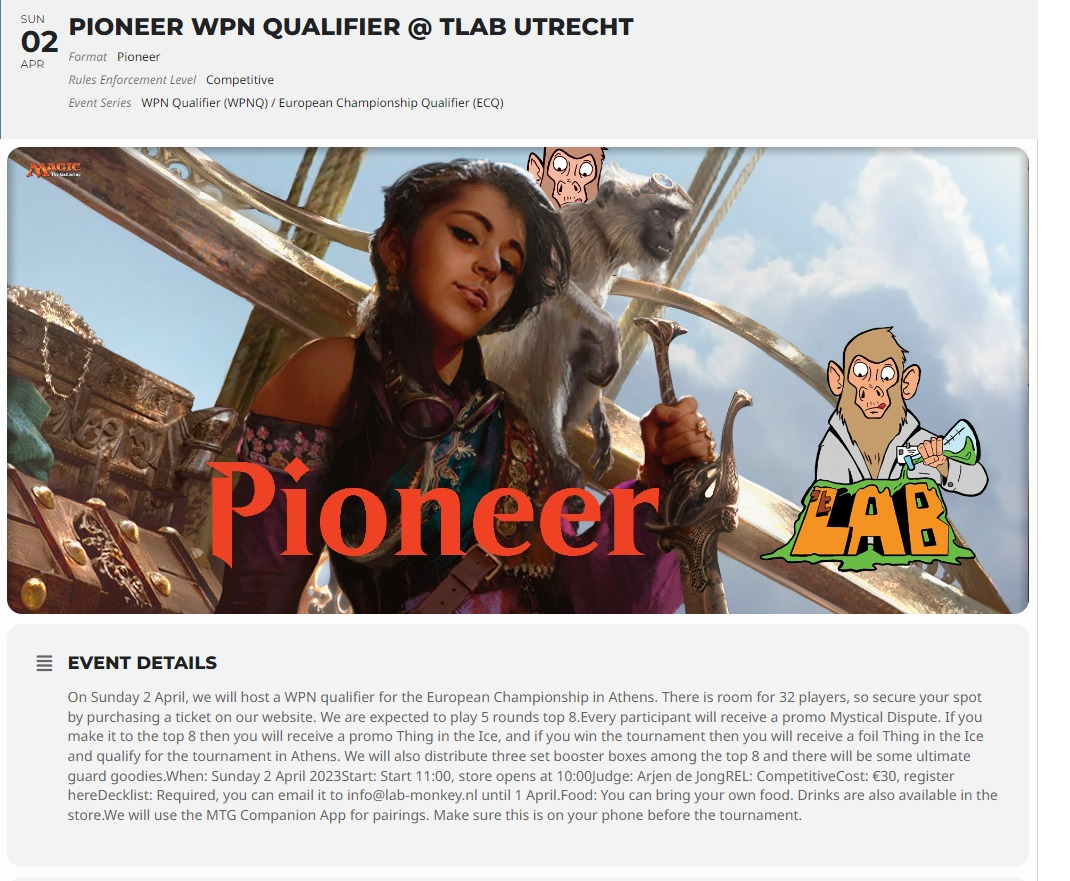
And this is what the event looks like after editing
Hello,
It seems that you need 280MB more of available memory, apart of 512MB.
Could you try increasing it by following
https://docs.myeventon.com/documentations/increasing-wordpress-memory-limit/
Try 999MB.
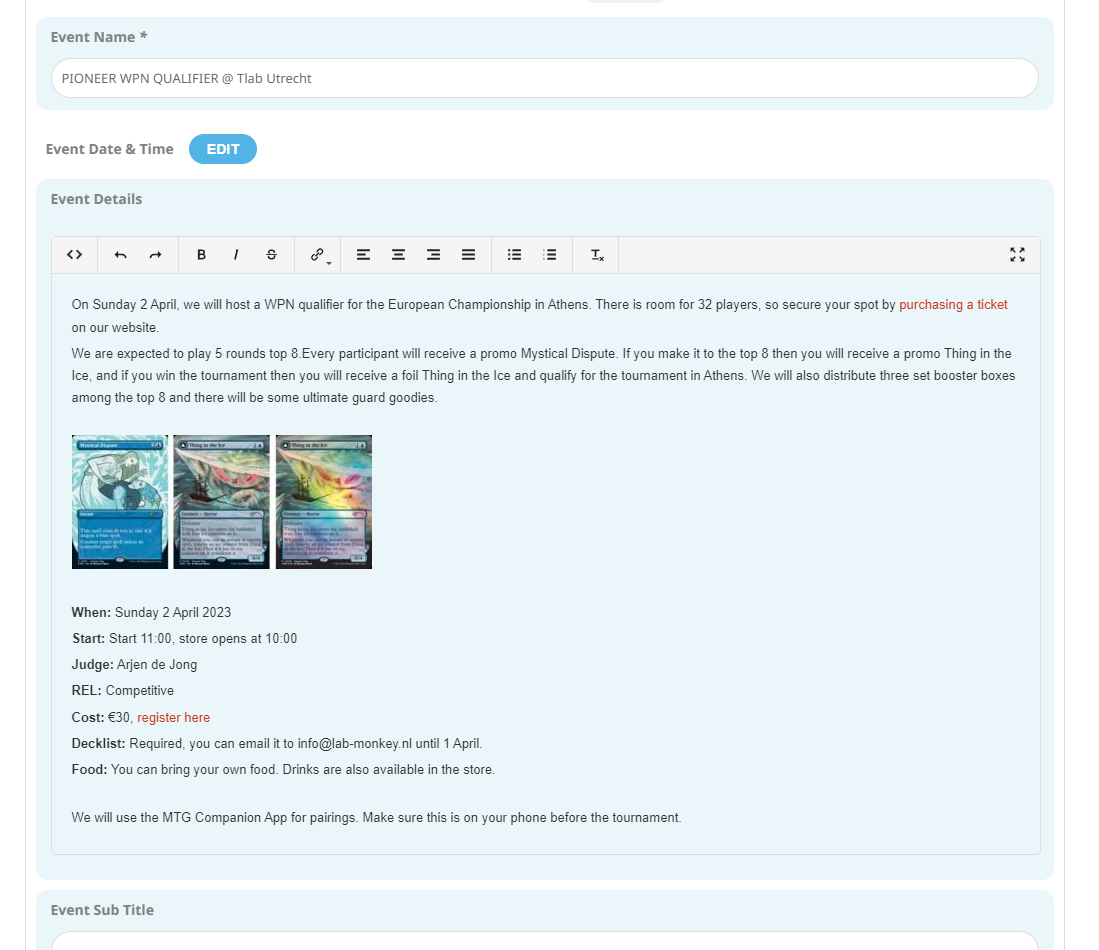
This is the event text that the user is trying to create