We are sorry for the delay. I contacted Ashan about your ticket. He’ll reply ASAP.
Archives: Replies
Replies for tickets on suppota
Reply to: tickets(397511)
Hello,
We are sorry for the delay. There were issues with 5.0, so we needed some time to fix them. We’ve already uploaded new version to CodeCanyon. They need to approve it.
Reply to: tickets(397523)
If you can, please downgrade to the previous version.
Reply to: tickets(397523)
Hello,
We are sorry for the issue. Already working on fixing it. The update will be available shortly.
Reply to: tickets(397511)
same problem here…
Reply to: tickets(397031)
It’s been 5 days without a response to my refund request. If I don’t receive a response by tomorrow, I’ll open a dispute on PayPal.
Reply to: tickets(397460)
Same happening on our sites
Reply to: tickets(396099)
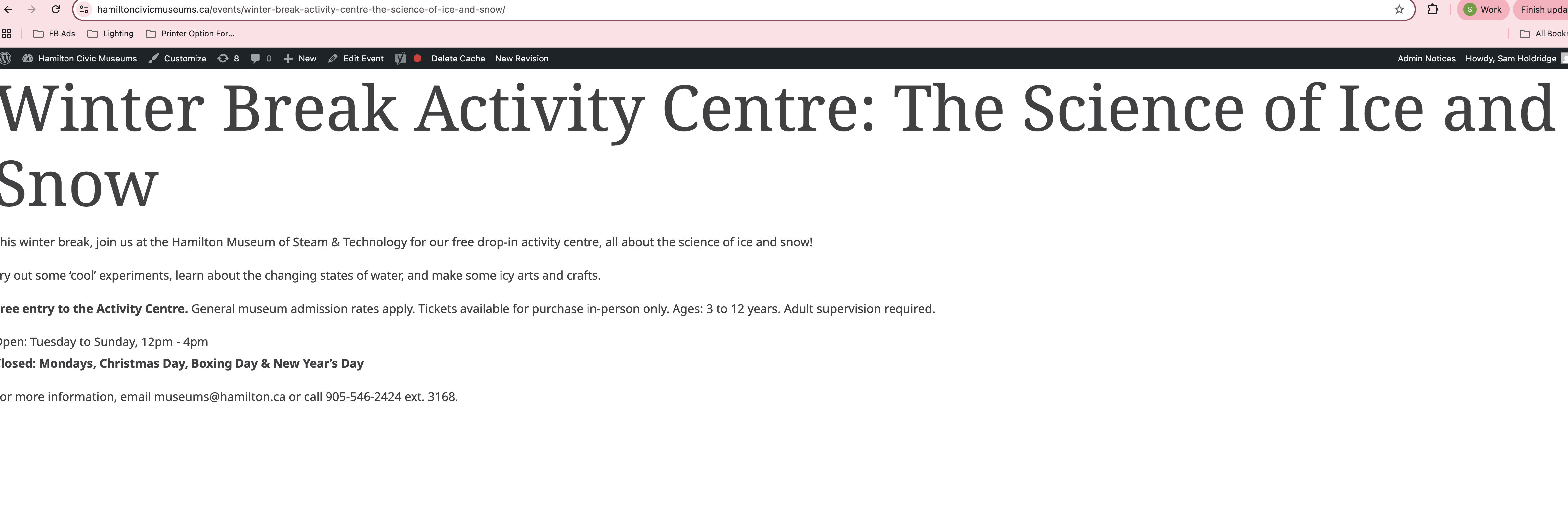
it looks like the default action is to open the event page on click, I will attach a screenshot. Is there a way I can make the default action different? Like click to open, or already opened like examples above?

Reply to: tickets(396099)
Here is the page with just the [add_single_eventon id=”pid”] added
https://hamiltoncivicmuseums.ca/events/winter-break-activity-centre-the-science-of-ice-and-snow/
Reply to: tickets(396099)
I went in and created all of these options for shortcodes and none of them worked:
[add_single_eventon id=”pid” show_excerpt=”yes” show_exp_evc=”yes”]
[add_single_eventon id=”pid” show_excerpt=”no” show_exp_evc=”yes”]
[add_single_eventon id=”pid” show_excerpt=”yes” show_exp_evc=”yes” show_et_ft_img=”yes”]
[add_single_eventon id=”pid” show_excerpt=”no” show_exp_evc=”no” ev_uxval=”3″]
[add_single_eventon id=”pid” show_excerpt=”no” show_exp_evc=”no” ev_uxval=”1″]
They all created the same result, all the styling went away. I will attach a screen shot. Can you help?