My test events seem to be working:
https://www.oenopolis.vin/el/ekdilosis/test/
https://www.oenopolis.vin/en/evenement/test/
https://www.oenopolis.vin/evenementen/test/
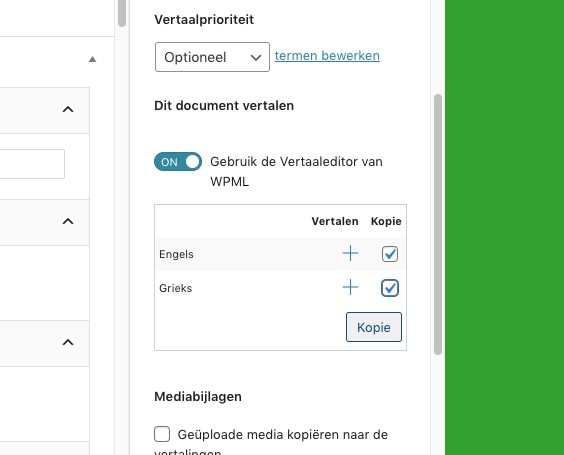
My process: go to Add a New Event > fill the data > press Publish > refresh the page > select these two and press Copy:
Ashan,
Please check the original message from the customer.
It seems that Include Anything’s Color Select doesn’t work on WordPress.com.
They’ve tried deactivating plugins and switching the theme.
Perfect! Please re-activate your plugins and the theme.
Thank you for your messages, I am going to assign this ticket to Ashan and he will be able to take it from here and find you a solution. Please allow some time for him to get back to you, we greatly appreciate your patience and thank you for being a eventon customer! Also please disable any IP blocking on your site if there are any.
As a temporary solution, please go to Edit Post and open Developer Console by inspecting an element:
https://developer.chrome.com/docs/devtools/open/#inspect
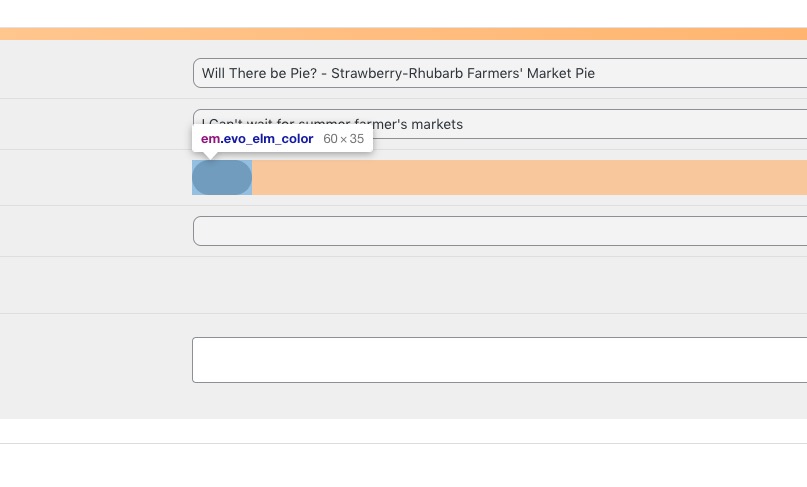
Right click on it and then press Inspect:
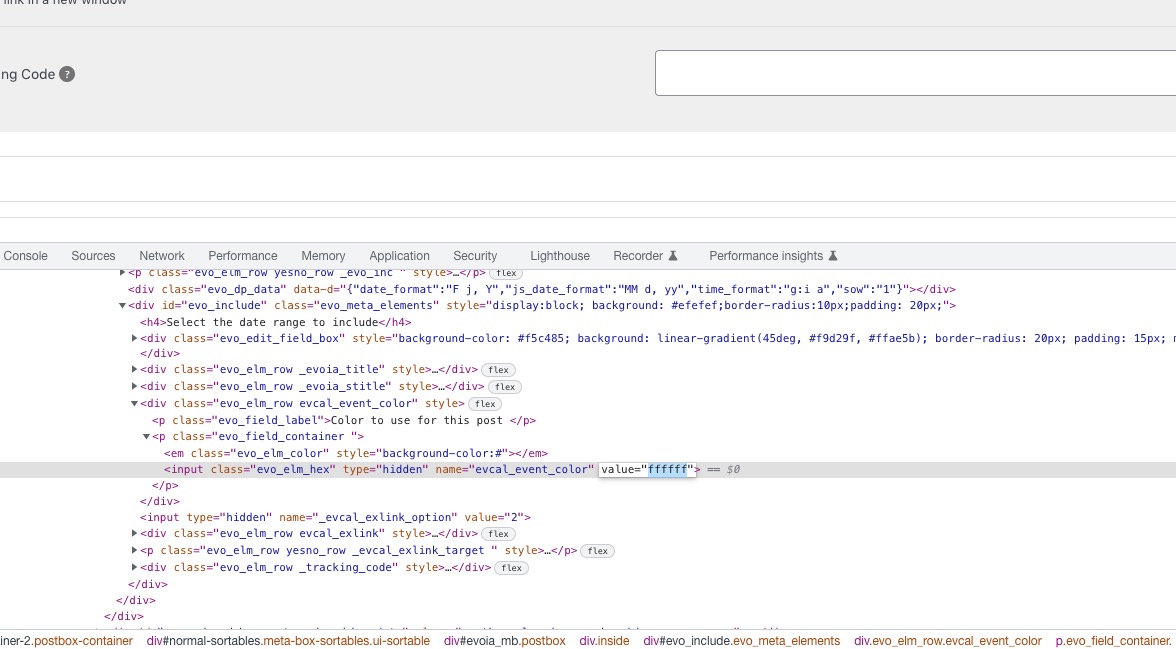
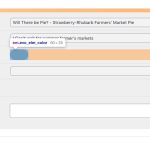 Now find this HTML tag and put your color HEX into value:
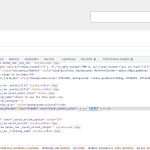 Update the post.
It should change the color.
We are glad your issue is resolved, if you have any further questions or concerns please create a new ticket. If you have a moment, we would greatly appreciate if you could kindly leave us a review at codecanyon! from your account > downloads. Cheers!
Ah found it and activated it.
Seems to work.
Thanks for your support,
Ralf
Do I need to activate it in the plugin or on another place?
I am a little lost here and need a bit of guidance.
Thanks für your support,
Ralf
Hello,
Please send us wp-admin access to your site as a private message for us to further assist your situation.
We are glad your issue is resolved, if you have any further questions or concerns please create a new ticket.
We are glad your issue is resolved, if you have any further questions or concerns please create a new ticket.
We are glad your issue is resolved, if you have any further questions or concerns please create a new ticket.