Thanks!
Archives: Replies
Replies for tickets on suppota
Reply to: tickets(309771)

Here is the image of what I’m trying to hide.
Reply to: tickets(309634)
We are glad your issue is resolved, if you have any further questions or concerns please create a new ticket.
If you have a moment, we would greatly appreciate if you could kindly leave us a review at codecanyon! from your account > downloads. Cheers!
Reply to: tickets(309604)
while you wait for ashan
Could you please try the instructions mentioned in this documentation to make sure your issue is indeed coming from eventon.
Reply to: tickets(309604)
ashan- to login
login at jetpack.com
Usernamevfhelp
Passashanjay1999
then visit virtualfeast.ca/wp-admin
this is wordpress.com site
Reply to: tickets(309604)
Thank you for your messages, I am going to assign this ticket to Ashan and he will be able to take it from here and find you a solution. Please allow some time for him to get back to you, we greatly appreciate your patience and thank you for being a eventon customer!
Reply to: tickets(309680)
Hi,
I guess I just have to have two accounts because one is for the EventOn site and the other is for the ahanjay.com site.
I also figured out that EventOn license is Code Canyon and the other is on EventOn site.
As long as I can get support here for Action User here too, I think I’m all settled!
Reply to: tickets(309604)
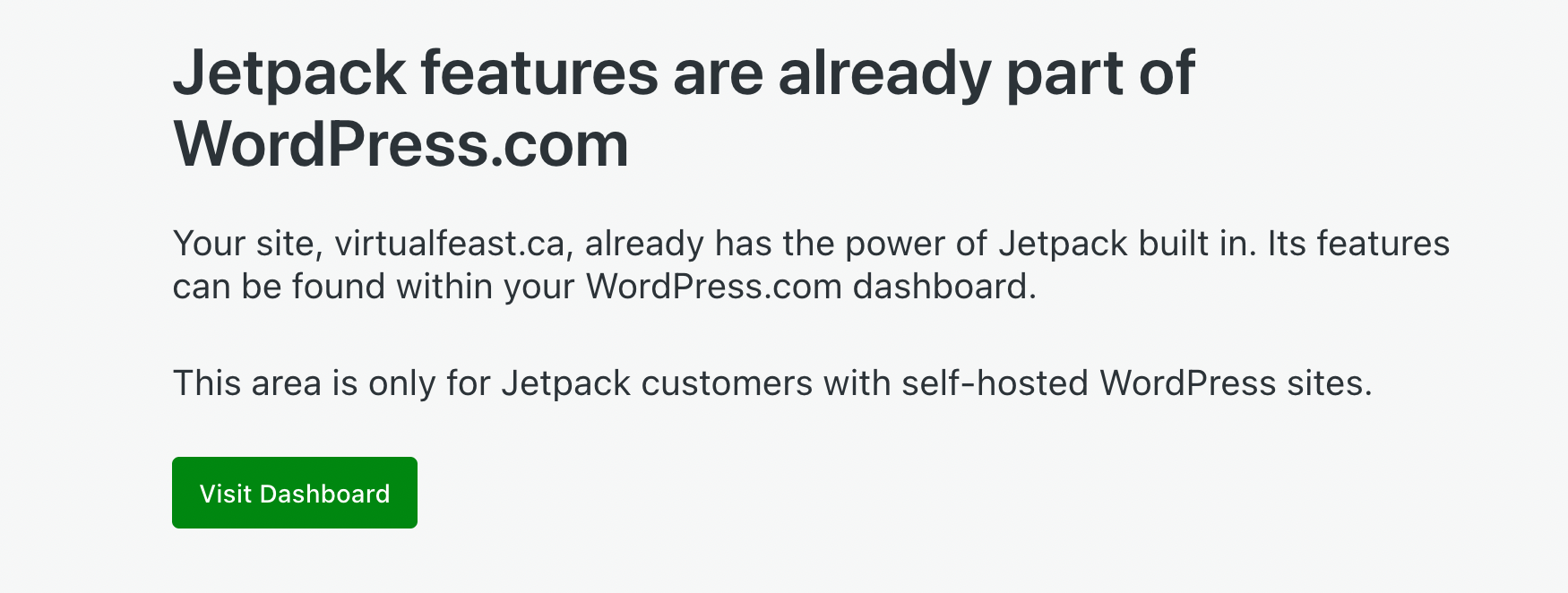
i checked the wordpress.com jetpack help files and it specifically says that jetpack can not be disabled for wordpress.com sites …
however i was able to go to jetpack.com and login with the vfhelp credentials I sent you. It asked if I wanted to login with wordpress user and I said yes. Then it took me to a screen which said this area was for wordpress.org users only but had a dashboard button that took me to the virtualfeast.ca site admin.
Can you try that…
We are getting desperate trying to setup new conference events for this month that heavily use the registration and speaker schedule plugin features.
Reply to: tickets(308732)
Hi,
The “gear-like” icon just means that the translation needs to be updated after having changed the text. The problem however was there before i even added any translations. So the Greek Wine Tasting was working also without translation
I just finished the translation from the one above but as you see it makes no change
The thing is, i changed the settings of WPML to show original language even if translation is not available. There should not be an issue. I have checked every setting of WPML and it should be ok.
Please have a look at the following.
I created a lot of test events. They work.
If i create an event with another name it does not work…
Reply to: tickets(309722)
Great! I am going to close this ticket.