Hello,

I leave here the shortcode but this code in update  4.3.2 worked so I doubt that's the problem. I understand that it is something that you have changed in the update


[add_eventon_fc eventtop_style ="2" show_et_ft_img ="yes" event_type_2="NOT-451"]


thank you
Archives: Replies
Replies for tickets on suppota
Reply to: tickets(307601)
Ok, it’s updated, now work fine.
Bye, thank you
Reply to: tickets(304841)
Just checked, and the login-problems seem to be with Chrome only. I tested Firefox (on Linux), Safari on iOS, and Microsoft Edge on Windows – they all work.
It should not make a difference, but maybe you could try the URL with a slash at the end: https://www.solarserver.de:8443/login2sose/
Also, I just updated to the latest version of EventON, but the problem persists.
Reply to: tickets(307788)
Hi Artem,
To explain it in a simpler way, if you click on “Booking Test” on the top Calendar on this link:
https://dev.myeventon.com/testing-5/
It displays the time slots for every single day, creating a ridiculously long list that the customer has to scroll down before they can add to cart.
We would like to show the time slots only for the selected day (the day that the customer has ‘clicked’ on the top calendar [add_eventon_fc]). A simple way to do this would be for us to use custom CSS to hide all days, and then make *selected date* visible, but the *selected date* would need a class to be added to the “date” div, such as <div class=”date selected”>
Please explain if there is a simpler way to achieve this, alternatively please advise can you provide some some for adding that class to the div. Otherwise, this plugin add-on is pretty useless, as customers simply will not scroll down pages and pages of dates.
Many thanks,
Alex
Reply to: tickets(307788)
Hello,
I am sorry I dont quite understand what you are trying to explain here, could you please send us screenshots or video capture? thank you!
Reply to: tickets(307647)
Debug.log doesn’t contain any errors that can help us.
Could you please try the instructions mentioned in this documentation to make sure your issue is indeed coming from eventon. There are few js errors that come from your third-party plugins.
Reply to: tickets(306992)
I cannot load the shortcode to check it: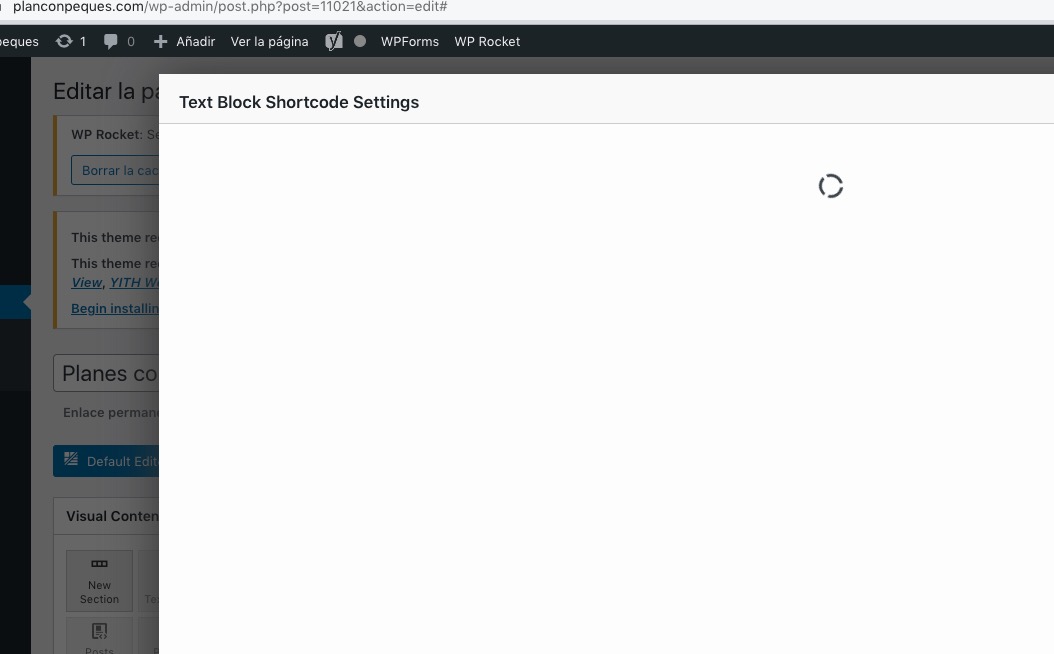 Could you send it here?
Reply to: tickets(306910)
I cannot access wp-admin with this login info:
Could you check?
What’s the difference between live and dev? Certain plugins or the theme?
Reply to: tickets(307647)
My FTP Acces
login : dngp_eventon
pass : Eventon2023
dngp.ftp.infomaniak.com
Reply to: tickets(307656)
Hello,
Since this is customization, we need to check the updated plugin on your website. Is it possible to provide us a login to your dev site where we can see the issue?
I think that there is an issue with cache and not with the code itself.