Yes we are aware of it and are working on finding a better resolution that will be able to sanitize the input field.
Archives: Replies
Replies for tickets on suppota
Reply to: tickets(306882)
Hi there Joao, we do not have a custom bundle but you can use the code EVO20T and get 20% off at the check out 🙂
Reply to: tickets(306893)
I have refunded you for both waitlist and wishlist addons. please go ahead and purchase the actionUser Ryan.
Thank you very much for the review!
Reply to: tickets(306892)
would you mind sharing the order ID for those?
Reply to: tickets(306184)
Are you not able to see the license key information at https://www.myeventon.com/my-account/licenses/
Liceneses look good from our system side
Reply to: tickets(306910)
Hello,
Could you try this code:
#evorsvp_form .form_row input.name[name=last_name] { display: none !important; } #evorsvp_form .form_row.email { display: none !important; }
Reply to: tickets(307005)
Just to be sure I understand… So first I buy an additional Eventon license for the different domain, then I can import the calendar I made on the original lisensed site with the addon into the new Eventon? Right?
And then when I make a change on site one- I import it again. Is that correct?
Thanks so much!
Reply to: tickets(307002)
Hello,
Unfortunately, EventON EventBrite add-on isn’t our product. Please ask the plugin developer directly: https://codecanyon.net/user/momo-themes
Reply to: tickets(306885)
I installed 15.1.0 version and it seems to be working correctly. Could you elaborate on what should we do to recreate the issue?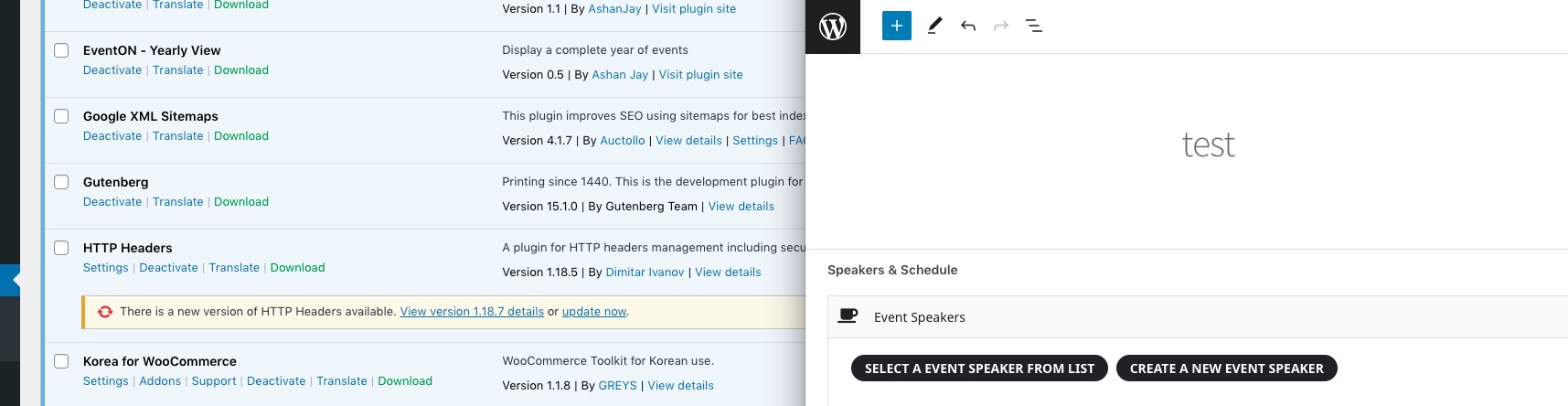
Reply to: tickets(306992)
I enter without problems with that user and password
Thanks