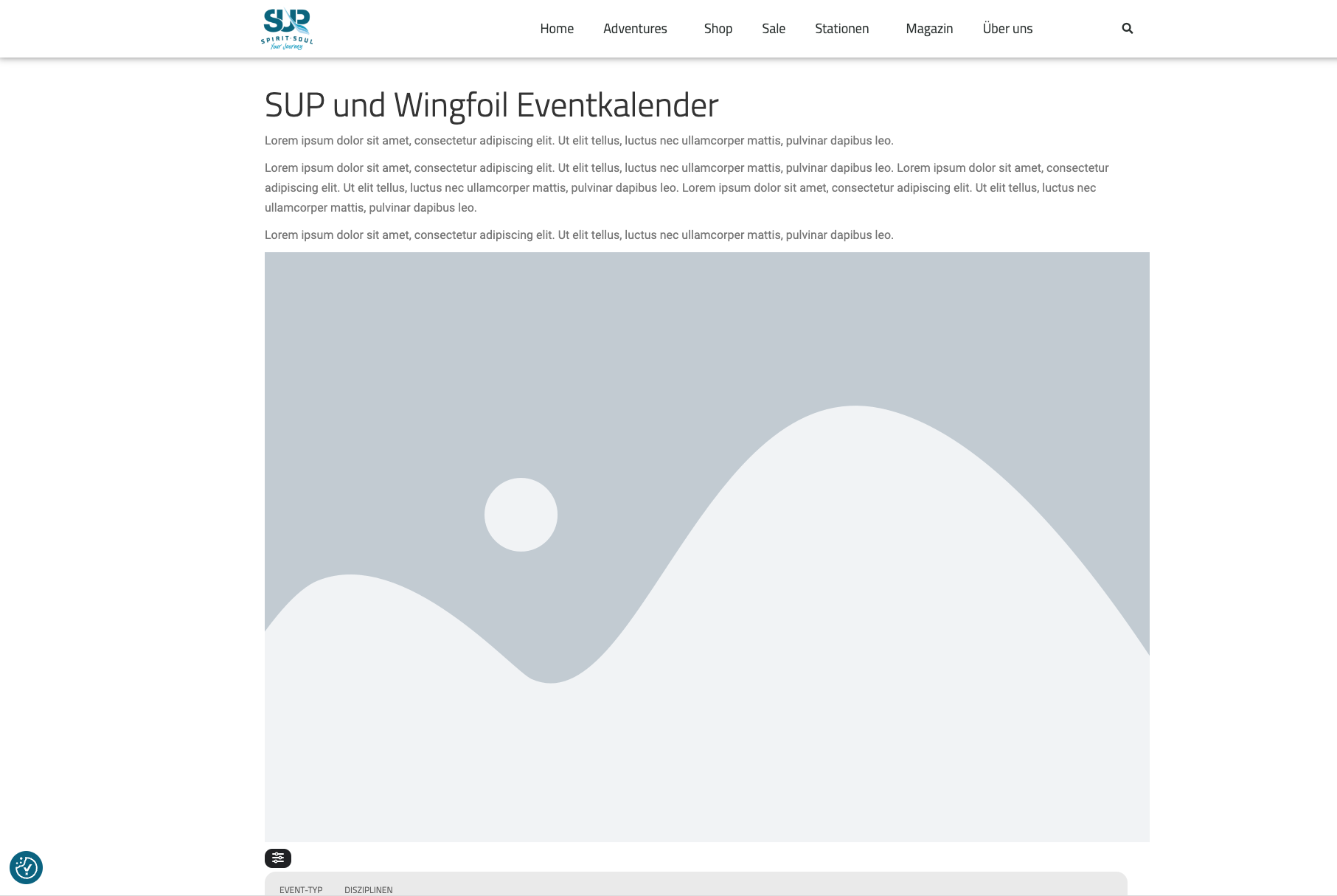
here is the front end
Replies for tickets on suppota
here is the front end
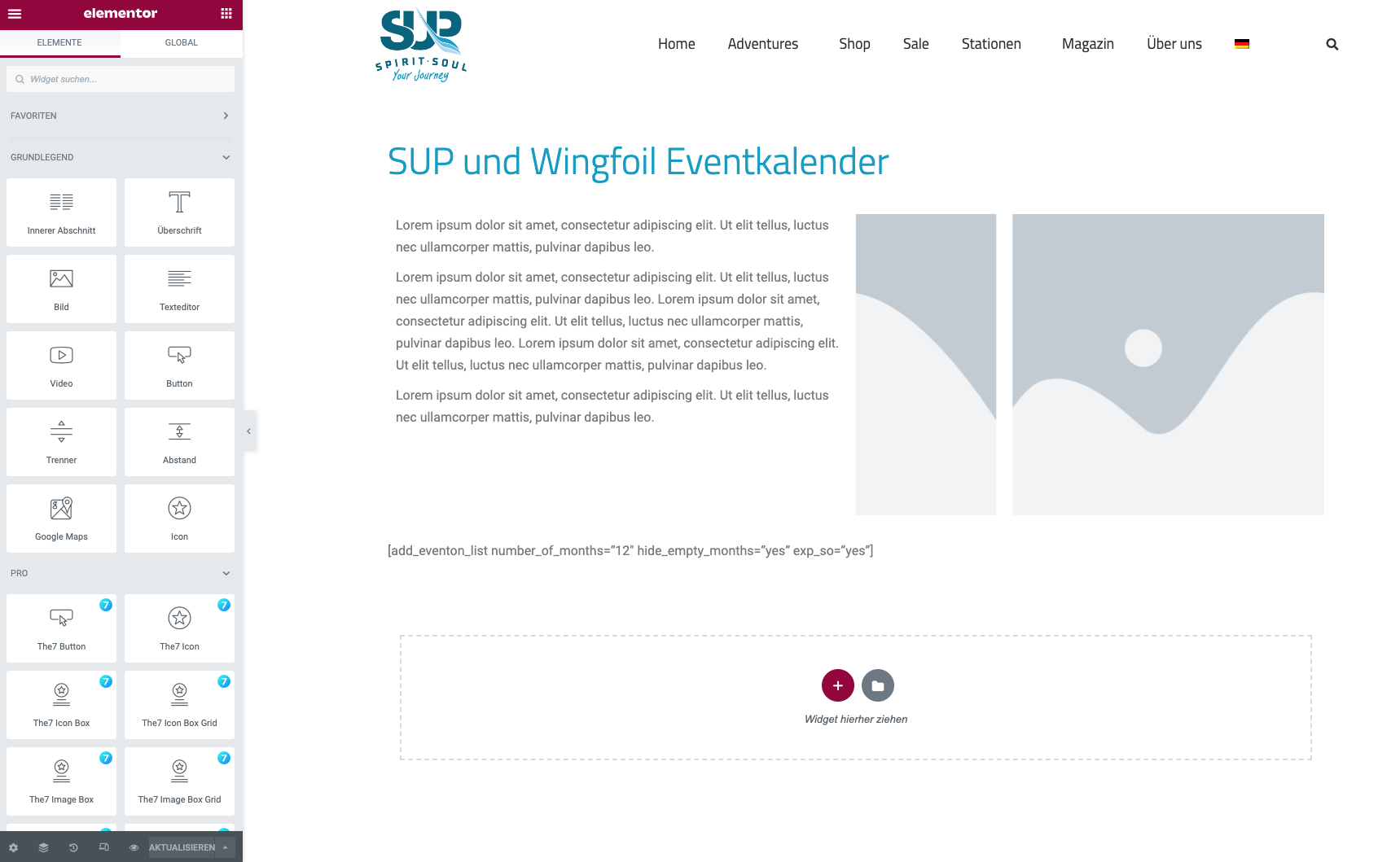
Sorry, another issue:
The block design above the calender is affected by the event on styles. It looks fine in the backend, but not in the front end. How can we seperate the wrapping?
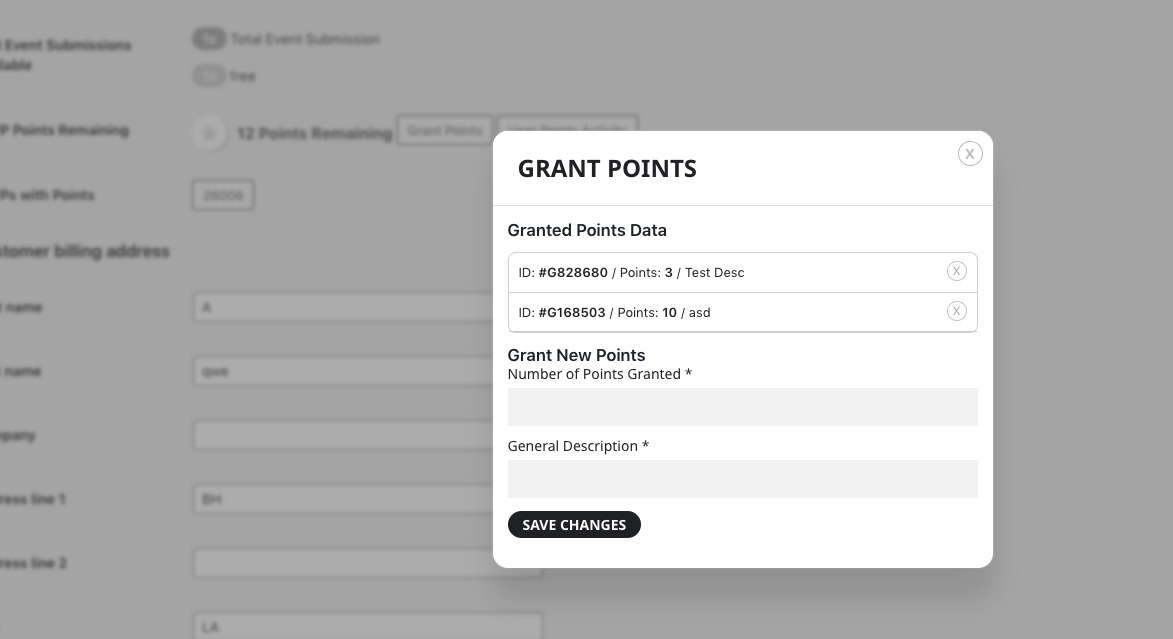
Please make sure that the user has granted points.
Hello,
How it looks like on our test server:
 Please send us wp-admin access to your site as a private message for us to further assist your situation.
Hello,
WooCommerce handles all of this. By default the only way of canceling an order, is to go to wp-admin > Woo > Orders > Edit > set Status to Cancel. EventON doesn’t have any buil-in functionality on this.
We cannot see the event on the website since it’s requires a login. Could you send us a screenshot of Edit Event > RSVP settings, so we can recreate the event and then give you the code to hide all of this:
https://helpdeskx.s3.amazonaws.com/wp-content/uploads/2023/02/18022318/Screenshot-2023-02-18-at-09.21.57.png
I went to https://www.valenciablog.com/wp-admin/post.php?post=9401&action=edit and changed quotes, so the calendar is visible now.
Now please go to https://www.valenciablog.com/wp-admin/admin.php?page=eventon#evcal_002sc and disable “Disable Moment script”.
Hello,
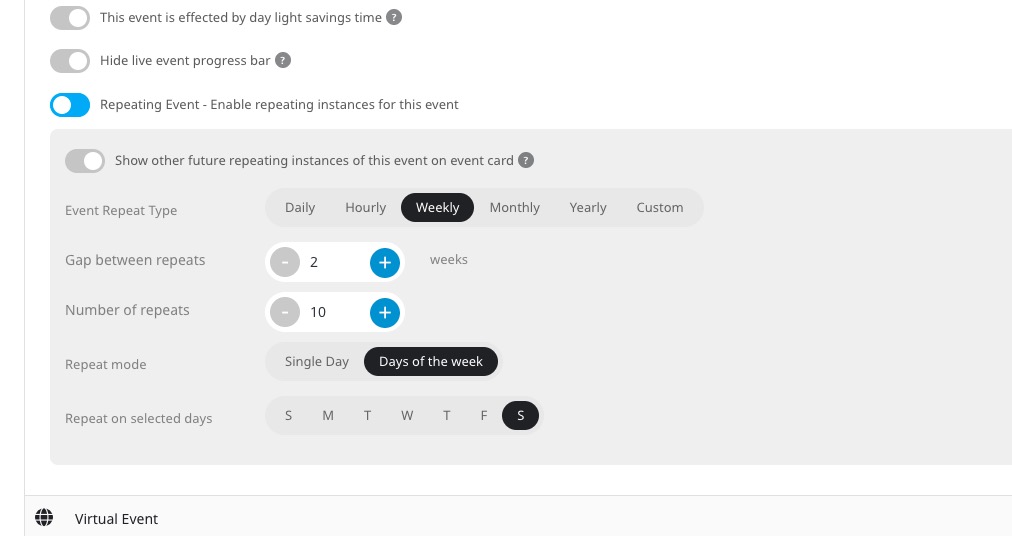
Try setting repeating events like this:
Hello,
Please take a look at
https://engelwurz.at/506-2/
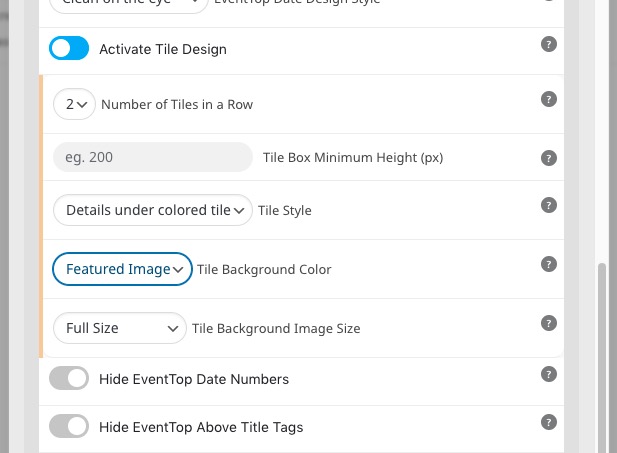
Options I used:
Hello,
Please follow this guide:
https://docs.myeventon.com/documentations/confused-event-type-categories/