Hey Ashan,
I have no idea what you did or if you did anything at all, but with the EventOn-Update today the error disappeared 🙂
Everything is working fine again & I just recognized how I missed creating & editing events with EventOn 🙂
Thank you, keep on the great work you guys do with this plugin!
Yes it is.
But I typed “NB” as field value in Button field and the old text is back when saving 🙁
Could you please redo and leave the button field value empty ?
I don’t understand this issue, how it’s coming
Did it help? Please let us know.
New version of Location template looks like this:
https://dev2.myeventon.com/event-location/maultsch-im-gewerbepark-asd/
Unfortunately, https://g2solution.co.uk/shropshire/event-location/festival-drayton-centre/ cannot look exactly like this anymore https://guide2.co.uk/shropshire/event-location/festival-drayton-centre/, since we redid our templates base.
Maybe it will be easier for your to downgrade to 4.2.2. Please let us know.
In order to request a refund, please create a new ticket under Billing & Accounts and be sure to include the order ID for which you need a refund for and the reason for requesting a refund.
Could you tell us do you need a list of events in JSON format or just a calendar you can put on your external website?
Hello,
I am sorry, the access information you have provided did not work for us. Please check them and post the correct login information as a private message, thank you!
Could you try the same with a regular WooCommerce Product?
We are glad your issue is resolved, if you have any further questions or concerns please create a new ticket.
If you have a moment, we would greatly appreciate if you could kindly leave us a review at codecanyon! from your account > downloads. Cheers!
I moved the text to Button Link:
https://canardsbastogne.be/wp-admin/post.php?post=35159&action=edit
Is it the same on your side?
This whole ticket is private.
Hello,
It seems that the text is wrong. The license has been activated correctly.
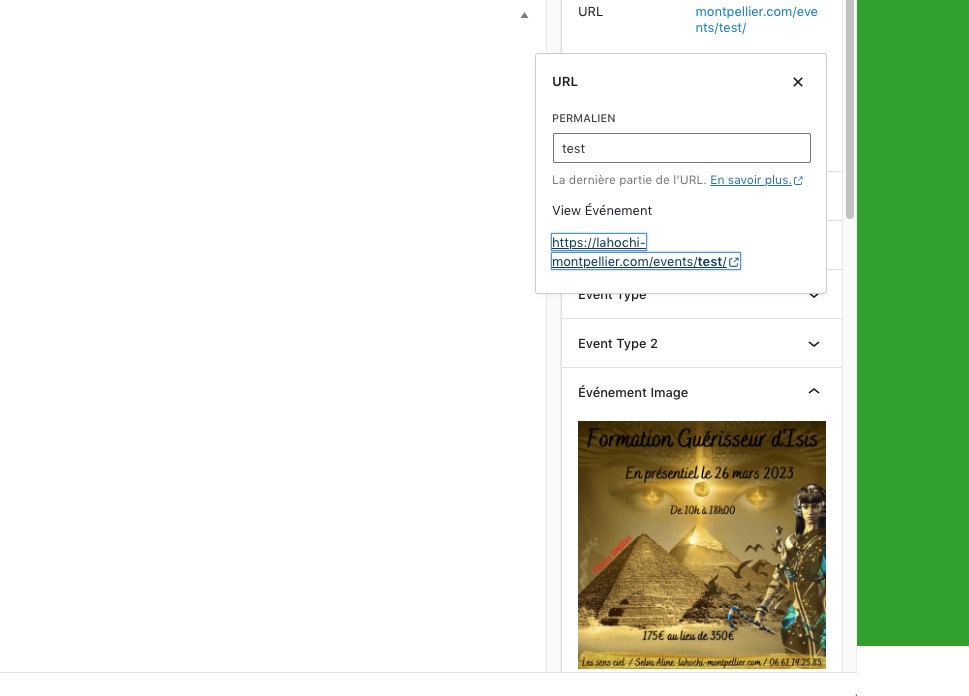
Featured Image also works:
https://lahochi-montpellier.com/wp-admin/post.php?post=25102&action=edit